A platform on your domain
Your region’s app at an address you choose, with public pages for events, venues and organisers and Studio behind them.
Start a region
A business-events platform for your county or city, under your own name, colours and domain, on a system that is already running. You bring the local knowledge; the system does the rest.
Already powering
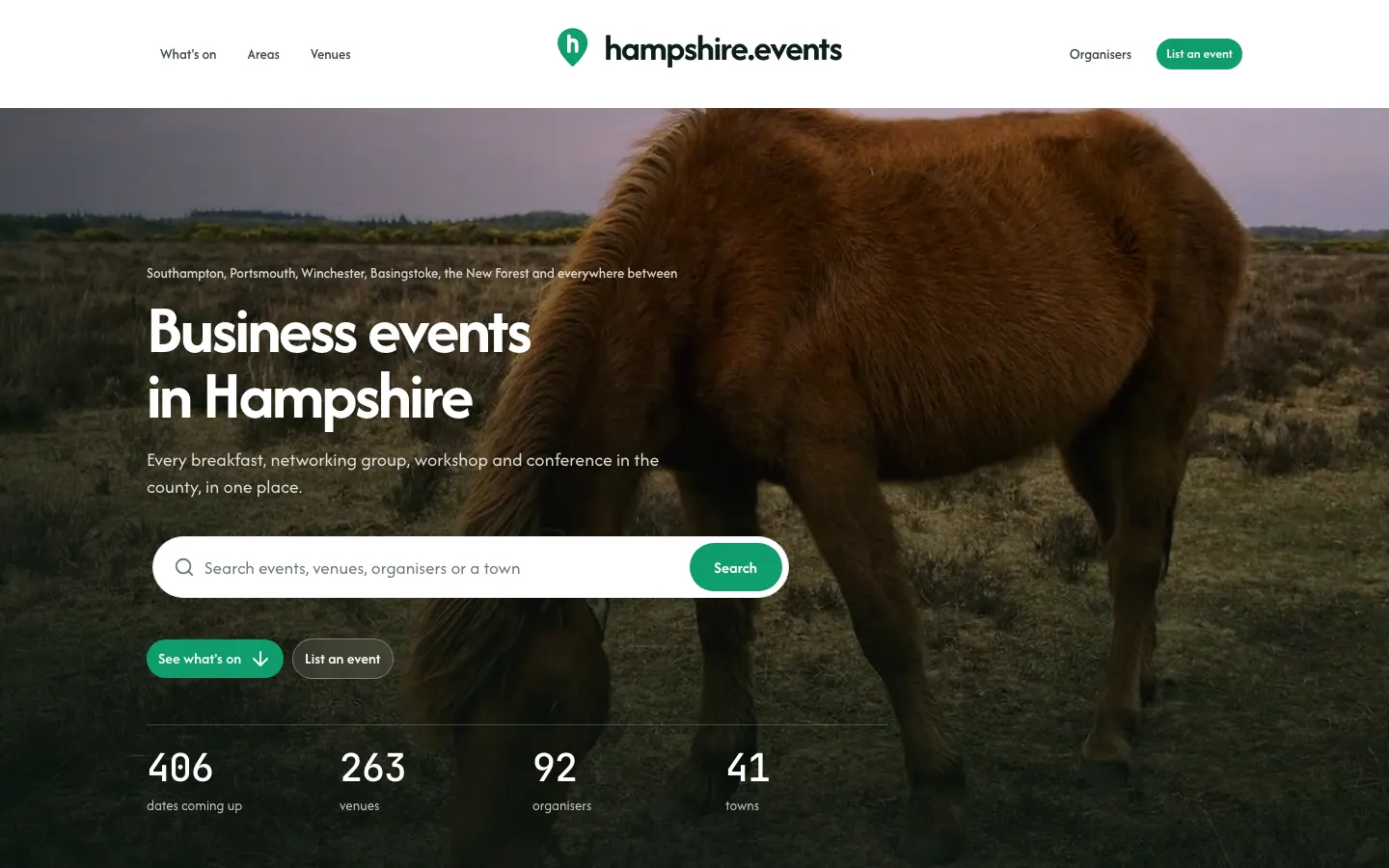
A region’s whole platform, live today.
What you get
Visitors on your domain see only your region. The network’s own pages show every region together, and one account works across all of them.
Your region’s app at an address you choose, with public pages for events, venues and organisers and Studio behind them.
Name, colours, fonts, logo, app icon and sign-in screen. Emails, the installed app and your listings on other websites carry it too.
Listings, bookings, tickets, approvals, waitlists, check-in, venue arrival guides, room hire, feeds, reports and the activity log.
Terms, privacy and cookie policies adopted from the network’s templates, then edited to suit your region, with consent recorded at sign-up.
Categories, event types, venue types, amenities and more, copied from the network’s templates and reworded where you like.
Owners and admins who look after members, organisations and venues and read the reports. Their reach stops at your region.
How setup works
Where the region is, who runs events there, which venues matter, and whether you want a website of your own. We agree what fits and how much help you want with setup.
A short wizard names the platform, draws its area on a map, picks its colours and logo, and makes its first admin. New venues and events land in the right region by where they are.
Add your domain and the Domains tab checks its DNS, shows the records to add for your provider and reports when it is live and secured. Where the DNS is managed with us, it can be set in one click.
Fonts, app icon, sign-in screen look, lists, legal pages from the templates, which features are on, and who pays for what, if anyone.
Invite organisers and venues, and import what you already know by CSV or research pack. New listings are checked before they go live. Venue arrival details can be researched and then checked.
Put your listings on partners’ websites, a search bar on your own, and a calendar people can subscribe to. Then tell people where to find you.
It depends on the region: its size, what you want switched on and how much setup help you need. We’d rather talk it through than publish a number that doesn’t fit. Get in touch and we’ll come back to you with a proposal.
No. A region can be a county, a city or any area you draw on the map when you set it up. A platform can also be built around a single venue or a single organiser, with the same tools pinned to it.
No. The region’s app has public pages for events, venues and organisers on your own domain. If you want a website of your own as well, it can show every listing straight from Studio, and the app can hand visitors over to it.
Organisers and venues manage their own listings through their teams. New listings are checked before they are published. Everything stays in the one system, so nothing has to be copied between sites.
Organisers sell tickets through their own Stripe accounts. A region can, if it chooses, charge memberships to organisers, venues or guests and a platform fee on paid tickets, through the region’s own Stripe account. Or none of it.
Organisers and venues can add their own. Your team can also import a CSV with a preview, paste a link to an event page to read its details in, or bring in a checked research pack of venues, organisers and events.
Talk to us
Where it is, who runs events there and what you have in mind. We’ll come back to you, show you the system with real listings and talk through what setting up would look like.