Every business event happens in a room somebody hired. The organisers browsing a regional events calendar are, very often, the next people looking for a room: for a breakfast group, a training day, a launch. A venue that is listed where they already look, with its rooms and a simple way to ask, is in a good position.
Start with a page worth landing on
On the system, a venue's page is an arrival guide first: the entrance, parking and its time limits, stations and stops, step-free access, facilities. It also shows every business event held there. That alone does useful work for a venue: organisers can see the room is already used for events like theirs, and guests know how to get there.
A venue that is already listed can be claimed by the people who run it. The network confirms each claim before the venue changes hands, so nobody can take over a listing by typing its name. Once confirmed, the venue's team can edit its details and visitor information, and add colleagues.
List the rooms
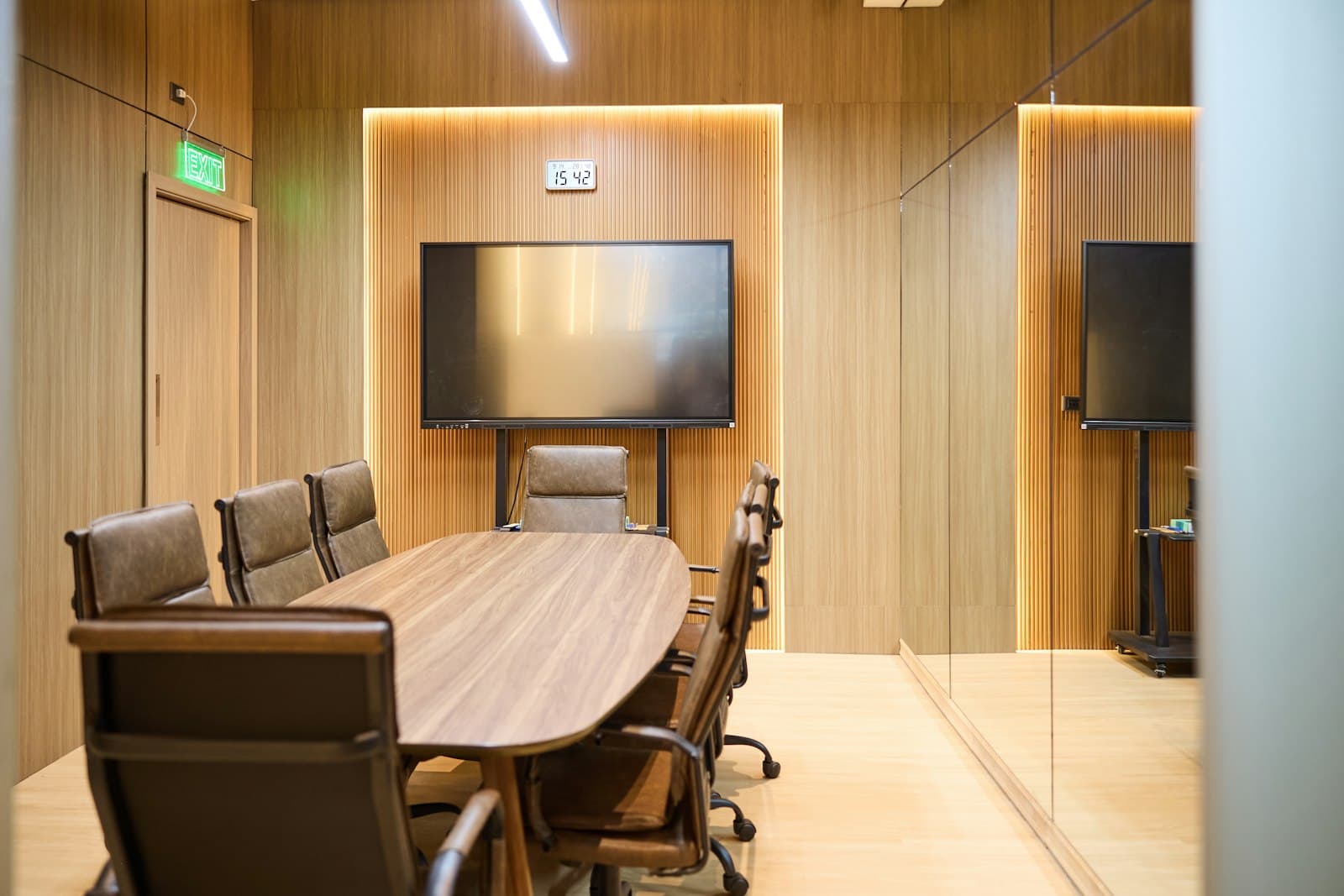
Each room gets its own entry: a name, the capacity, a short description and, if you want to show it, an hourly rate. A function room, a boardroom and a breakout space are three different offers, so list them separately.
Then mark when you are not available: weekly rules (closed on Sundays, the boardroom is ours on Monday mornings) and one-off closures, for the whole venue or a single room.
Take enquiries
Organisers enquire from the venue's page, or from a hire form on the venue's own website (more on that below). An enquiry arrives in the venue's Enquiries queue in Studio and by email to every owner and admin of the venue, with the times in UK time and the person's email address to reply to.
The venue confirms or declines, with a reply. Confirmed hires move into the venue's bookings schedule, which warns about clashes with other hires and respects the times you have blocked out. A declined enquiry can't be quietly reopened, and a hire that was meant to be paid can't be confirmed at no charge by mistake.
Take payment, if you want to
A venue can connect its own Stripe account and take payment for confirmed hire online. The money goes to the venue's account, and if a booking is declined or cancelled the refund is made from the same place.
Put hire on your own website
A venue hire feed puts your rooms on your own website: capacities and rates, a calendar showing when you are booked out or unavailable, and the enquiry form. It can run as a step-by-step flow (pick a room, pick a time, add your details) or with everything on one page. Times are picked from half-hour slots, with booked and unavailable slots shown and not selectable.
Enquiries from your website land in the same queue as the rest, and nobody has to create an account to send one.
What makes the difference
The venues that do well from enquiries tend to do a few simple things: they reply quickly, they keep blocked-out times up to date so people don't ask for dates that were never available, and they keep the arrival details right so the first visit goes smoothly. The system can carry the rest.