The first minute at an event sets the tone. A queue at a table while someone scrolls a printed list is not a great welcome. Check-in on Business Event Stack is designed to take a few seconds a person and to run on the phone the organiser already has.
The pass
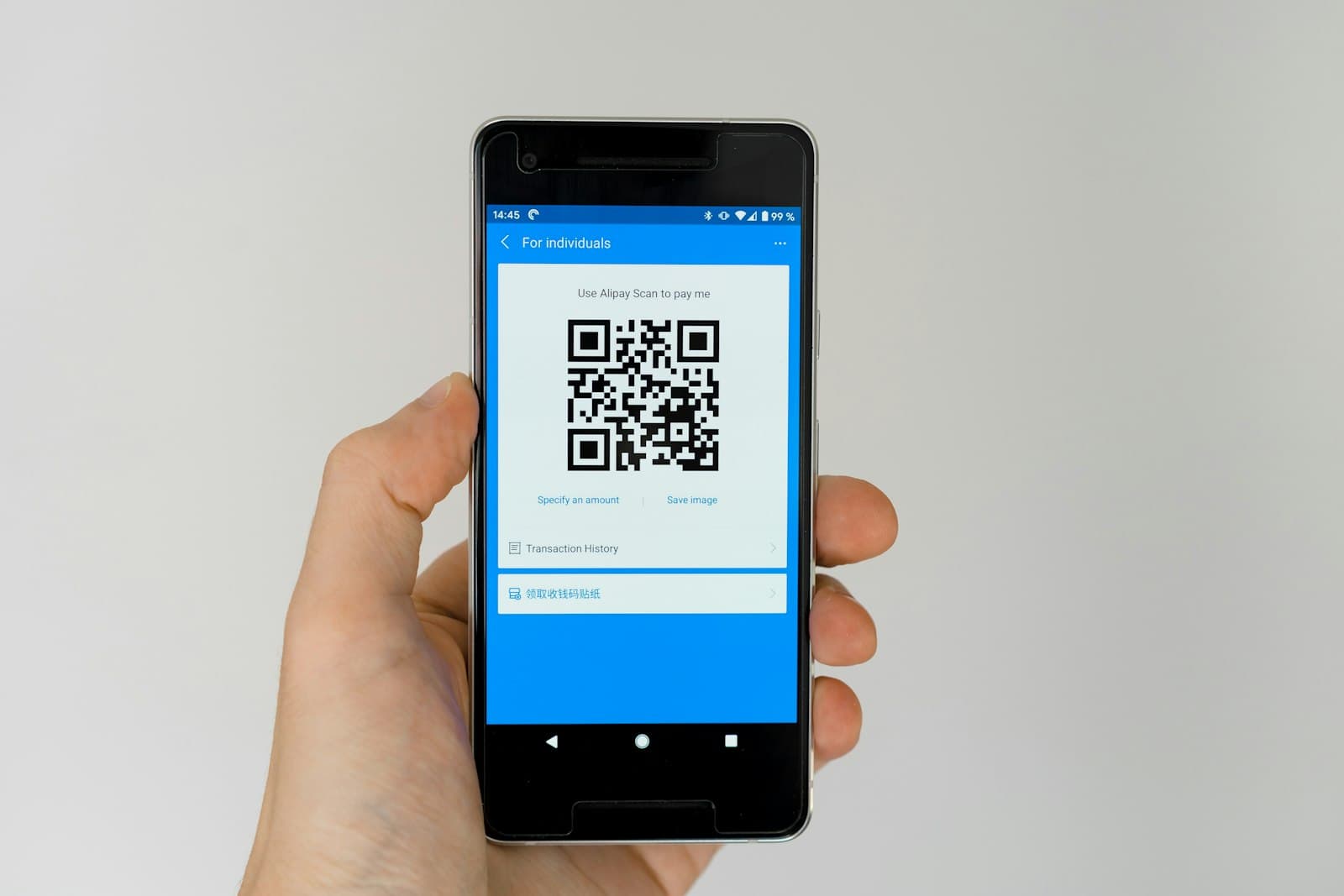
Every confirmed booking comes with a QR pass, sent in the confirmation email and kept on the guest's Tickets page. That includes places at no charge, paid tickets, approved requests, and people promoted from the waitlist. The pass carries a signed code, so it can't be guessed or made up.
The confirmation also carries the event's time in UK time and the venue's details, so the same email gets people to the right door.
The desk
The organiser's team opens the event's Check in page in Studio. From there they can:
- Scan a pass with the phone or tablet camera, straight from the browser. Nothing to install.
- Search the guest list by name and tap to check someone in, for the guest whose phone is flat.
- Undo a check-in made by mistake.
- Add a walk-in there and then, so the numbers stay right.
- Watch a live count of who has arrived against who booked.
Anyone on the organisation's team can run the desk, so the person on the door doesn't need the organiser's login.
Before the day
- Make sure whoever is on the door is on the organisation's team in Studio, and has signed in on their phone before they leave.
- The desk works online, so check the venue's signal or wifi, and ask for the wifi details if you need them.
- Remind guests in your joining instructions that their pass is in the confirmation email and on their Tickets page.
Afterwards
Check-ins feed straight into the event's attendee list and reports: who booked, who came, who was on the waitlist and who walked in. The attendee list, with check-in status, can be exported as CSV. Over a few months that tells you a lot about your real attendance, which events need a bigger room, and which time of day suits your crowd.