How people get a place at your event shapes who comes. A breakfast at no charge that anyone can book behaves very differently from a paid workshop with twelve seats, or a members' dinner where you choose who sits at the table. Here are the options on the system, and when each one fits.
Places at no charge
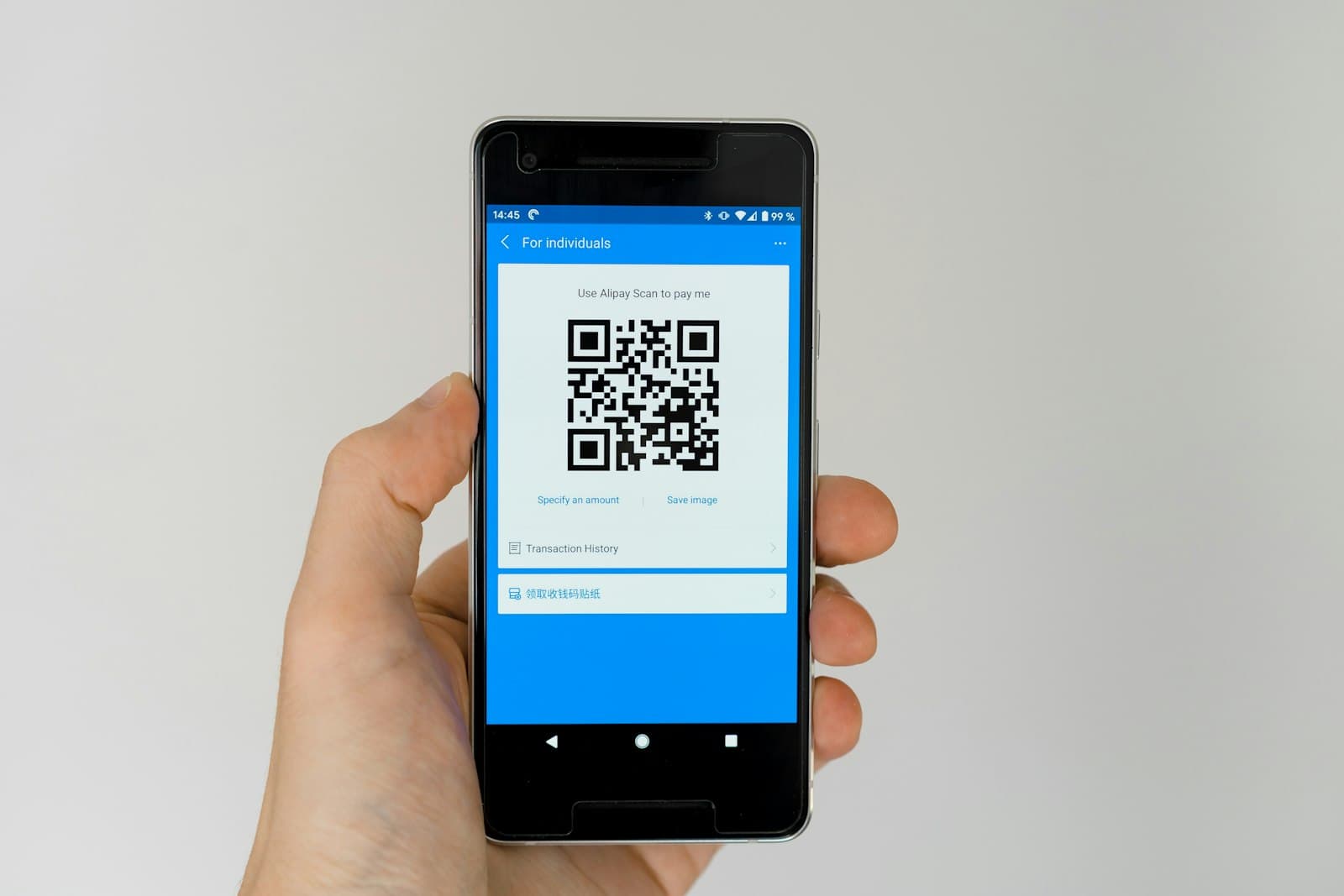
The simplest set-up. People book, get a confirmation email with a QR pass, and turn up. You can set a capacity or leave it open.
Use it when you want as many of the right people as possible and the cost per head is small or covered.
Paid tickets
If you charge, tickets are sold through Stripe Connect. You connect your own Stripe account, and money is taken on that account: you are the merchant, so the payment lands with you, and VAT, refunds and chargebacks are yours to handle, from the same place. Card details go through Stripe's hosted checkout and never touch the system.
You can offer more than one ticket type, such as early bird, standard and member. A region may add a platform fee to paid tickets, either shown to the guest at checkout or absorbed by you; your region's team will tell you if it does. A ticket at no charge on a ticketed event works too, and gets its pass like any other booking.
A few safeguards come with it. Once an event has started, booking closes. A date with paid tickets can't be deleted until those tickets are refunded. If you move the time or cancel, everyone holding a place is emailed and notified.
Waitlists
When an event with a capacity fills, people can join the waitlist instead. When a place opens up, the next person on the list is promoted automatically and sent their QR pass. Nobody has to watch the inbox.
Waitlists are also a signal. If one fills every month, you need a bigger room or a second date.
Approval-required events
Some events need a short list: a roundtable, a members' dinner, a session for one sector. Mark the event as needing approval and it stays visible everywhere, but people request a place instead of booking one. The page tells them plainly that a request may not be approved.
You then decide each request. Approve it with a place at no charge, or with a specific ticket type for them to pay for; payment happens only after approval, so nobody pays for a seat they won't get. Decline with a polite message you can edit and save for next time. Requests can be withdrawn by the person who sent them.
Members-only events
An event can be marked as private for members, so it is clear who it is for. Use it alongside approvals if you also want to check each person.
Events booked somewhere else
If you already sell tickets on another site, you can still list the event. Set it to "booked on another site" and add the link. The listing then says where tickets are sold, links straight there and shows when the details were last checked. Bookings, waitlists and check-in stay with the other site.
What guests see
Each guest has a Tickets page that shows every booking as it really is: going, waitlisted, request sent, approved, not approved, or not paid. Cancelling or leaving the waitlist asks for confirmation first.
Which to choose
- Open networking, no charge: places with a capacity and a waitlist.
- Workshop or course: paid tickets, a capacity, a waitlist.
- Roundtable or invitation-only: approval required, with or without payment after approval.
- Already on another ticketing site: booked somewhere else, so it still appears on the regional calendar.
Whichever you pick, the people who come get the same joining details: the time in UK time, the venue's parking and entrance information, and a pass for the door. More on that in QR passes and check-in on the door.