In their own calendar
One event or a whole platform in Google, Apple or Outlook, kept up to date when anything changes.
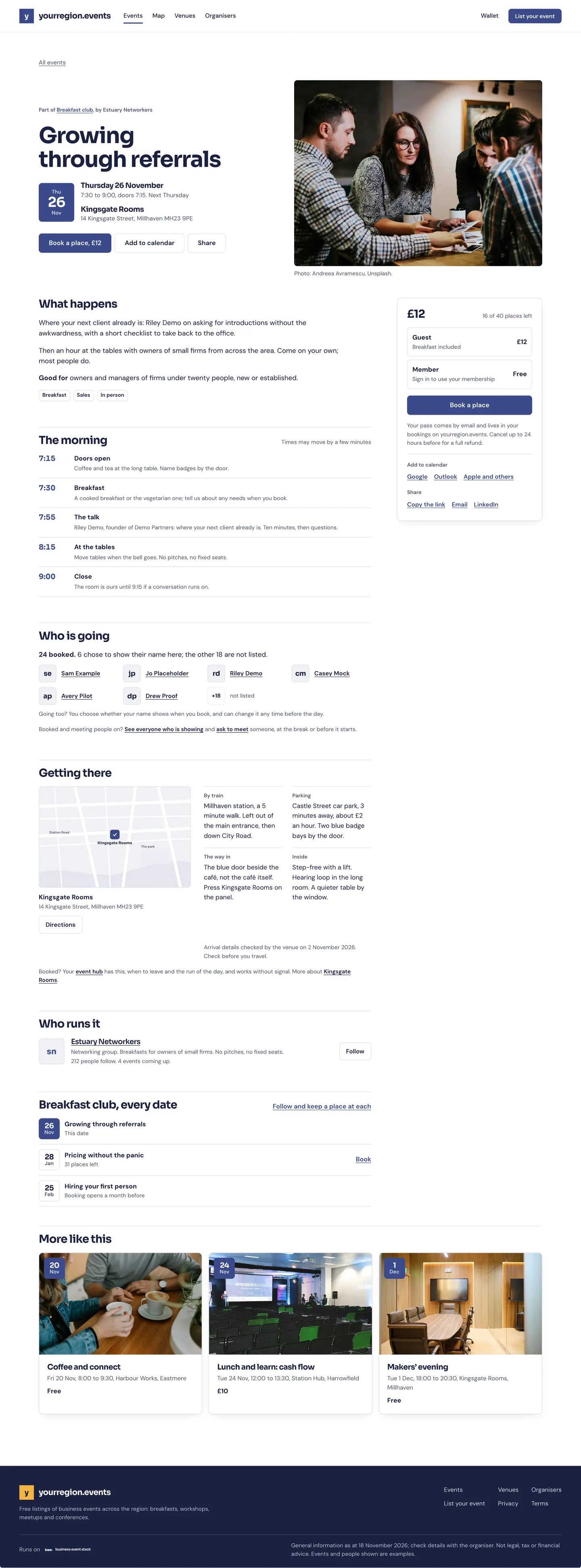
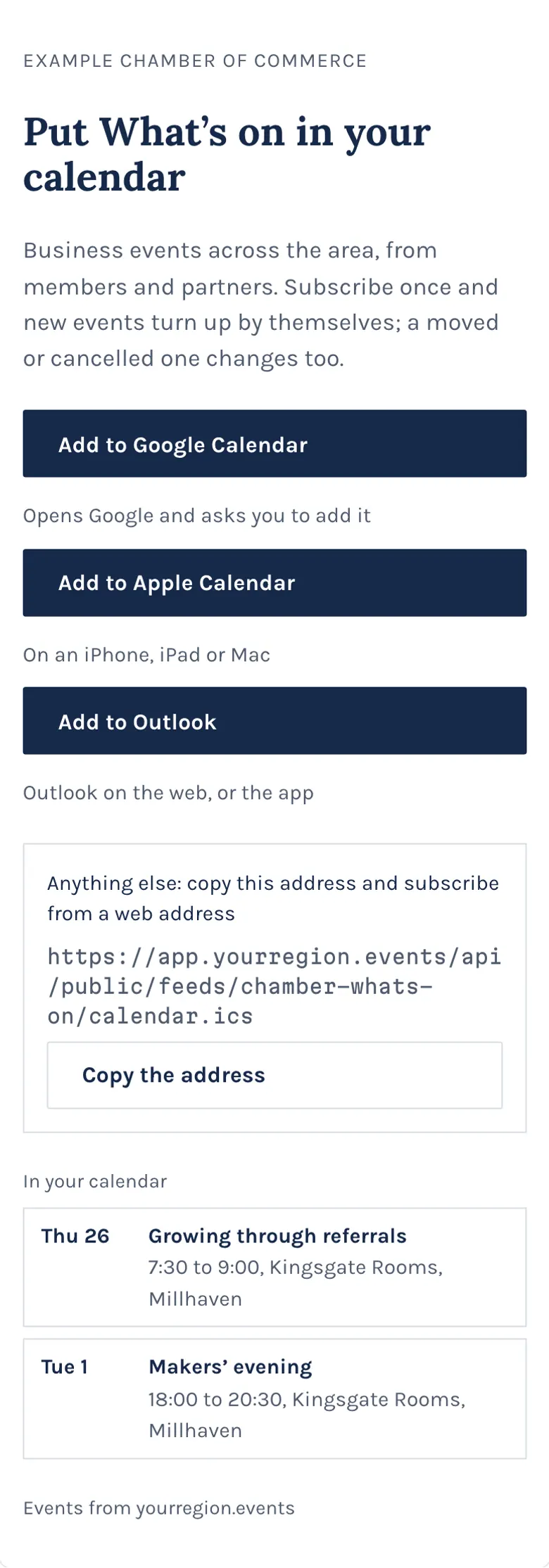
In one look
From the page to their week
- Add to calendarOn every event page
- Google, Apple or OutlookTheir own calendar
- Kept up to dateChanges follow
Add one event
Every event page and booking has an add-to-calendar choice for the calendar people use.
- Google, Apple and Outlook
- Time, place and the link
- From the page or the booking
How to: Add an event to your calendar
Follow a whole calendar
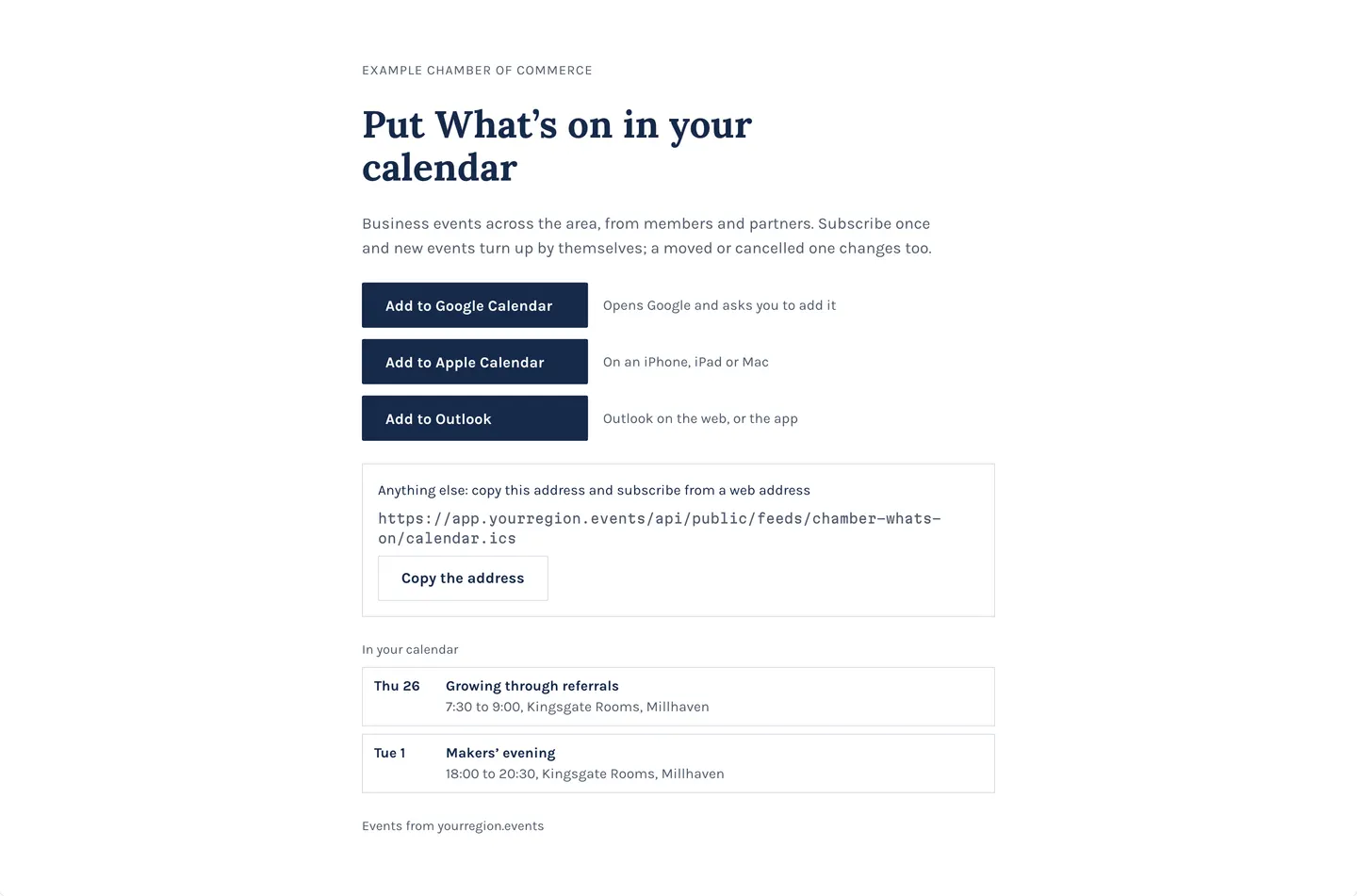
Subscribe once and new events arrive in your own calendar by themselves.
- A platform’s whole calendar
- A feed’s calendar
- Updates arrive by themselves
Partly built Subscribing covers a whole platform or a feed today; calendars built from your own filters are coming.
What people ask
Calendars built from your filters, team calendars and booking invitations are in design. Adding an event and subscribing to a platform are live.
Goes well with
- Your events on your websiteYour events on your own website and your partners’, styled to match and kept up to date, with one link for your web person.See the feature
- Found where people lookA calendar, a map and a list, near me, event pages with directions, directories, and picks for each person with the reason.See the feature
- Wallet: every pass in one placeWhat your people see: every booking as it stands, the pass for the door, receipts and the platform on their home screen.See the feature