Listed once, shown everywhere
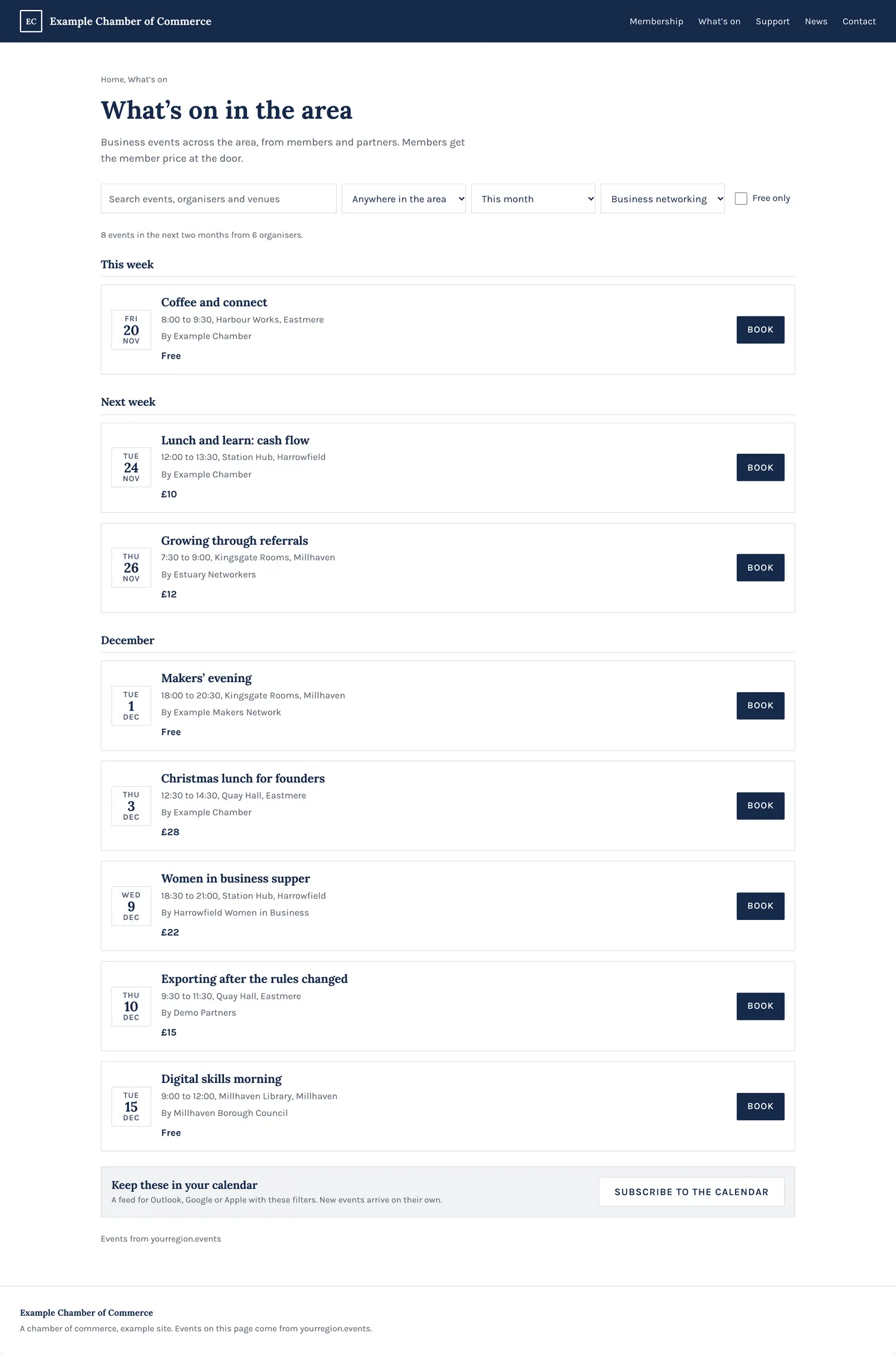
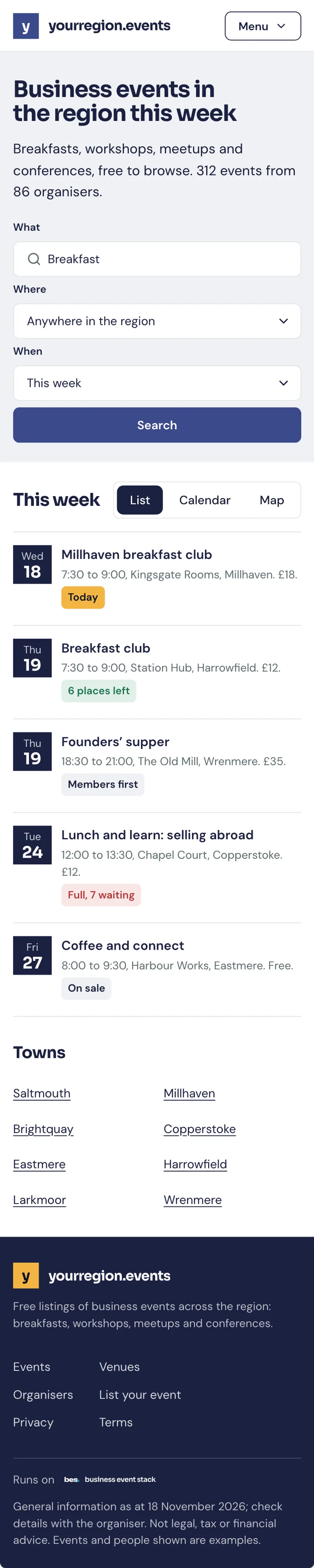
Your events on your own website and your partners’, styled to match and kept up to date, with one link for your web person.
In one look
One listing, every website
- Your platformUnder your name
- Your own websiteStyled to match
- Partners’ websitesThe events they choose
- A search barOn any page
A list, cards or a calendar
Choose what to show and how it looks; it follows your site’s colours and type.
- List, cards, calendar or map
- Your events, or a chosen set
- Kept up to date by itself
How to: Add your events to your website, Your events on WordPress, Your events on Squarespace, Your events on Wix, Your events on Webflow
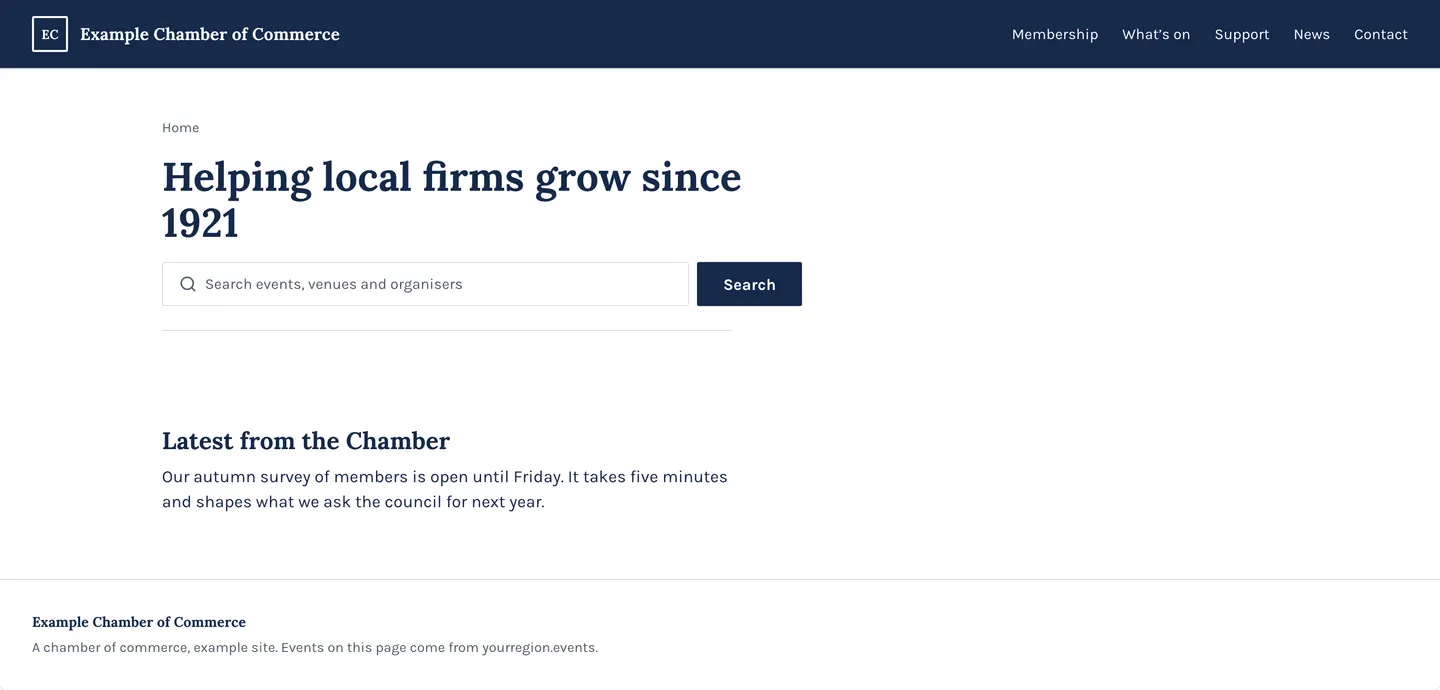
A search bar for your site
Visitors search your events, venues and organisers without leaving your site.
- Events, venues and organisers
- Matches your site
- Results open on your platform
How to: A search bar or a directory
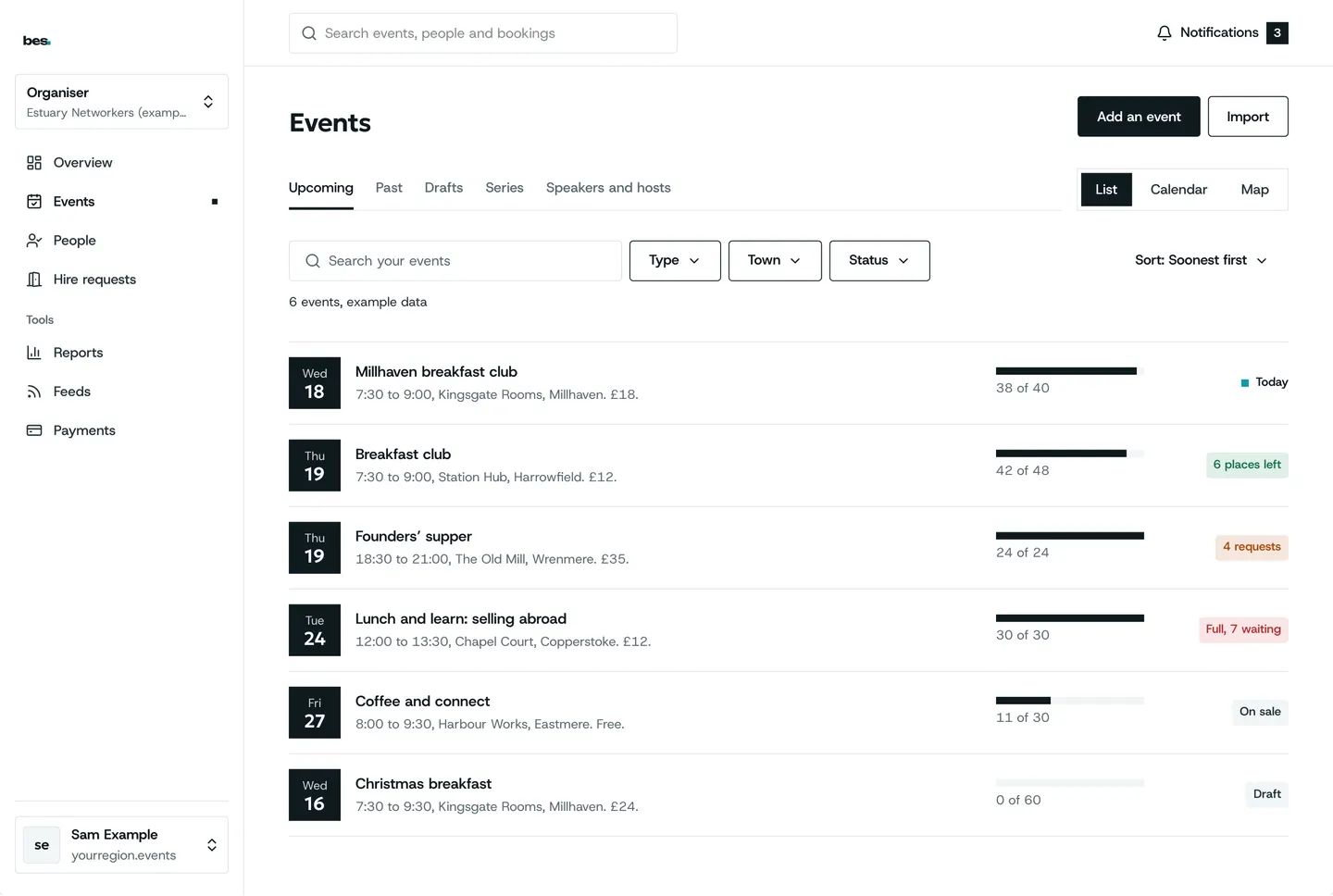
Your partners’ events too
Add someone else’s event to your calendar with your own note on why it matters.
- Their event, your note
- Kept in step with theirs
- Your calendar stays full
How to: Share partner events
One link for your web person
From Studio, send whoever looks after your site one link, or we set it up for you.
- One link, nothing to copy
- Or set up for you
- Change it later in Studio
How to: Add your events to your website
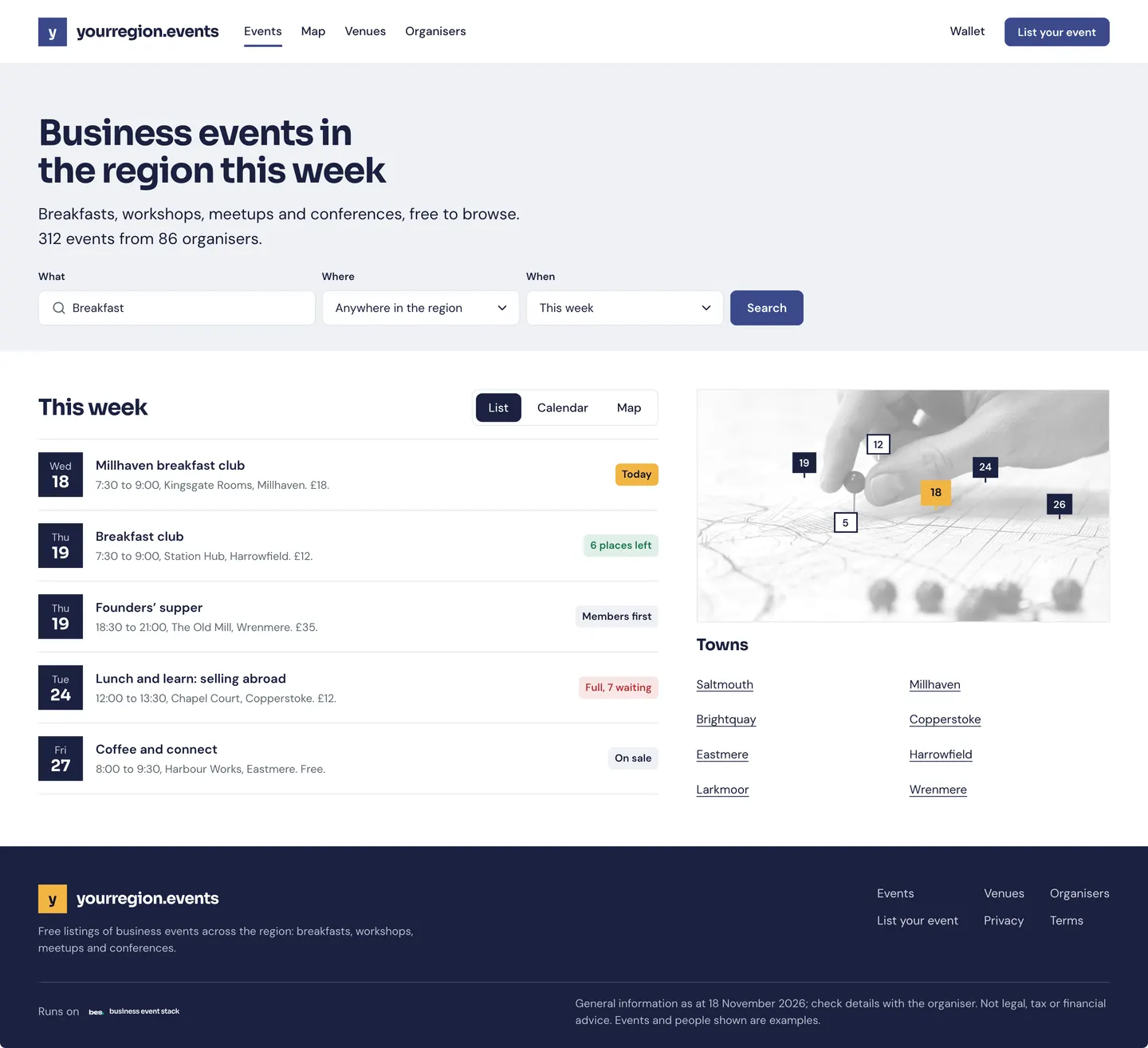
Running today
On hampshire.events
hampshire.events’ own website shows the platform’s events, listed once in Studio.
See hampshire.events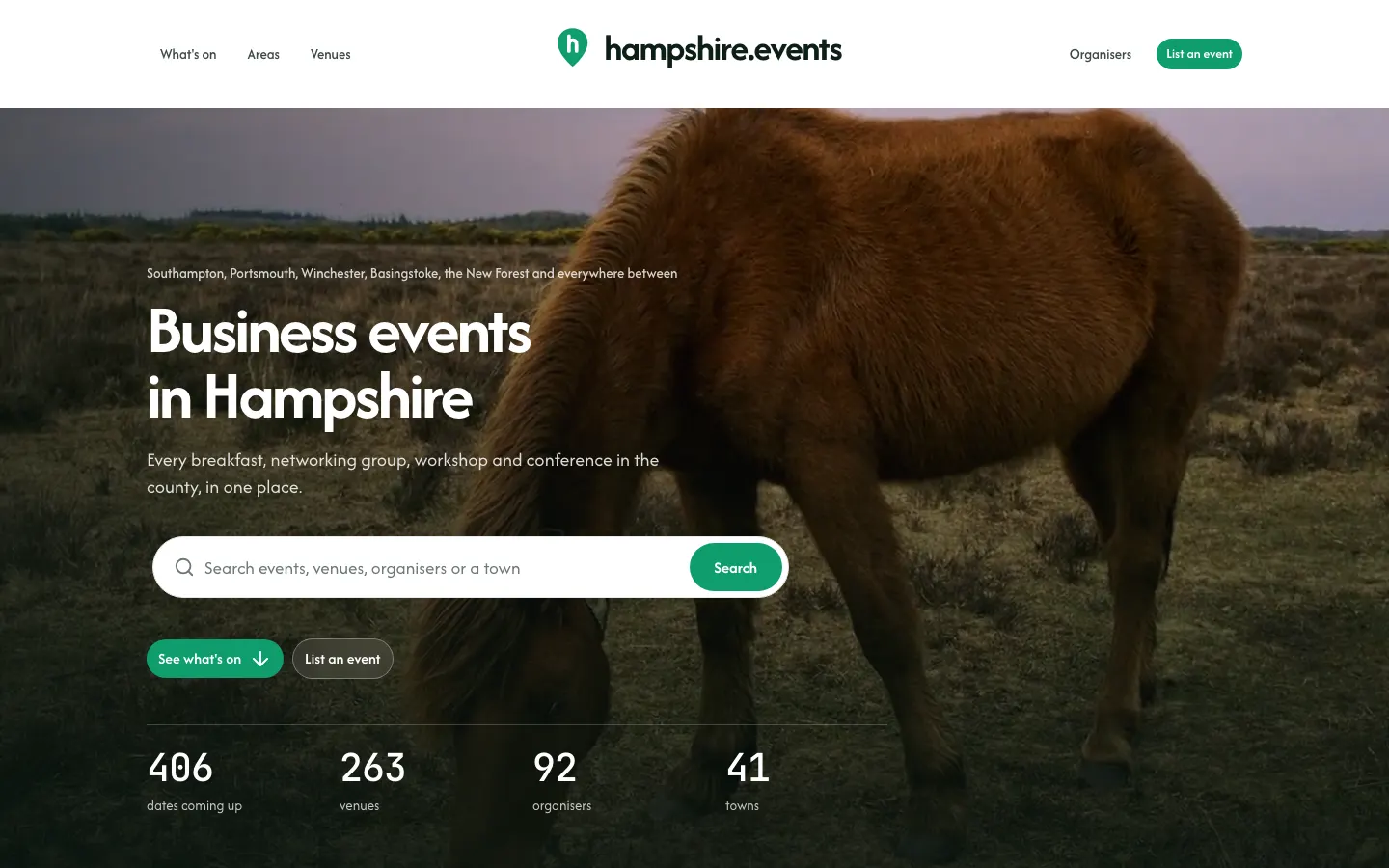
What people ask
People book on your platform, not inside the list on another site. Booking inside the list is in design.
Goes well with
- CalendarsOne event or a whole platform in Google, Apple or Outlook, kept up to date when anything changes.See the feature
- Found where people lookA calendar, a map and a list, near me, event pages with directions, directories, and picks for each person with the reason.See the feature
- Listings and seriesA monthly breakfast or a one-off evening: made once, every date on one page, kept right when anything changes.See the feature