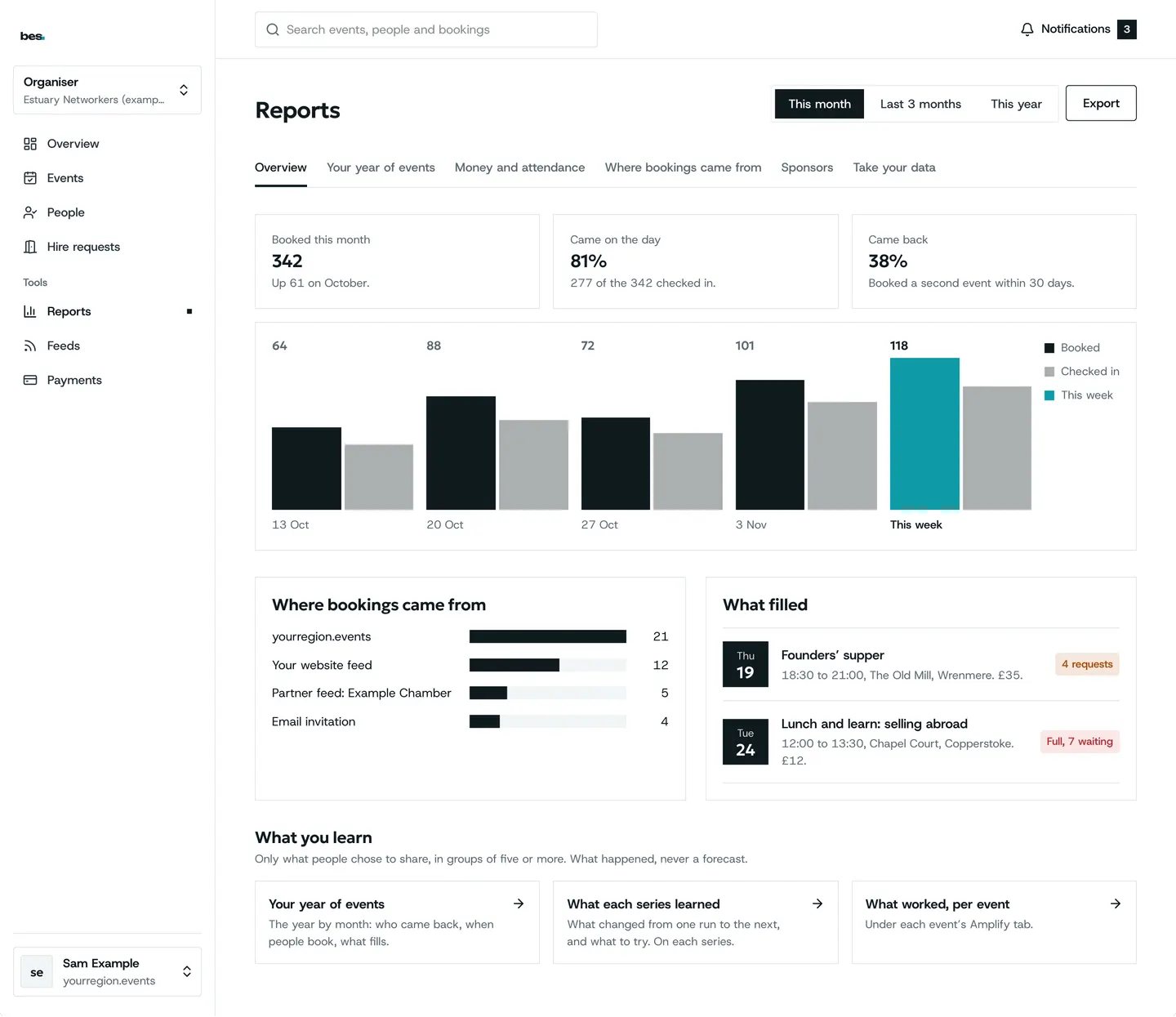
How can we help
114 step-by-step guides with real screens, for people who go, organisers, venues and platform owners.
Try , , , , . Press / to search from anywhere on the page.
Who are you?
- People who goFind events, book a place, open your pass at the door.Your guides
- OrganisersList events, take bookings, check people in and see who came.Your guides
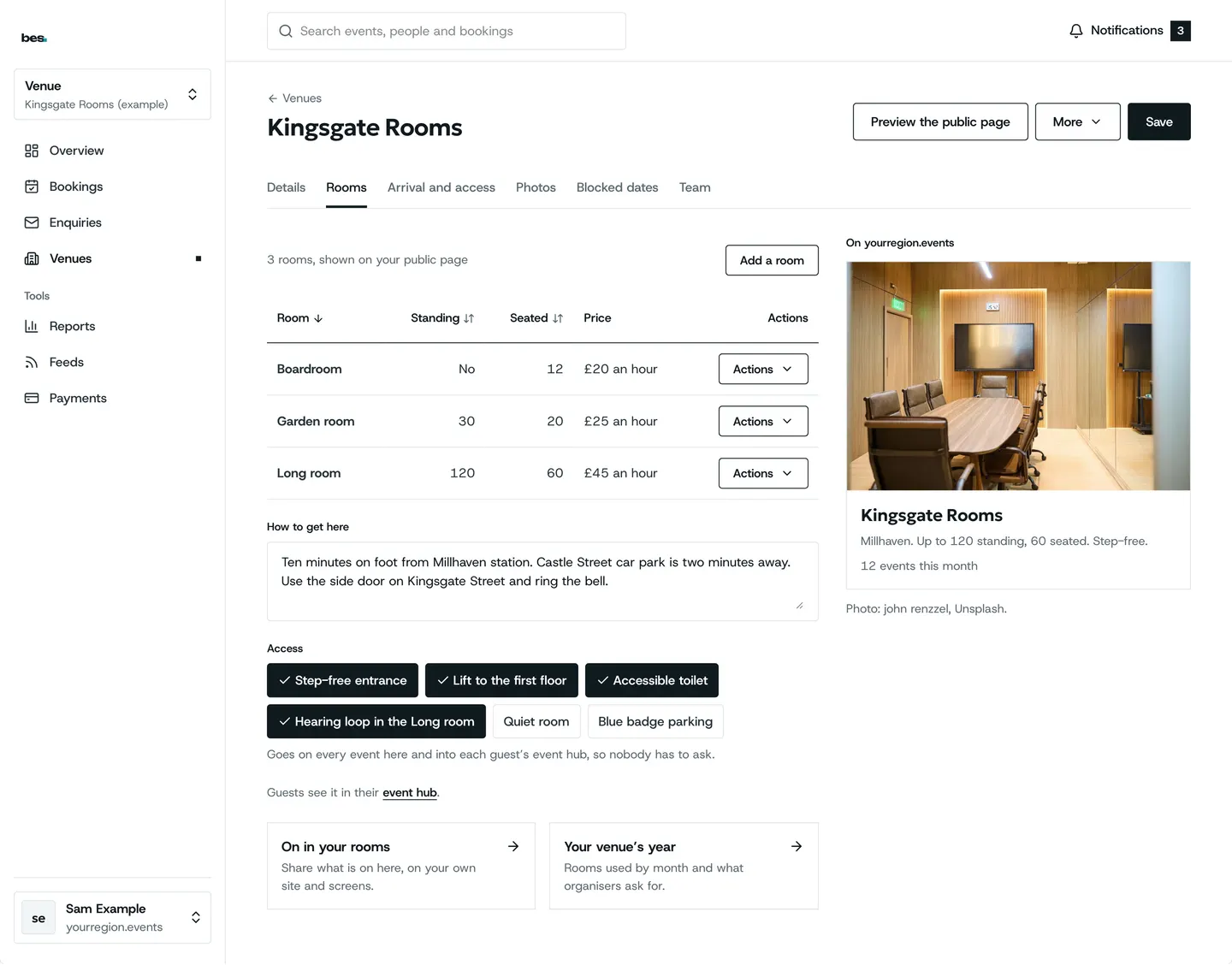
- VenuesYour venue page, rooms, hire enquiries and the events held with you.Your guides
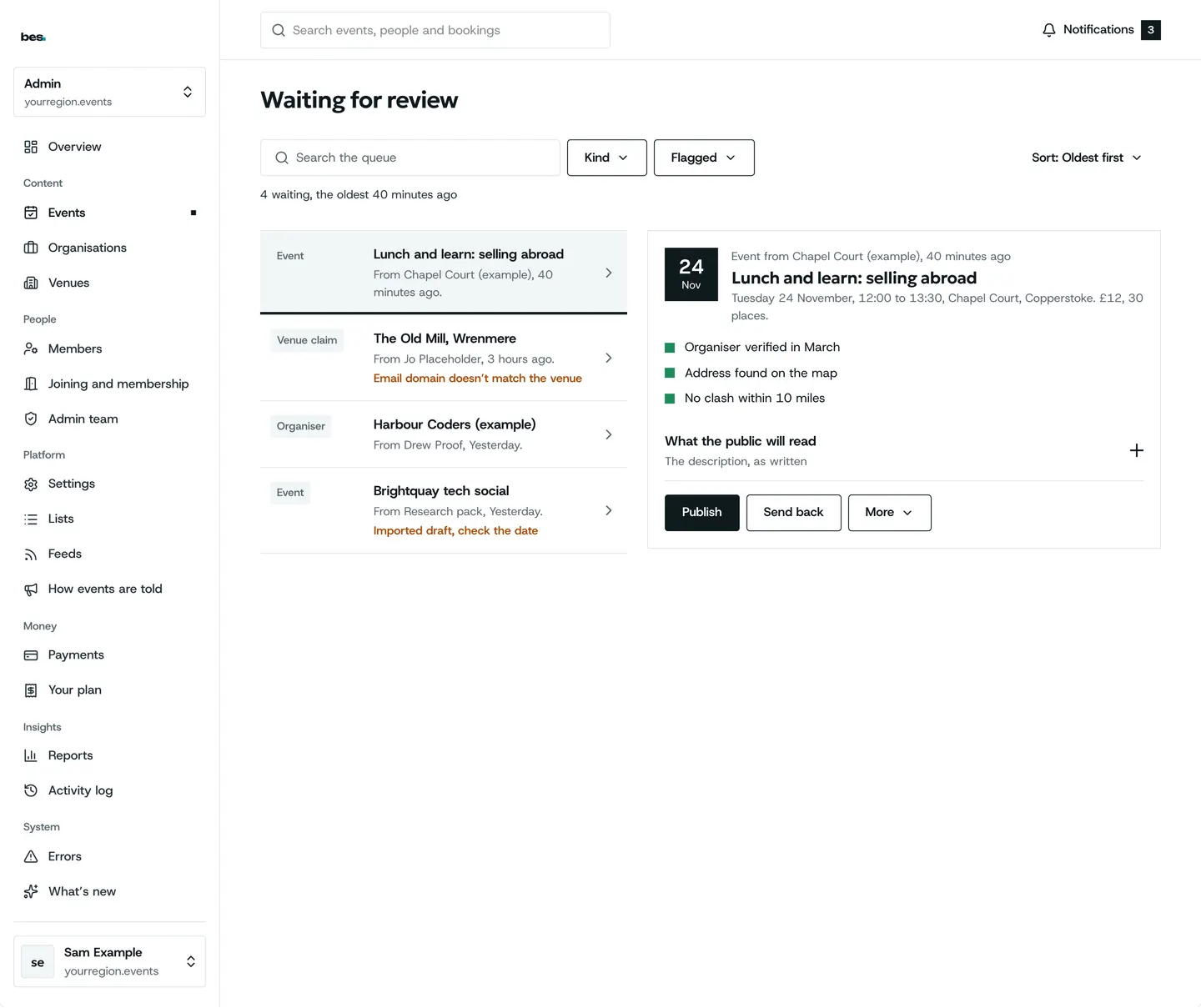
- Platform owners and region adminsYour look, your address, checking listings, members and reports.Your guides
- Not sure? Start hereMake an account, sign in, and move between your roles.Getting started
Start here
Your first week
Most asked
What people do most
Every topic
Browse by topic
Getting started
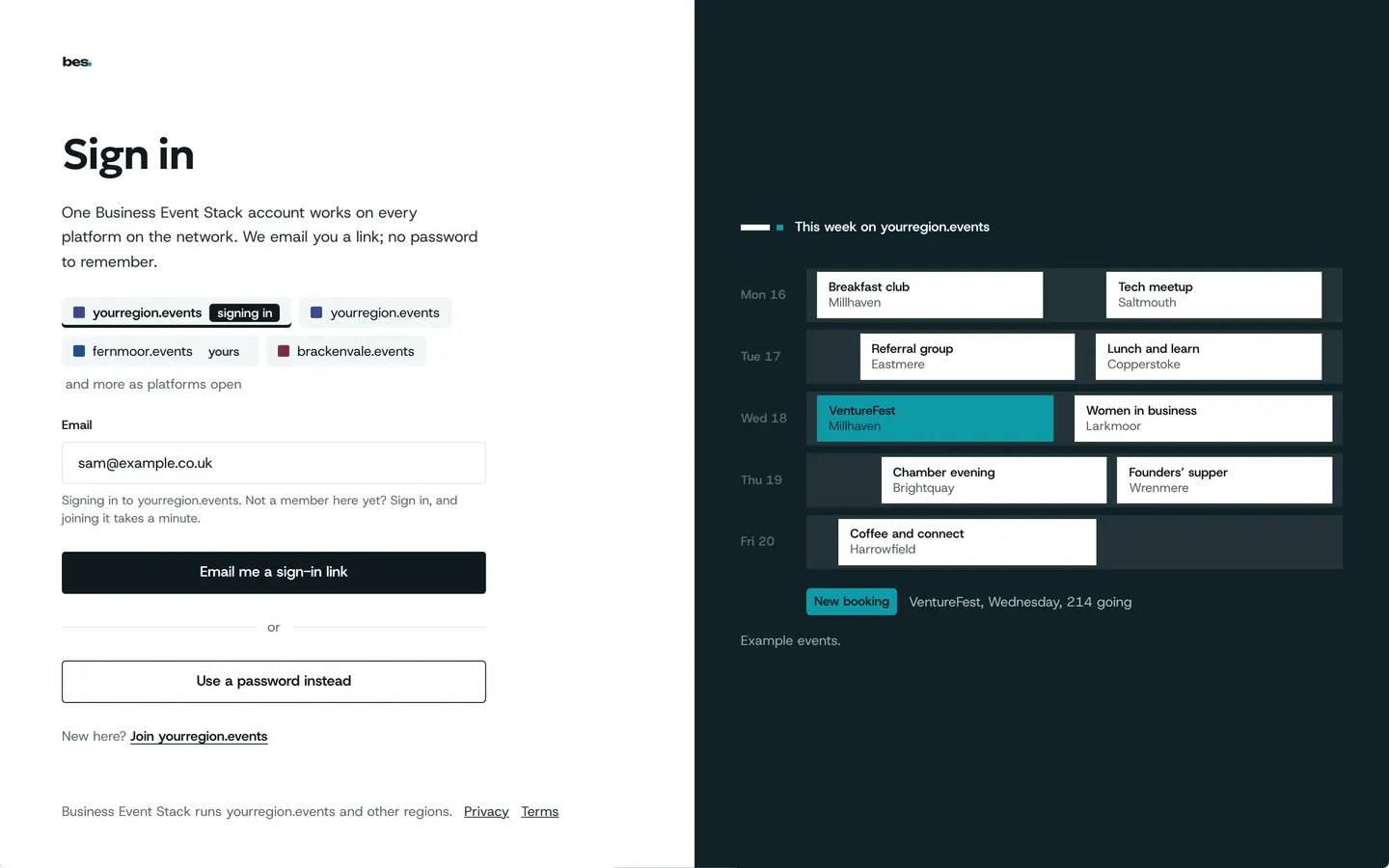
Your account, signing in, and moving between your roles.
9 guides
- Create an account
- Move between your roles
- Choose what you are told about
- Sign in, reset or change a password
Finding and booking
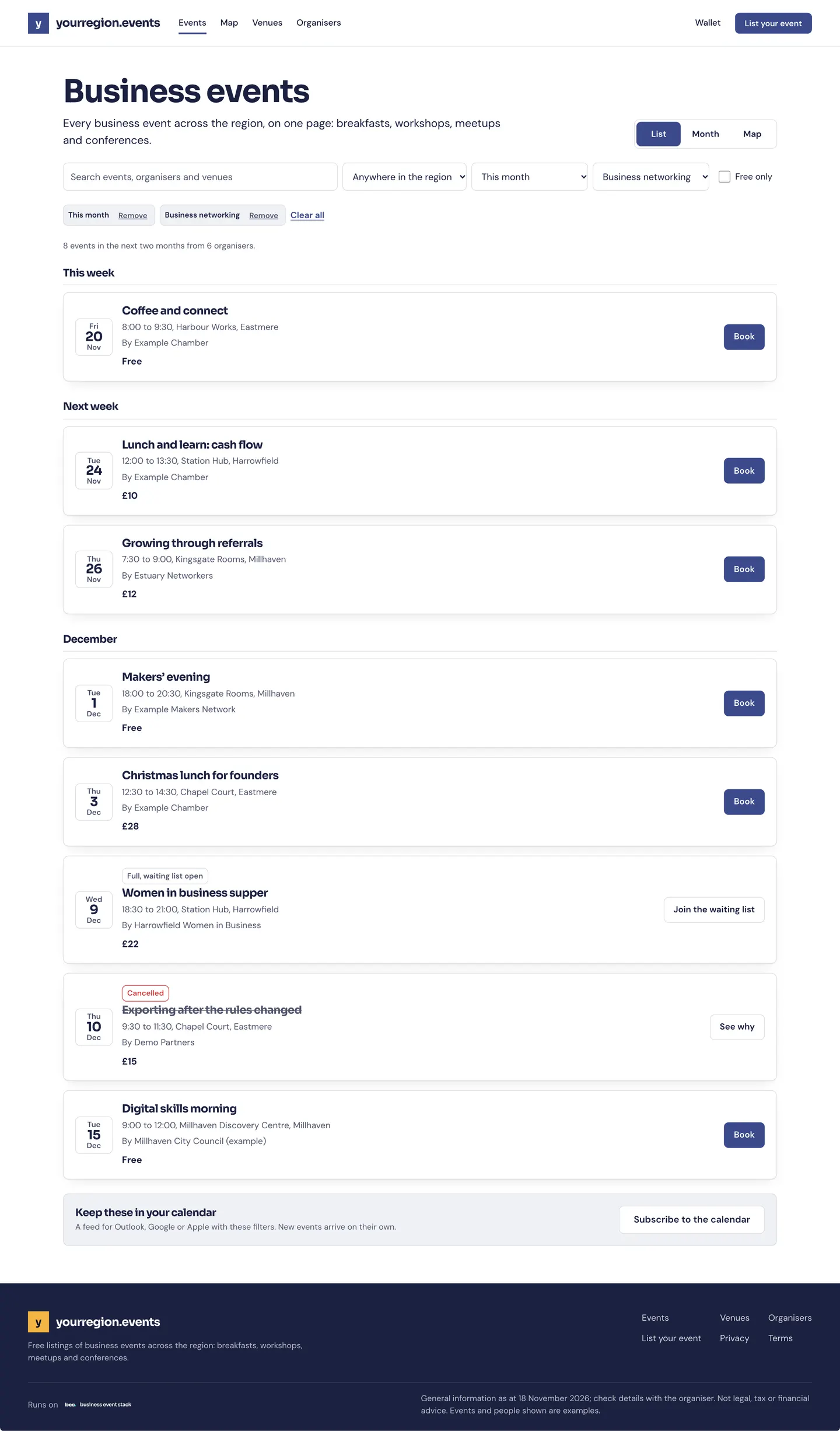
Find events near you, book a place, pay, and cancel.
15 guides
All 15 finding and booking guides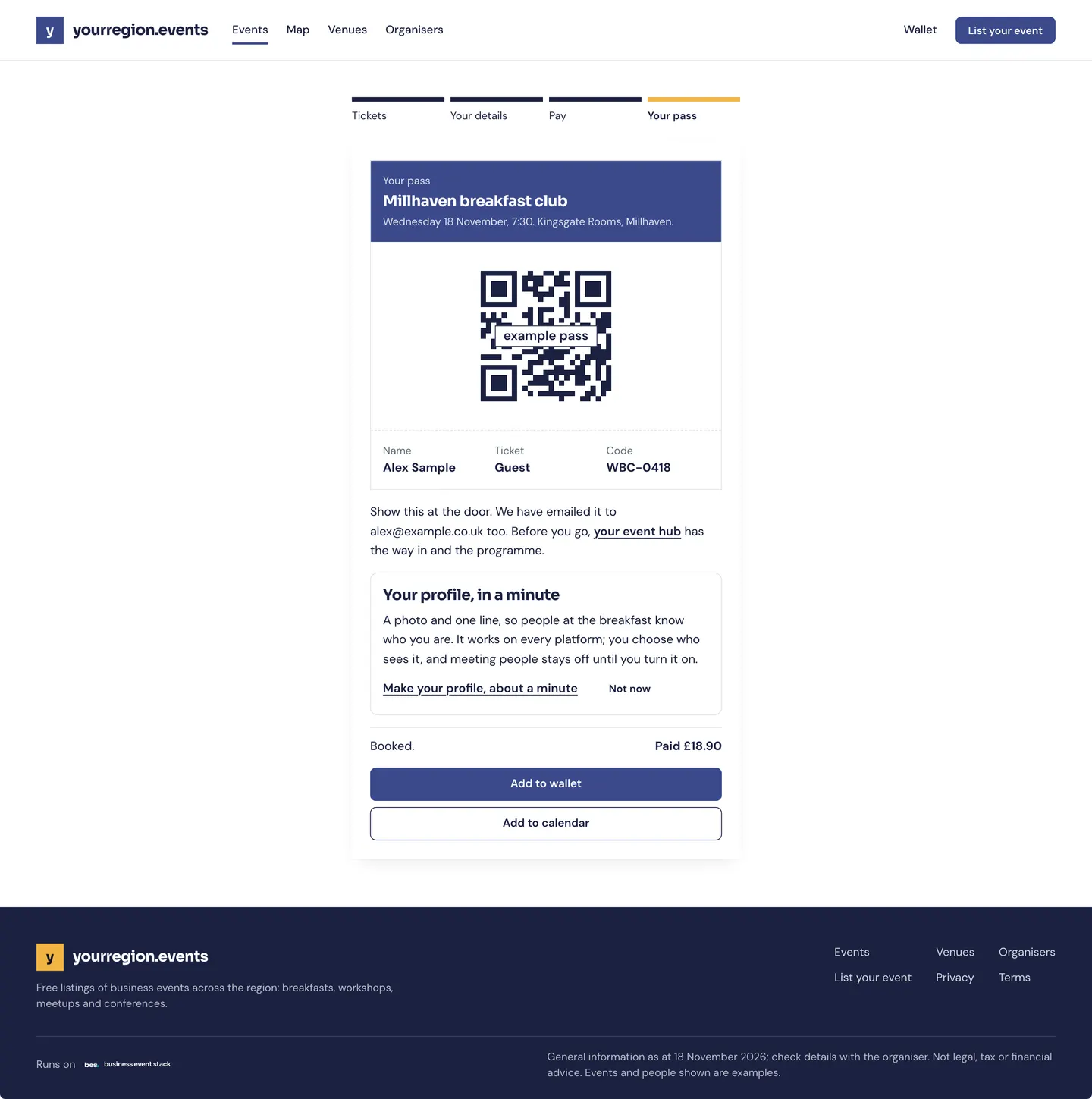
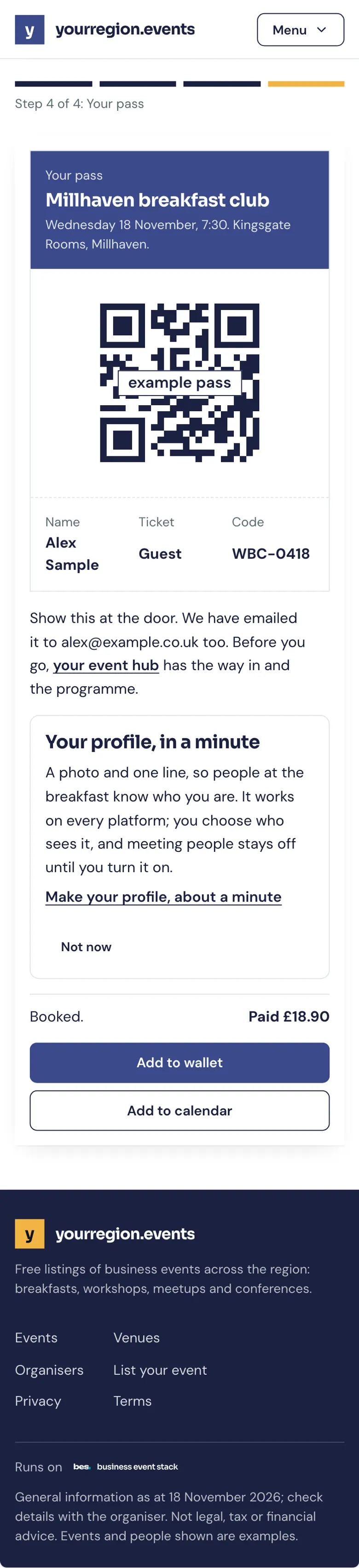
Your passes and the day
Your QR pass, the door, getting there and receipts.
5 guides
All 5 your passes and the day guides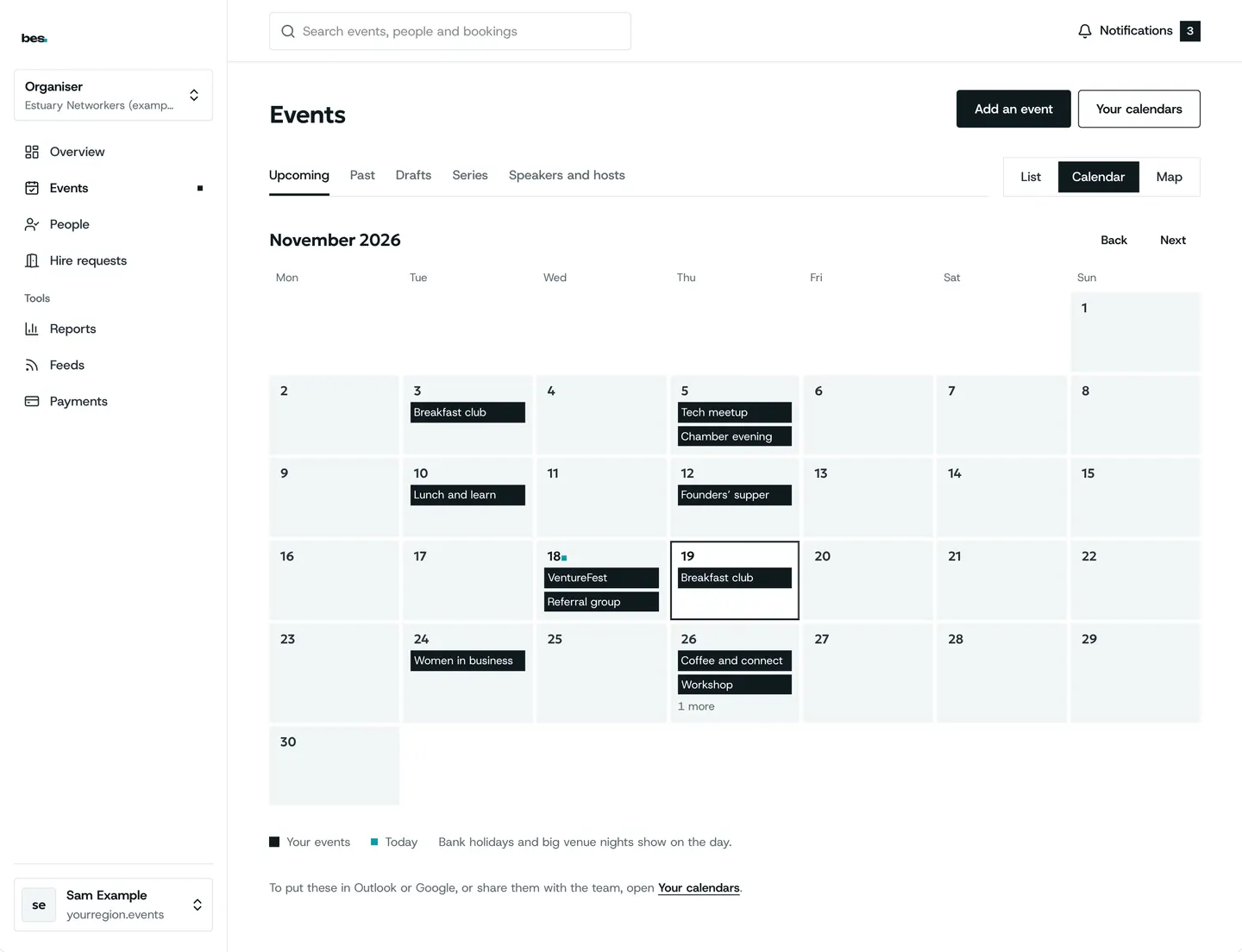
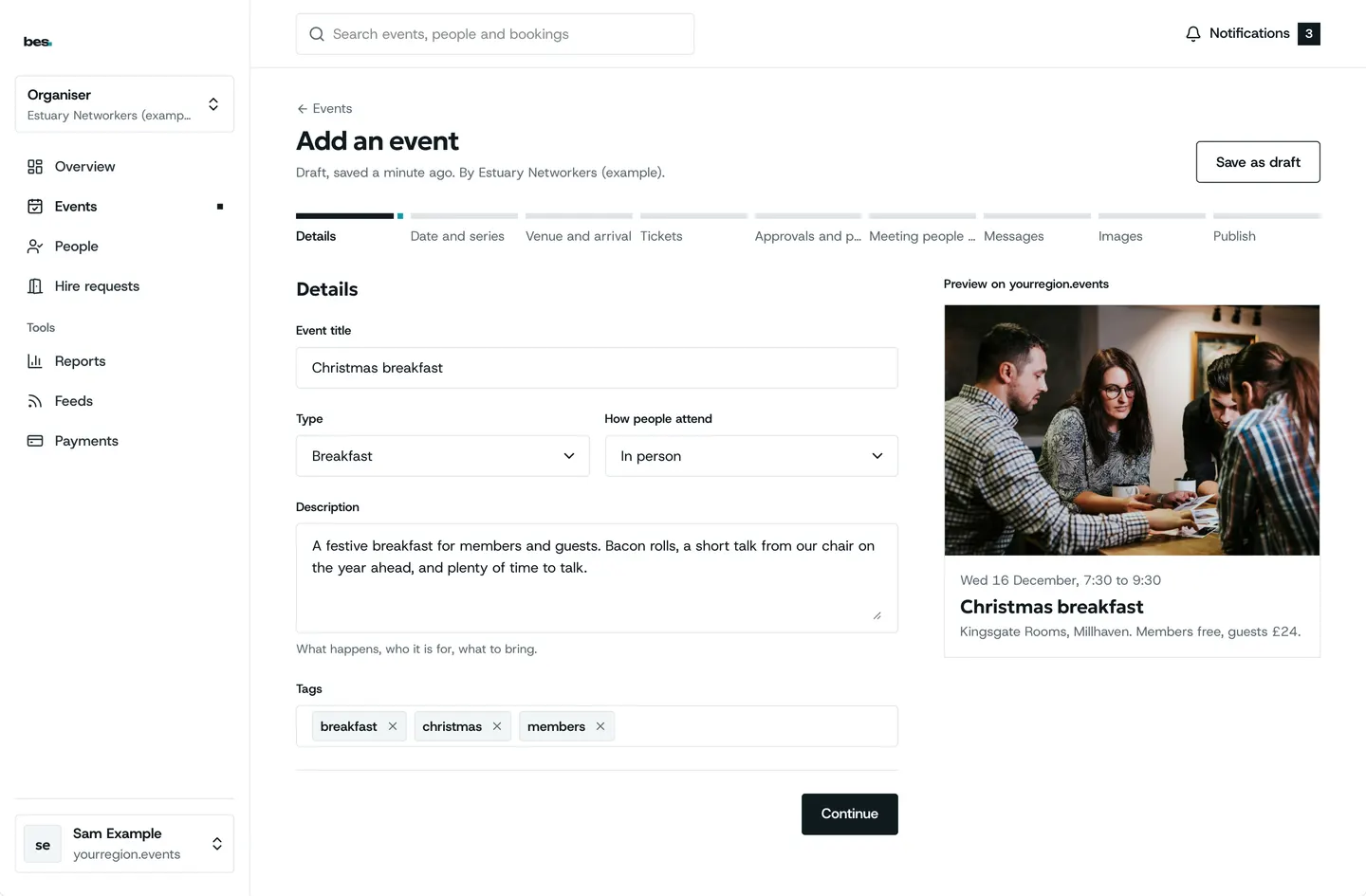
Running events
Your organisation, your team, and every way to list an event.
19 guides
- Start running events
- Publish your first event
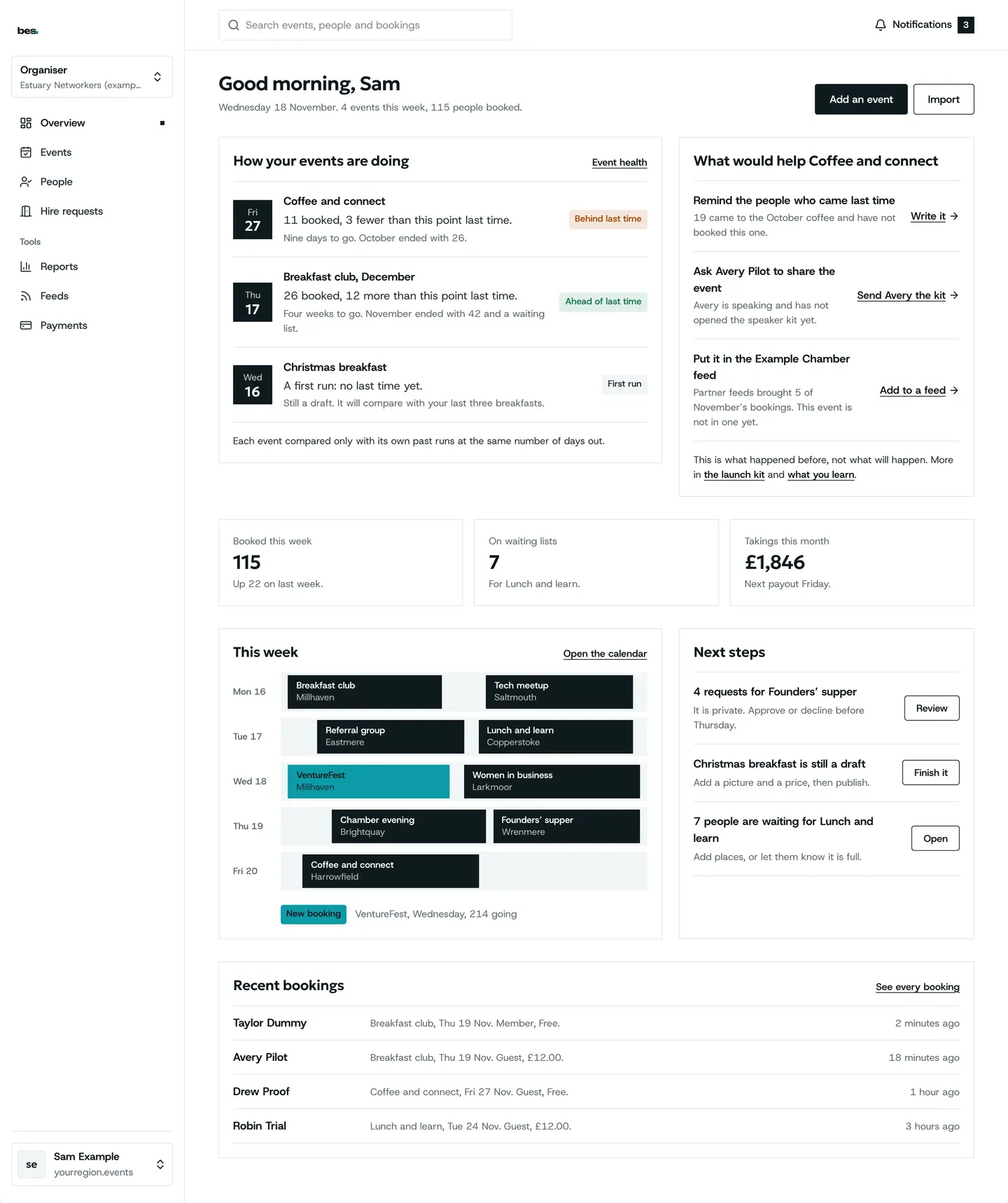
- Your events and each event’s page
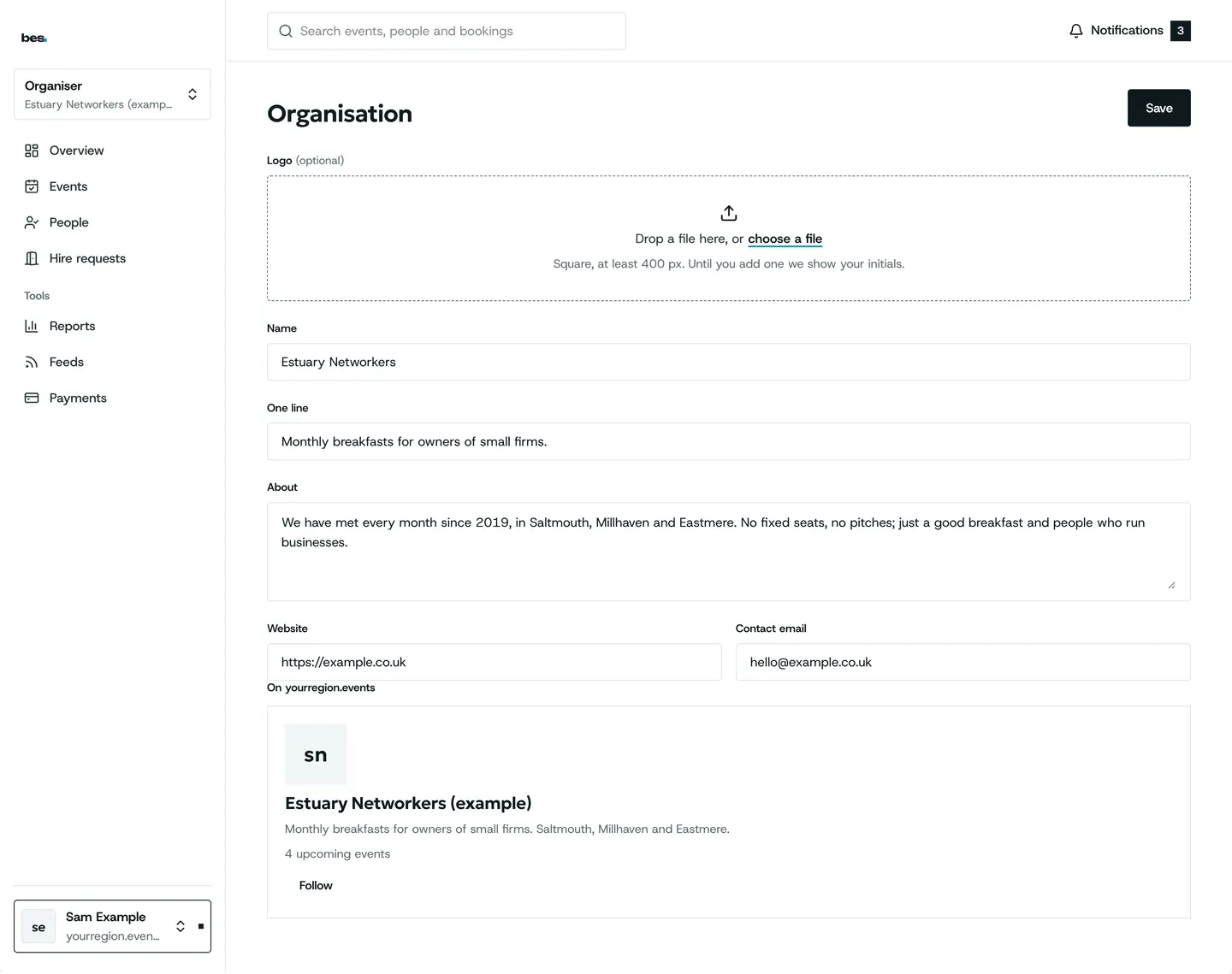
- Set up your organisation
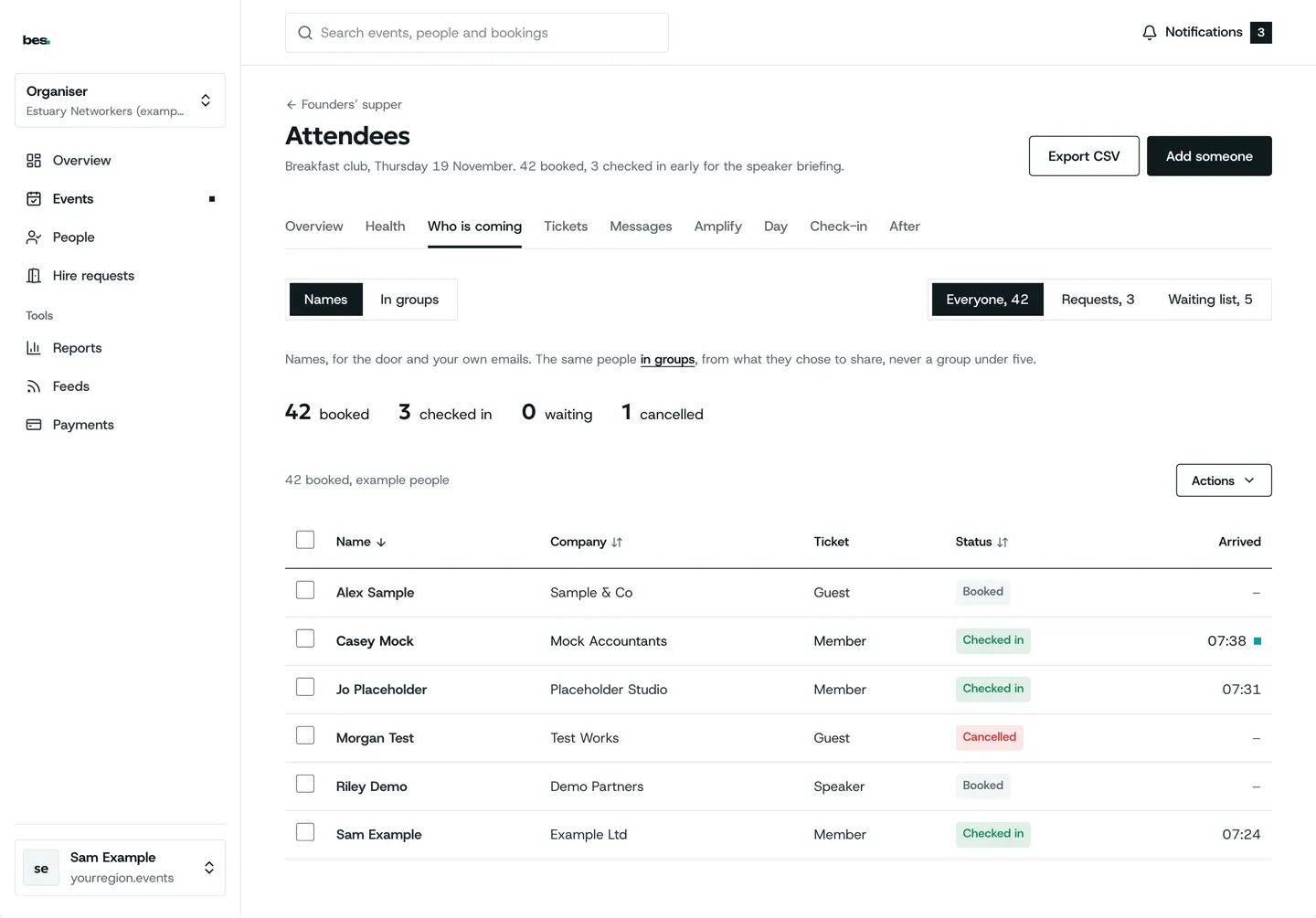
Bookings and tickets
Places, ticket types, approvals, the waiting list and who is coming.
9 guides
All 9 bookings and tickets guides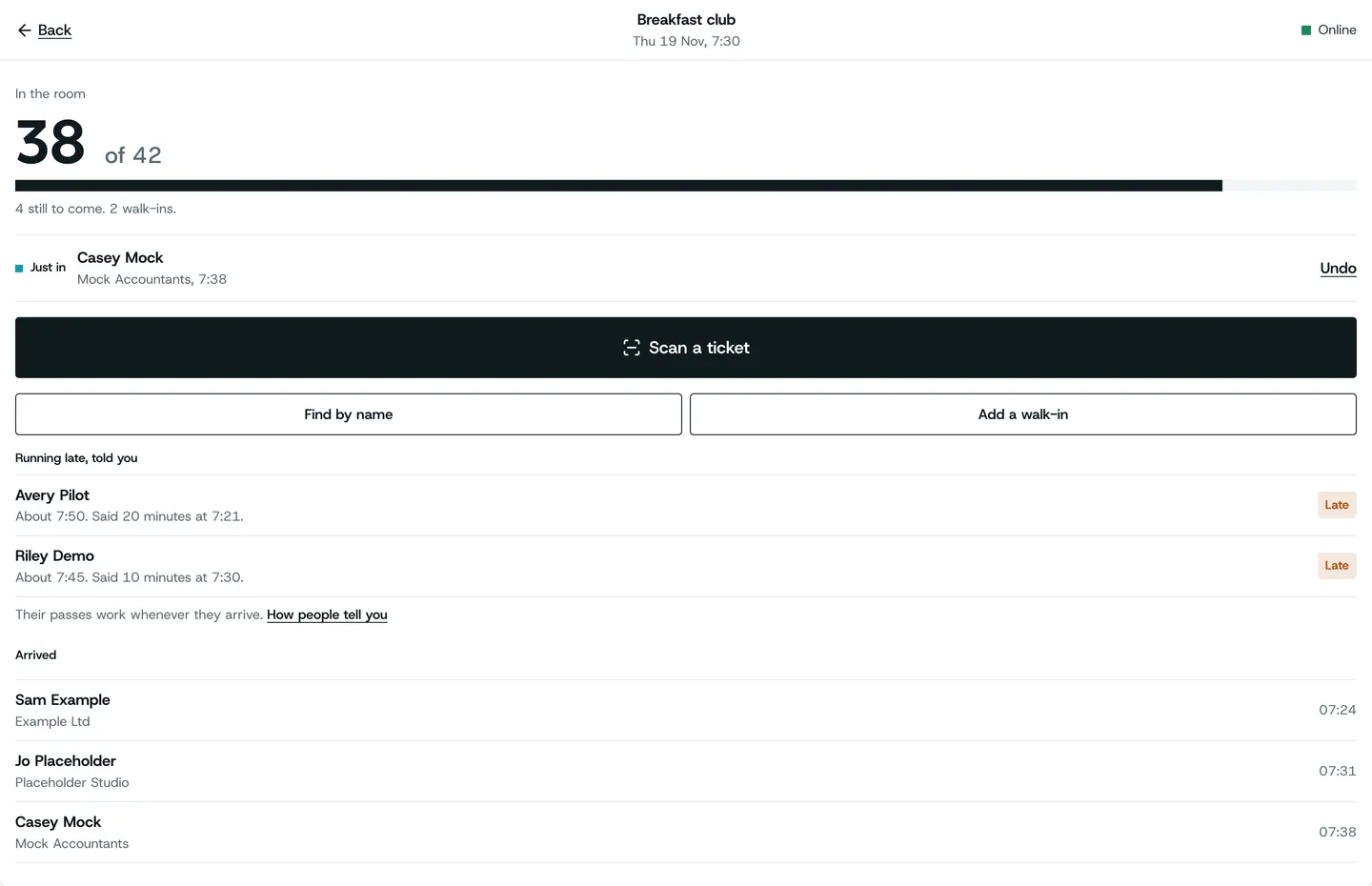
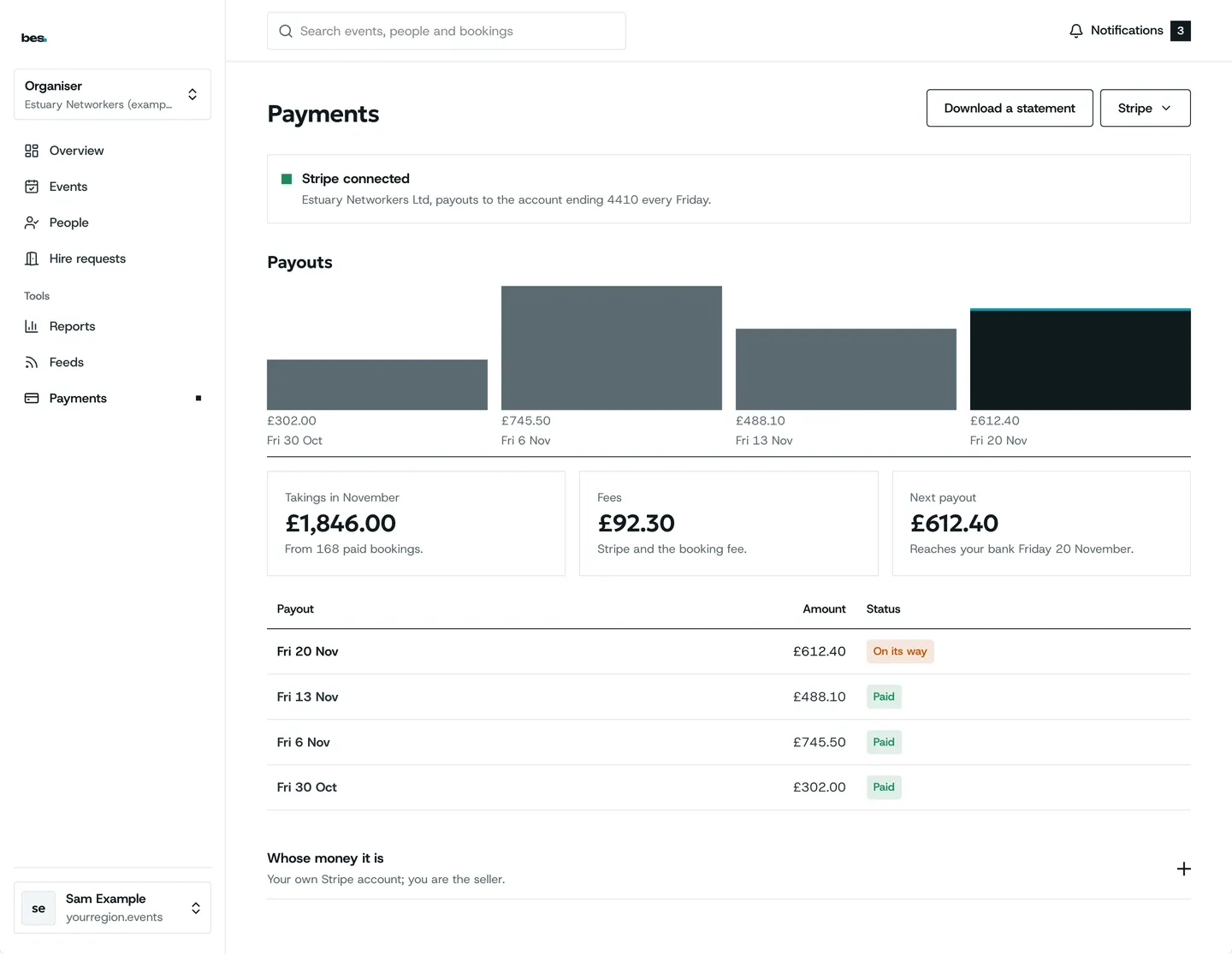
Your website
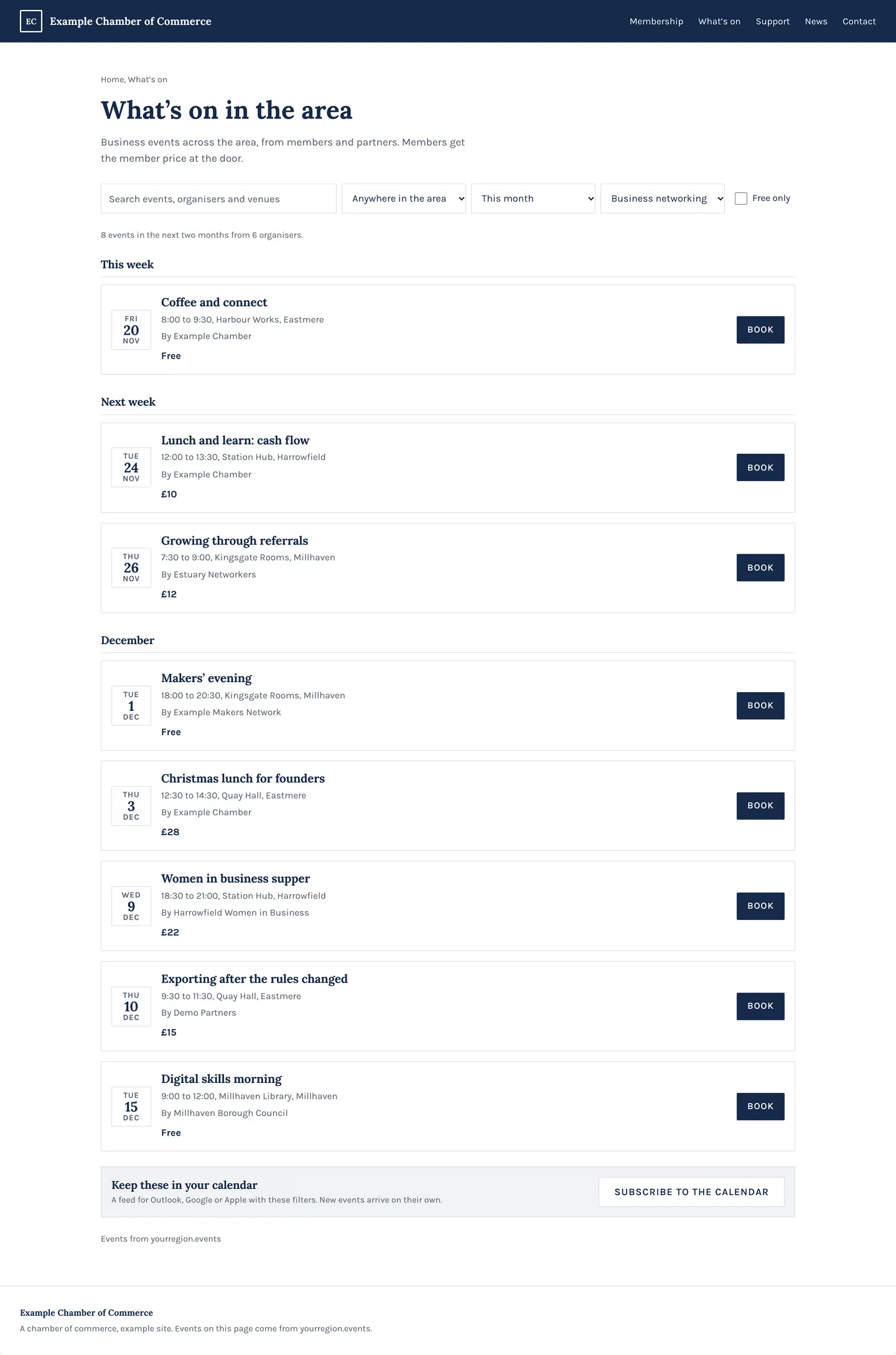
Show your events on your own site, styled to match.
4 guides
- Add your events to your website
- Share partner events
- A search bar or a directory
- A calendar link for a feed
Venues and rooms
Your venue page, arrival guide, rooms and hire enquiries.
11 guides
All 11 venues and rooms guides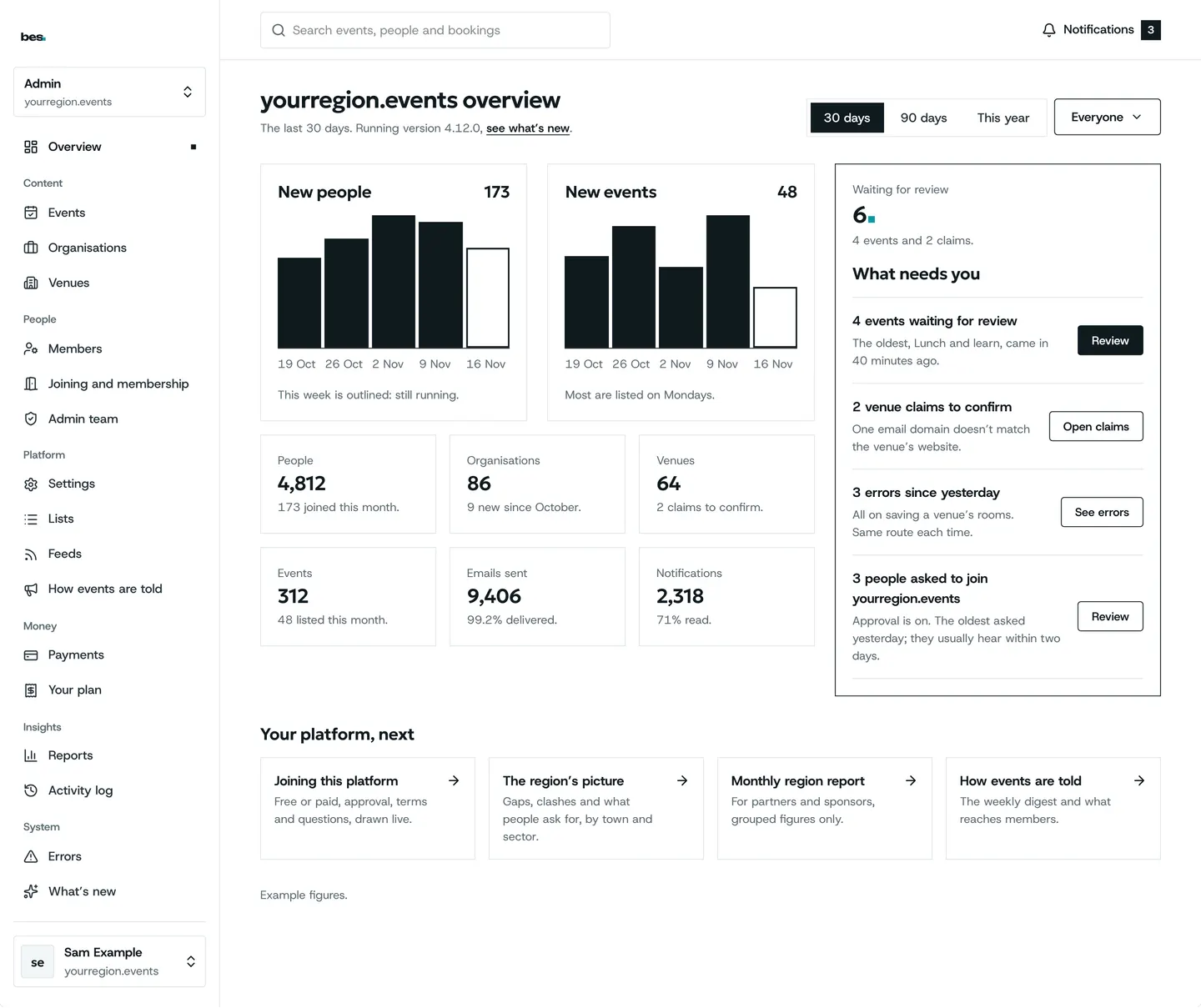
Your platform
For owners and region admins: your look, address, listings and members.
23 guides
All 23 your platform guides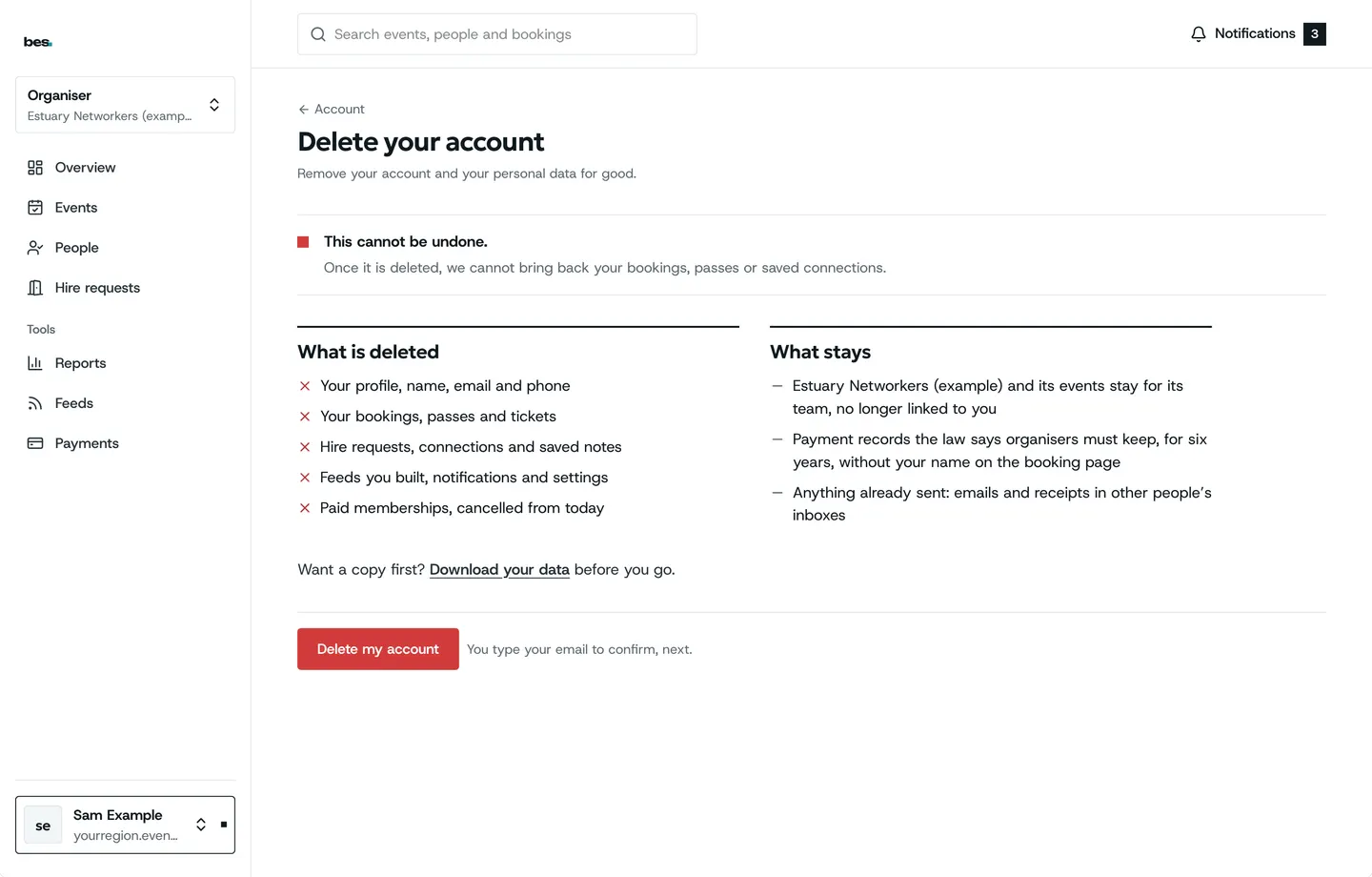
Your data and privacy
Download what is held about you, close your account, use lists fairly.
5 guides
All 5 your data and privacy guides
What’s new
Recent changes
- October 2026Arrival guides
Venues add parking, stations and which door, shown on every event they host.
Write your arrival guide - October 2026Your own sign-in look
Platforms choose the look of their sign-in screen.
Your look - September 2026Go-live
hampshire.events opened as the first platform on the system.
Your admin home
Questions
Asked often
The platform you booked on: its team’s address is in every email they send you. We look after the system, not the events.
Still stuck
Ask a person
- Booked on an event
The team that runs your platform can help with bookings and tickets; their address is in every email they send you.
- Running a platform
[email protected]. We usually reply within two working days.
- Something is broken
Report a problem: say what you did and what you saw.
- About your data
Security and your data says what is held and who sees it.