Every booking in one list
Bookings lists every booking across your events with its status; open a row to refund or download.
For organisers. You need bookings first.
Step by step
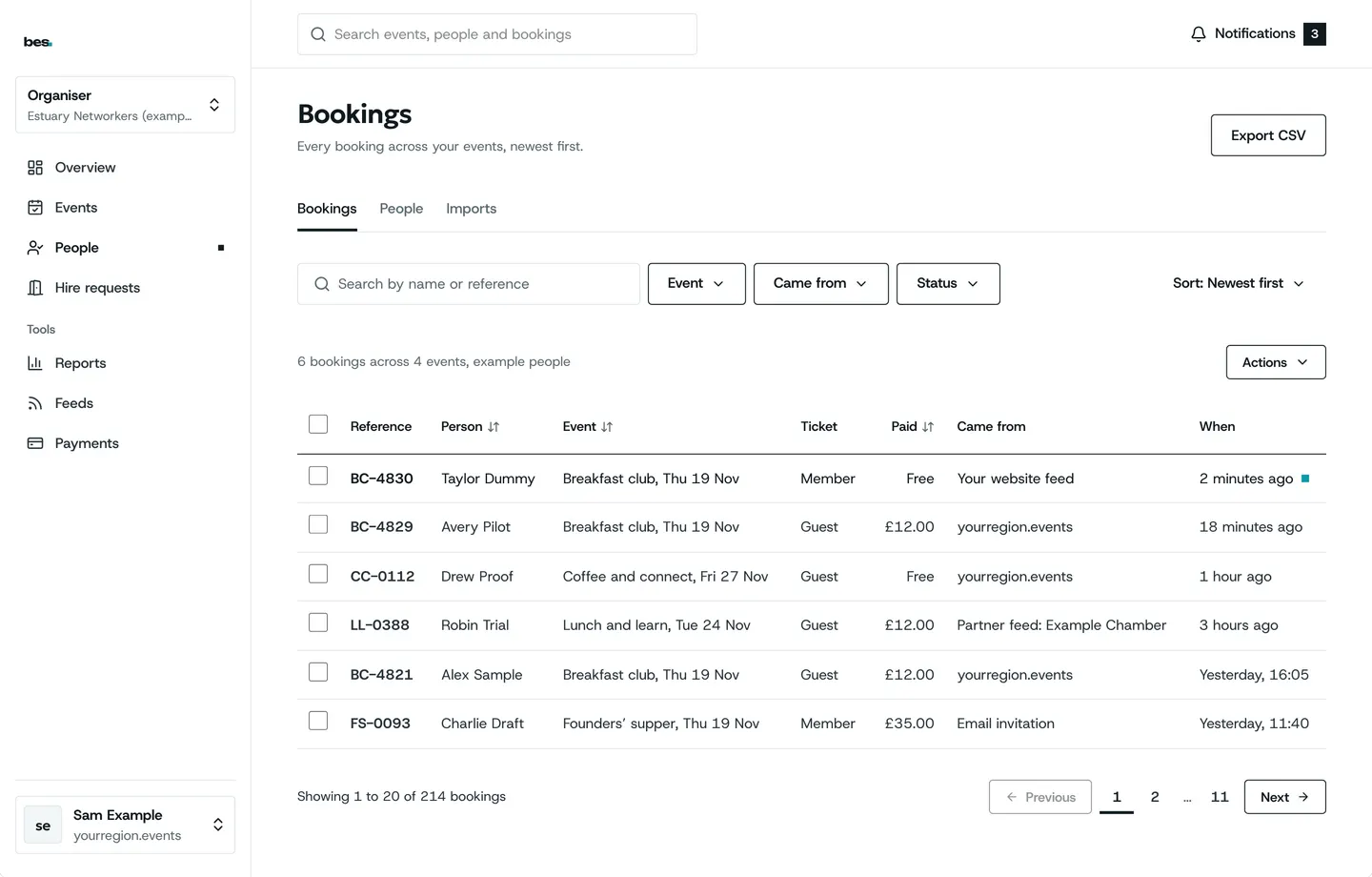
Step 1: Bookings
Newest first, with the event, the ticket and the status.
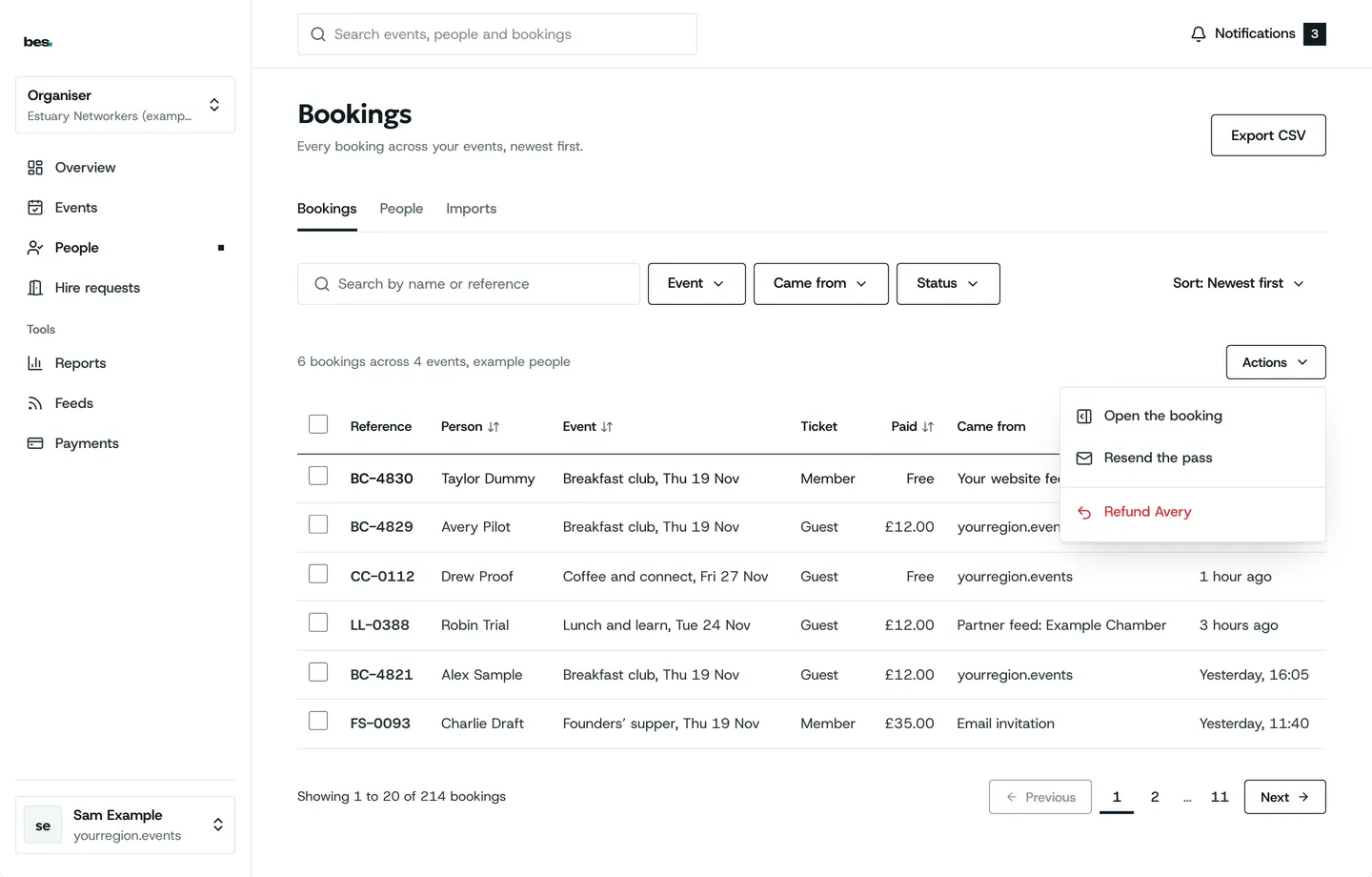
Step 2: One booking
The row’s menu has refund and cancel.
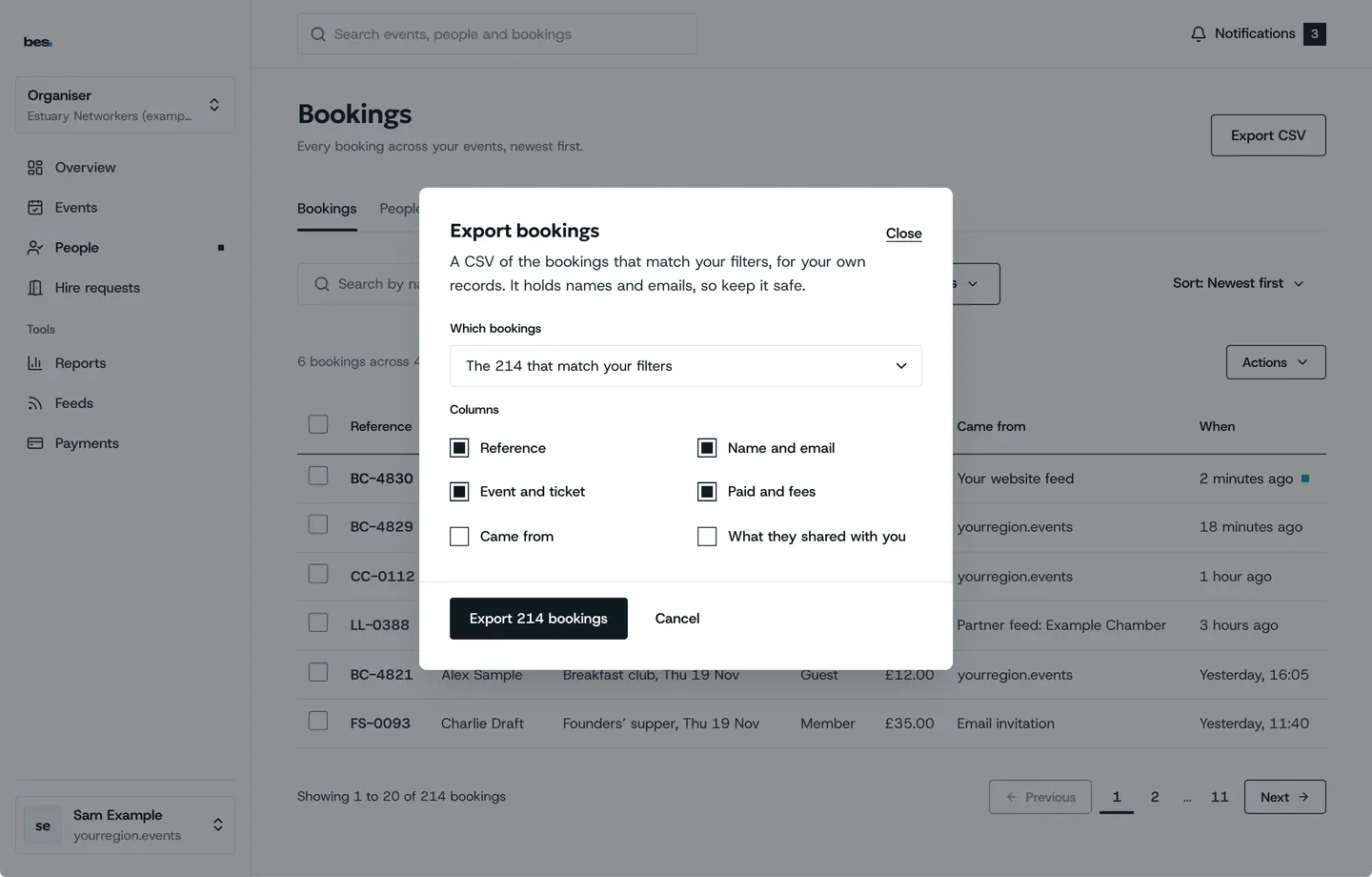
Step 3: Download
A spreadsheet of what is on screen, asked first.
Related guides
- RelatedWho is comingAttendees lists everyone booked; download it or take someone off.Read the guide
- RelatedRefund someoneFrom Attendees, open the person and choose Refund; it goes back to their card.Read the guide
More about this on Your data, one of our feature pages.
Was this helpful?
Reviewed 12 November 2026 and checked against the app that day. General information as at 12 November 2026, not legal, tax or financial advice. Screens show example data.