Refund someone
From Attendees, open the person and choose Refund; it goes back to their card.
For organisers and venues. You need a paid booking first.
Step by step
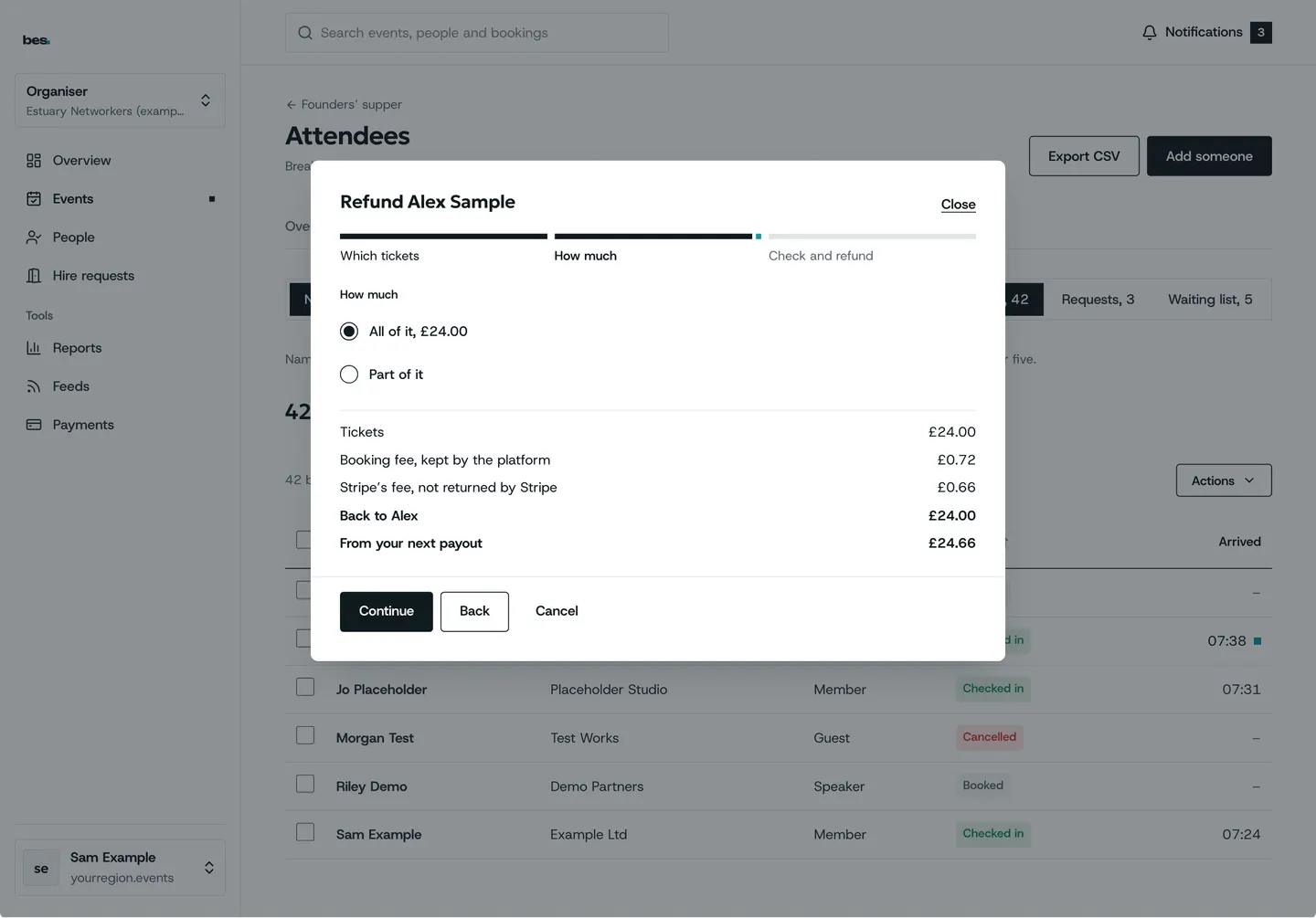
Step 1: Refund from the list
Choose how much and say why.
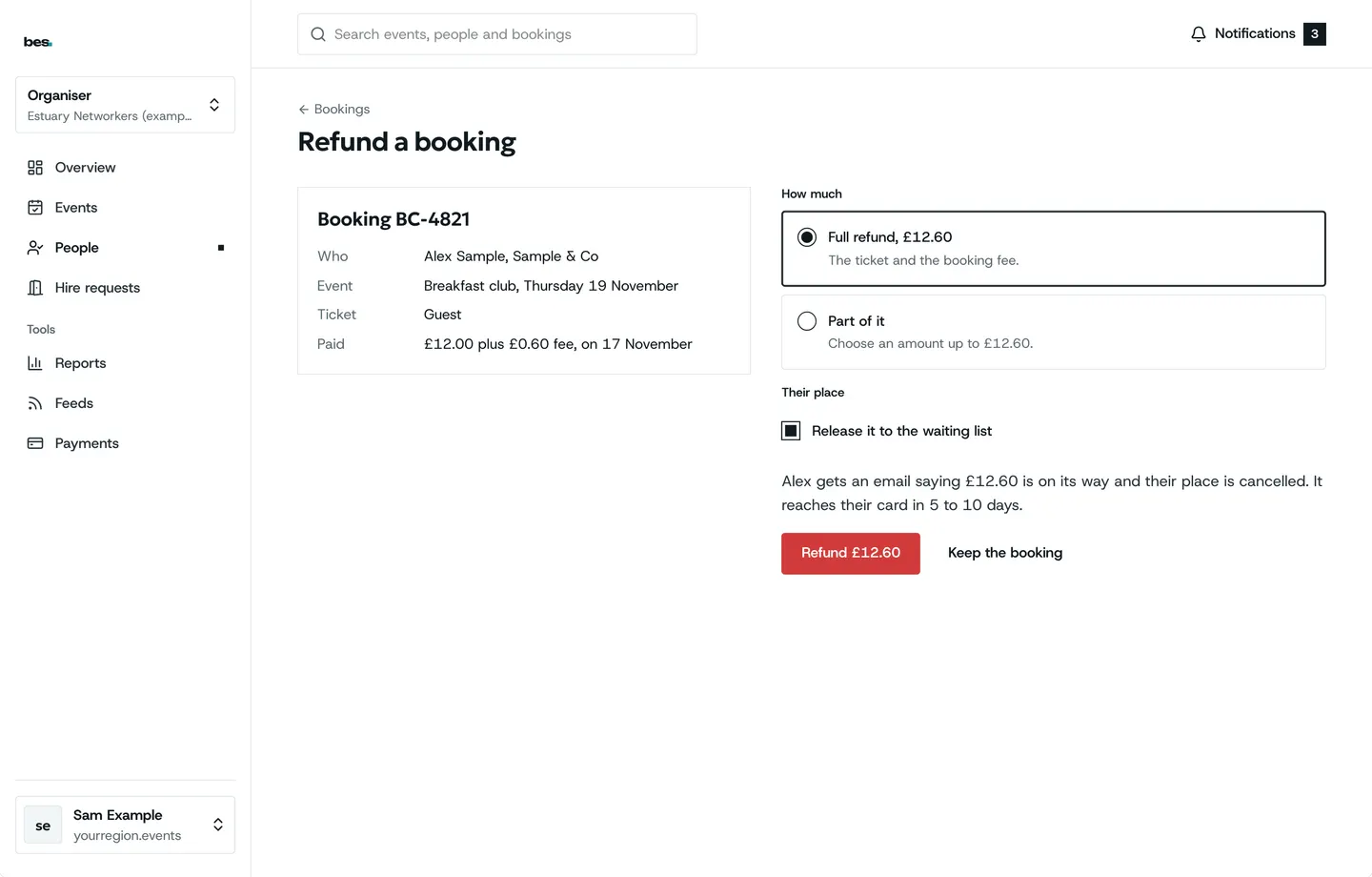
Step 2: Every refund
Refunds lists them with where each is.
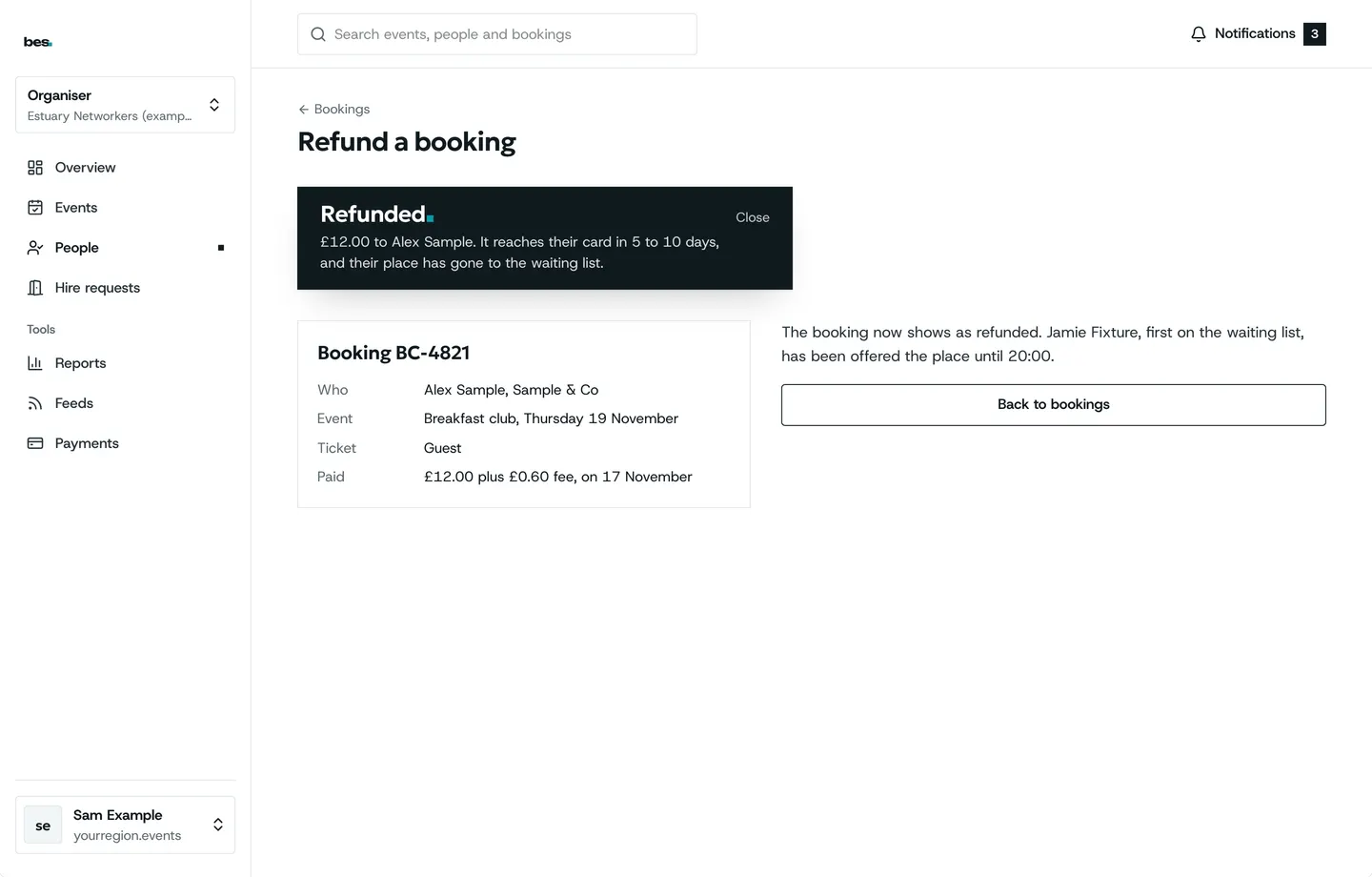
Step 3: Refunded
They are told by email.
Related guides
More about this on Payments and memberships, one of our feature pages.
Was this helpful?
Reviewed 12 November 2026 and checked against the app that day. General information as at 12 November 2026, not legal, tax or financial advice. Screens show example data.