Invite your team
Team, then Invite: give their email and a role, and they get a link.
For organisers and venues. You need an organisation first.
Step by step
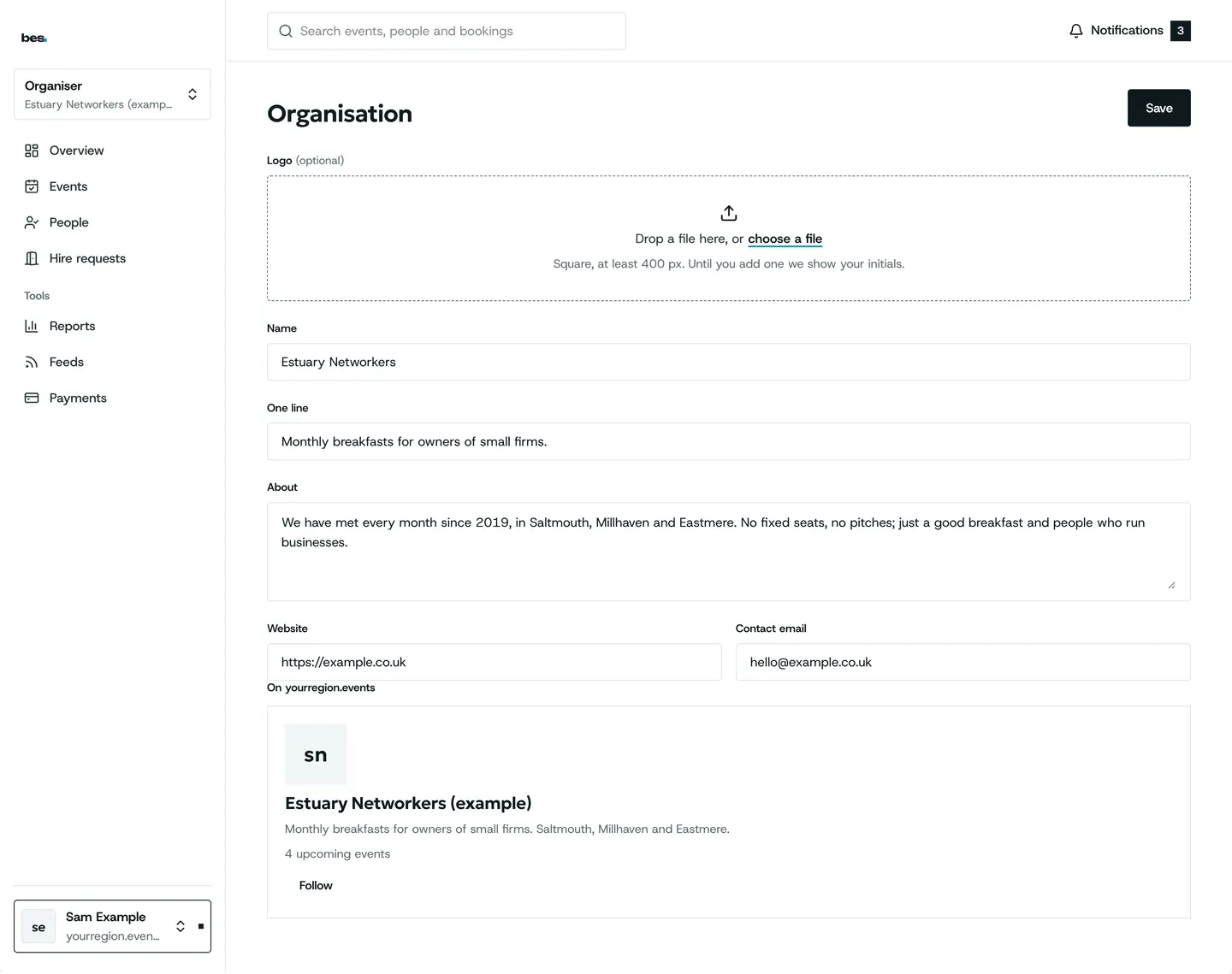
Step 1: Your organisation
This is how you appear on the region’s site. Add your logo and one line about what you do.
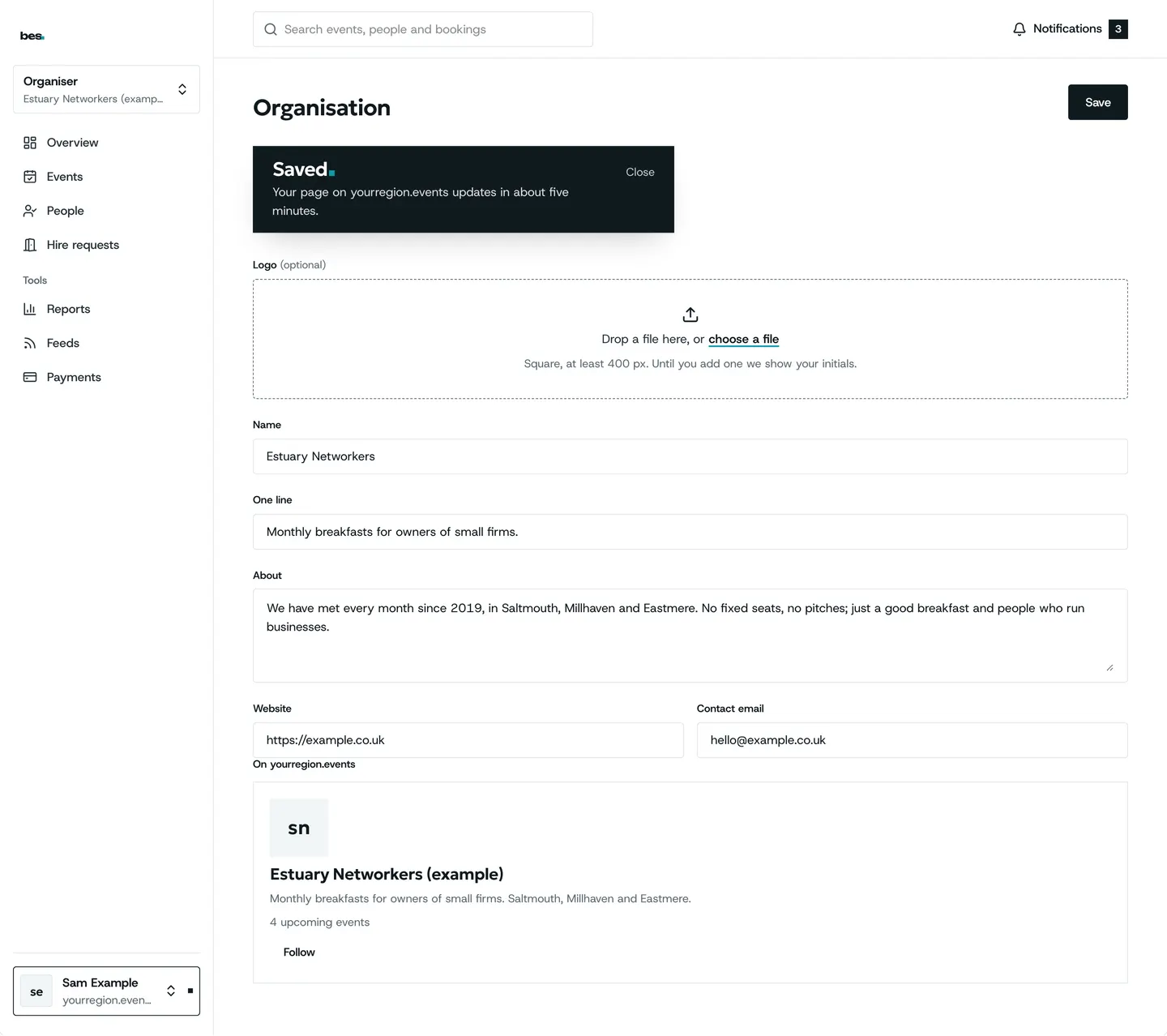
Step 2: Saved
Save, and every event of yours shows it.
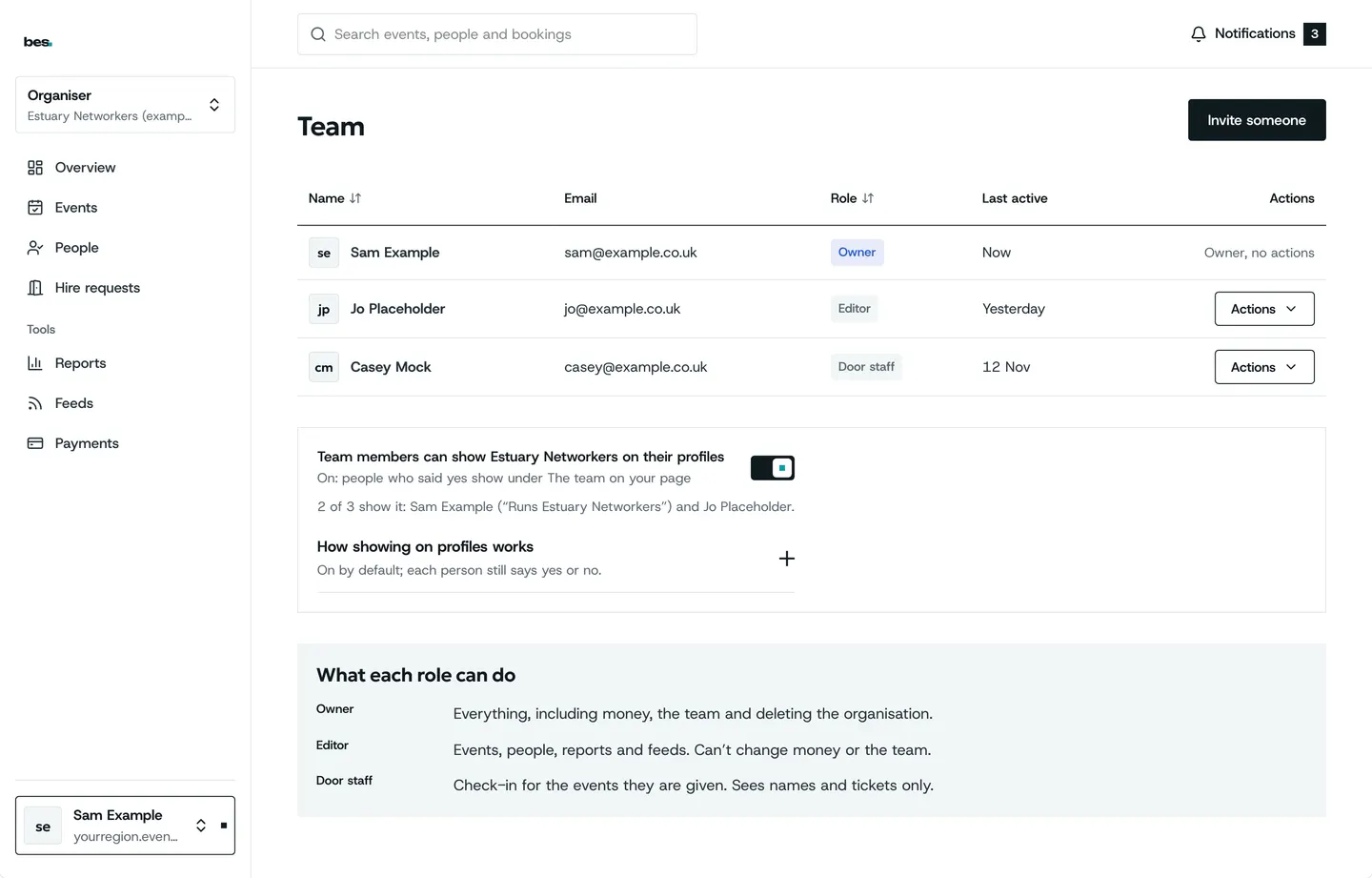
Step 3: Invite your team
Invite the people who help you. Give door staff the door role: they see check-in and nothing else.
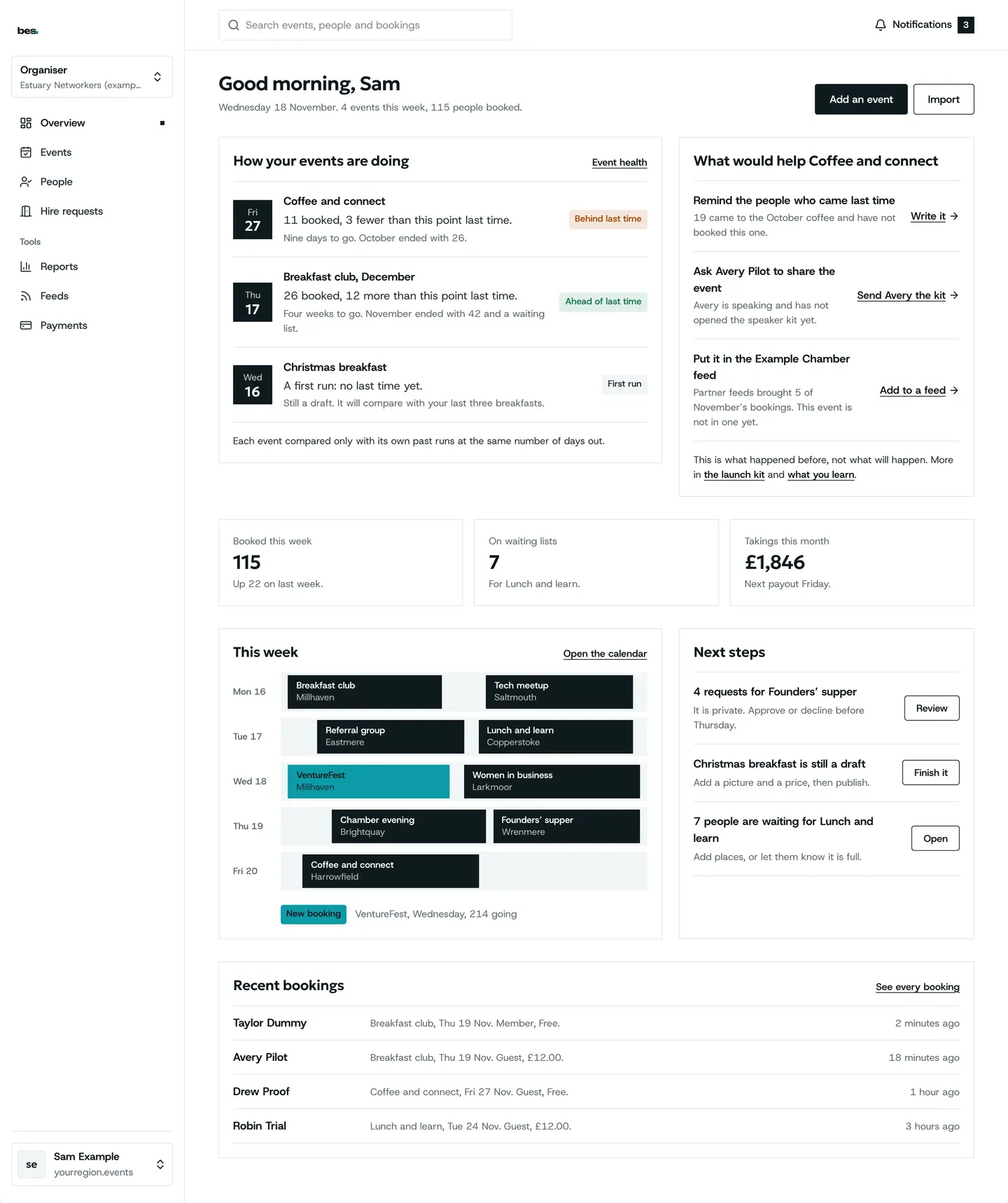
Step 4: What is next
Your home page ticks these off as you go. Next: publish your first event.
If something is wrong
If they say the invite never came, check the address on Team, then send it again from the row’s menu.
Good to know
Roles can be changed at any time from Team.
Someone invited who has no account makes one when they accept.
Related guides
More about this on Running your platform, one of our feature pages.
Was this helpful?
Reviewed 12 November 2026 and checked against the app that day. General information as at 12 November 2026, not legal, tax or financial advice. Screens show example data.