List your venue
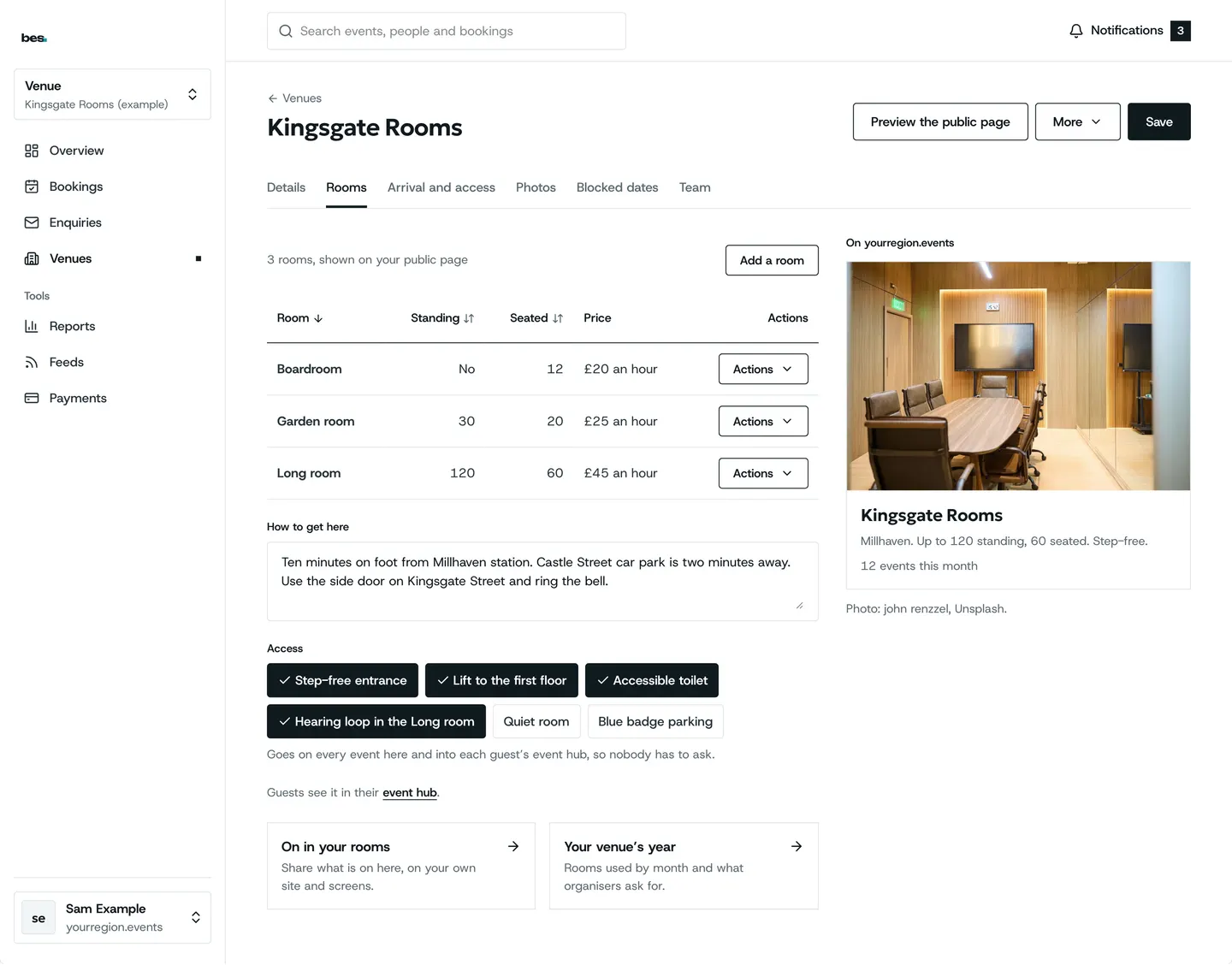
Sign in, add your venue’s name and address, and its page goes on the platform.
For venues. Nothing needed first.
Step by step
Step 1: Your venue
Name, address, a line about it.
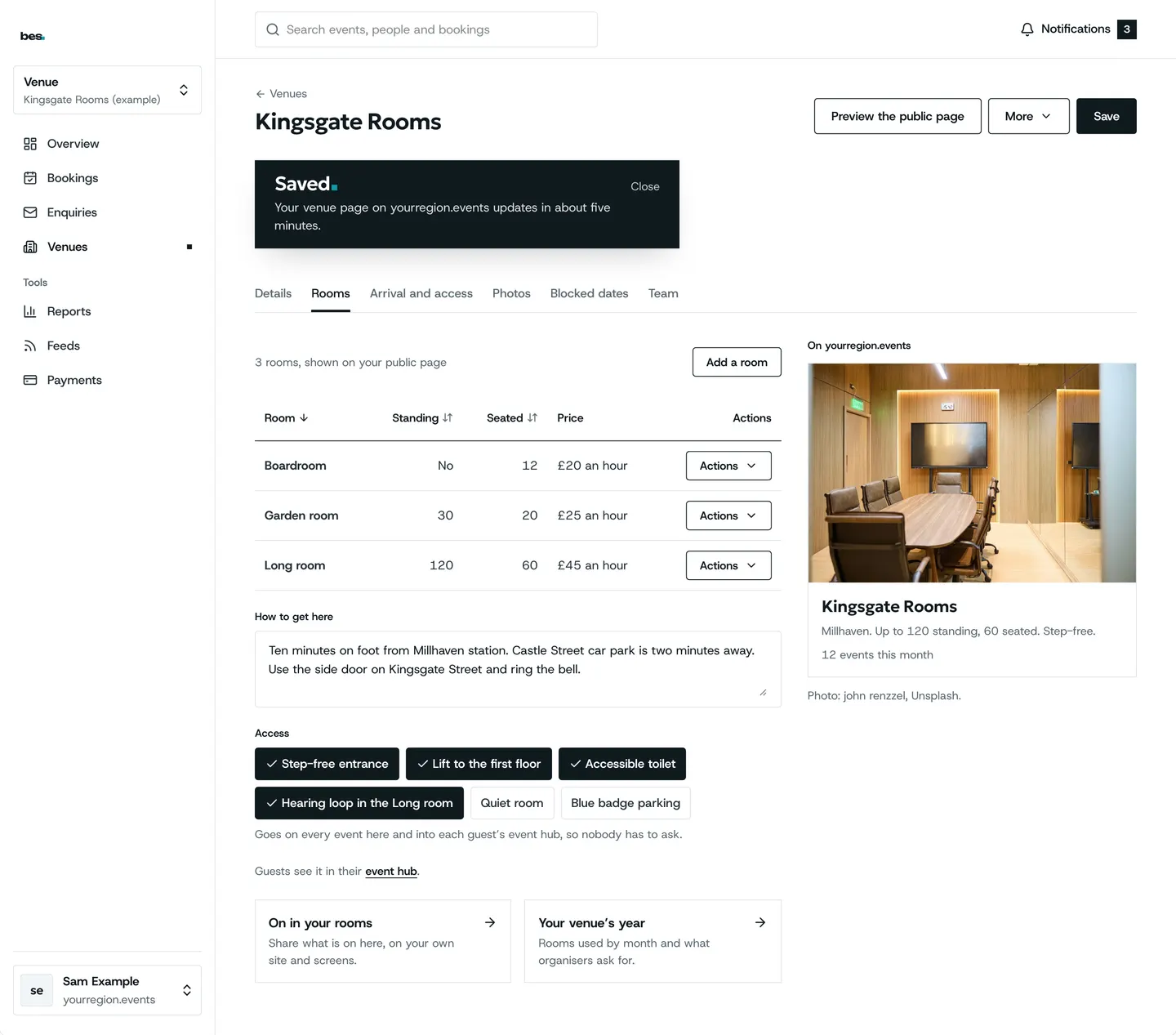
Step 2: Saved
Its page is on the platform.
What’s next
- NextWrite your arrival guideSay once how to get there and in; it shows on every event at your venue.Read the guide
- RelatedClaim your venueIf your venue is listed, choose Claim on its page; the platform’s team confirms it.Read the guide
More about this on Room hire, one of our feature pages.
Was this helpful?
Reviewed 12 November 2026 and checked against the app that day. General information as at 12 November 2026, not legal, tax or financial advice. Screens show example data.