Venues and rooms
Your venue page, arrival guide, rooms and hire enquiries.
11 guides in 3 parts.
/
Try , , . Press / to search from anywhere on the page.
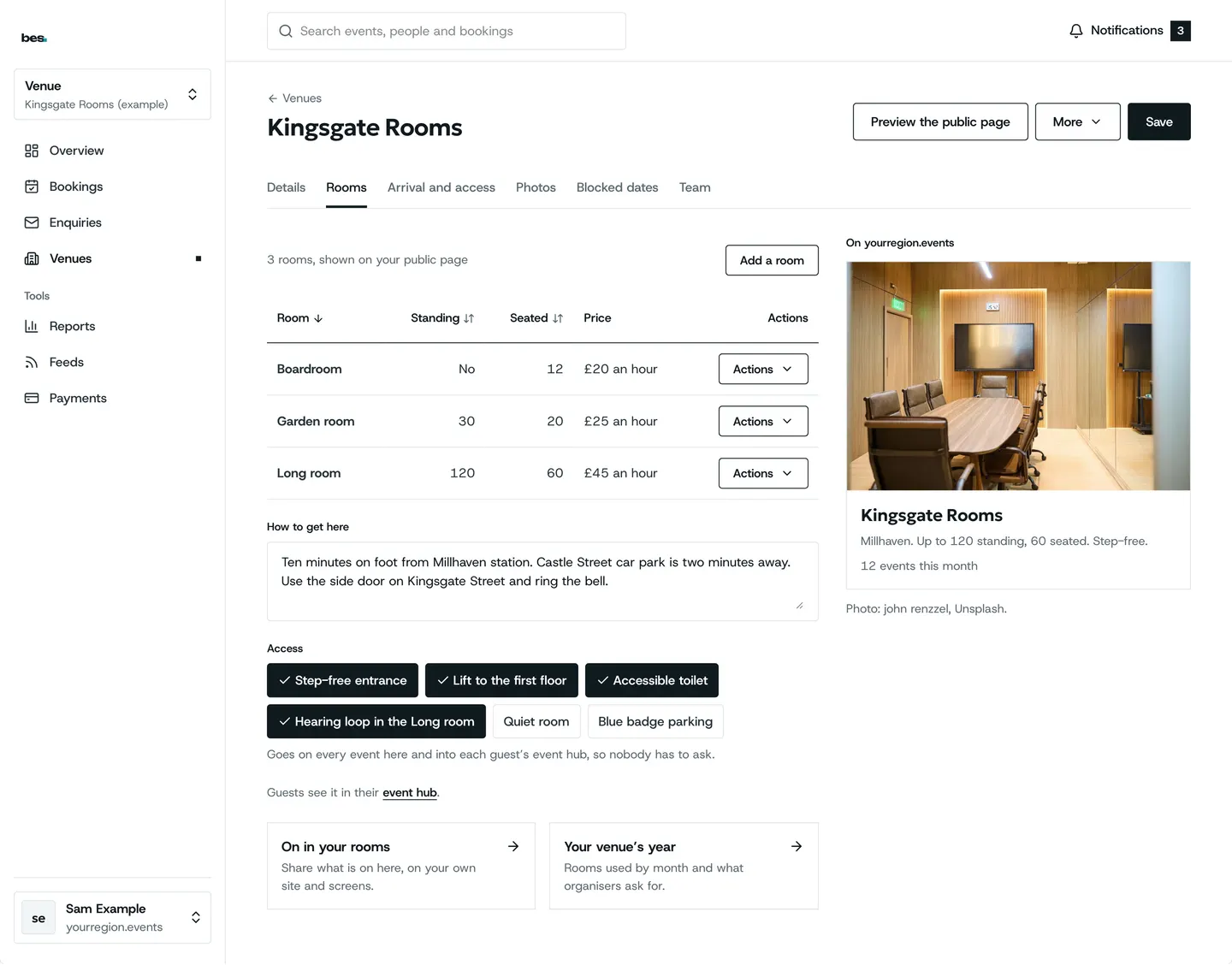
Your venue page
5 guides
- List your venueSign in, add your venue’s name and address, and its page goes on the platform.For venues. 2 steps.Read the guide
- Your venues at a glanceVenues in Studio lists the venues you run; Enquiries and Bookings hold what is new and what is confirmed.For venues. 3 steps.Read the guide
- Claim your venueIf your venue is listed, choose Claim on its page; the platform’s team confirms it.For venues. 2 steps.Read the guide
- Write your arrival guideSay once how to get there and in; it shows on every event at your venue.For venues. 2 steps.Read the guide
- Venue picturesAdd pictures on your venue listing and drag them into order; the first is the cover.For venues. 1 step.Read the guide
Rooms and dates
2 guides
Room hire
4 guides
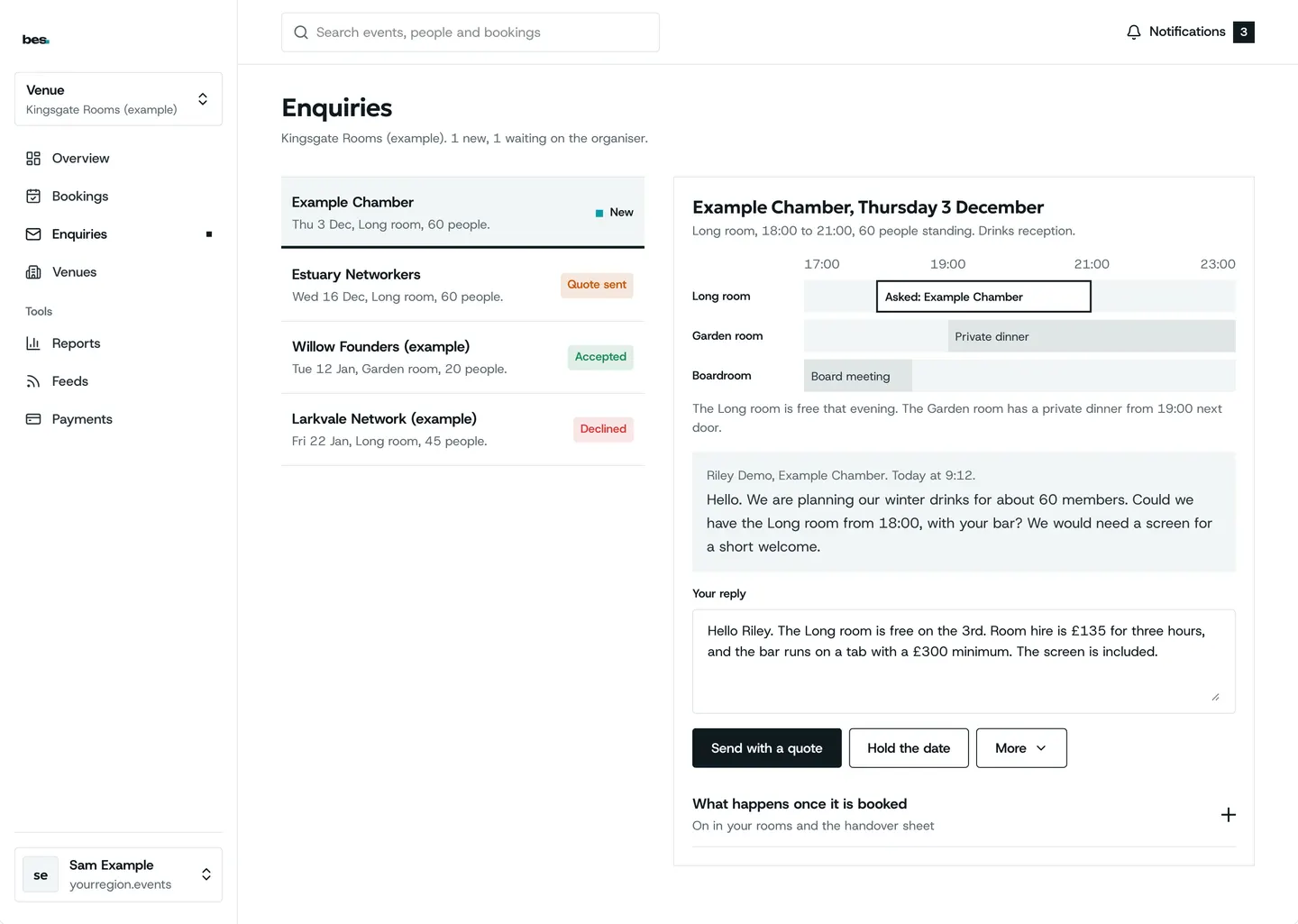
- Answer hire enquiriesHire enquiries lists each request; confirm, decline or send a quote.For venues. 2 steps.Read the guide
- Get paid for a hireSend a quote from the enquiry; they pay online and the room is booked.For venues. 3 steps.Read the guide
- Room hire on your websiteYour rooms and an enquiry form can sit on your own website.For venues. 2 steps.Read the guide
- Events held with youRoom bookings lists what is on in each room; the organiser can share the door with you.For venues. 2 steps.Read the guide
Other topics
- Getting started9 guidesOpen
- Finding and booking15 guidesOpen
- Your passes and the day5 guidesOpen
- Calendars3 guidesOpen
- Running events19 guidesOpen
- Bookings and tickets9 guidesOpen
- Check-in5 guidesOpen
- Money4 guidesOpen
- Your website4 guidesOpen
- People and reports2 guidesOpen
- Your platform23 guidesOpen
- Your data and privacy5 guidesOpen
Still stuck
Ask a person
- Booked on an event
The team that runs your platform can help with bookings and tickets; their address is in every email they send you.
- Running a platform
[email protected]. We usually reply within two working days.
- Something is broken
Report a problem: say what you did and what you saw.
- About your data
Security and your data says what is held and who sees it.