Your rooms, full more often
Rooms with rates, enquiries straight to your team, a hire schedule that flags clashes, and payment taken.
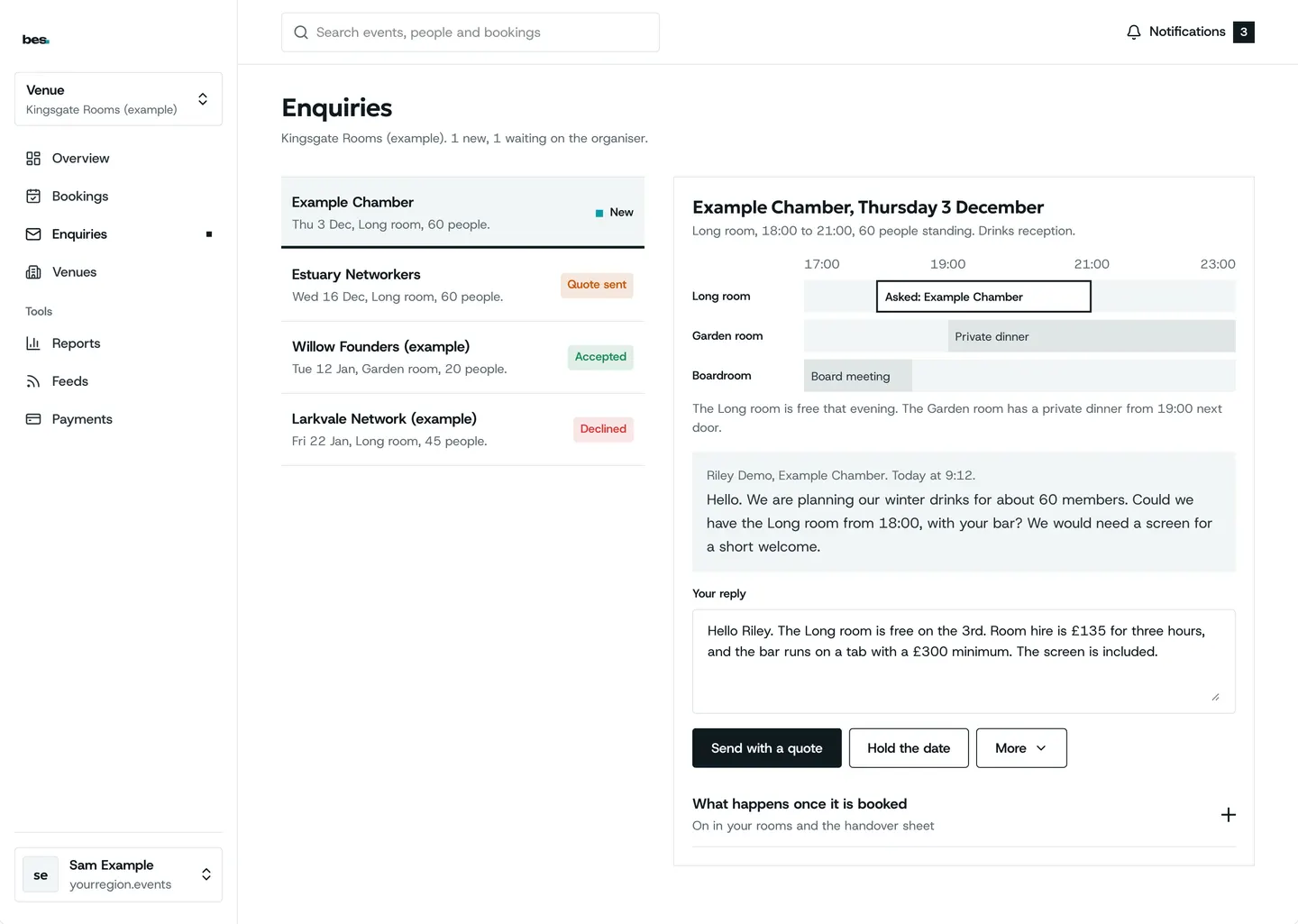

In one look
From an enquiry to paid
- An enquiryFrom your website
- AnsweredWith a note
- ConfirmedOn the schedule
- PaidInto your account
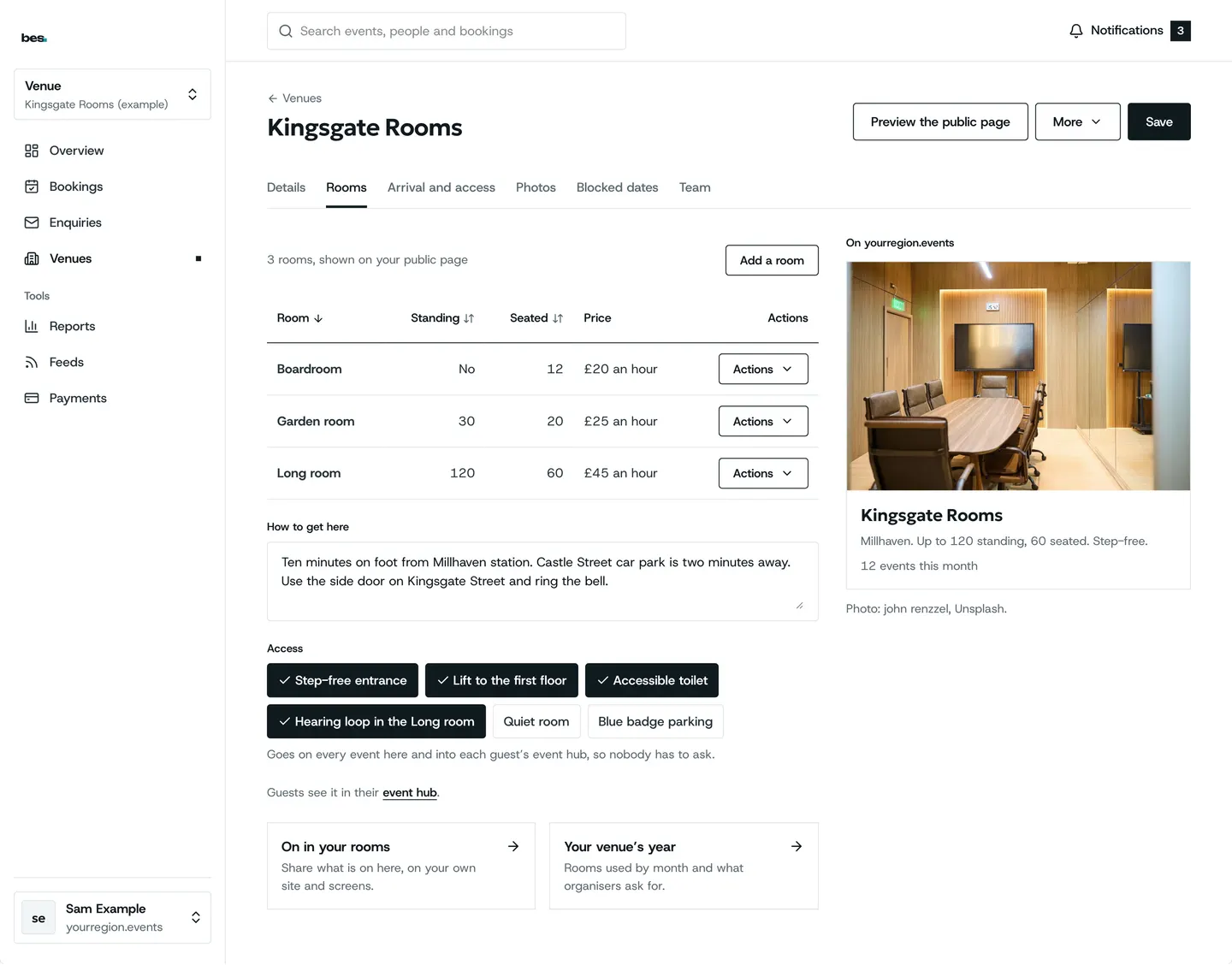
Rooms with rates
Each room with its capacity, layouts and rate, and the dates it is closed.
- Capacity and layouts
- Rates by the hour or day
- Block out dates
How to: Add your rooms, Block out dates
Enquiries to your team
Every request arrives with the room, the date and the numbers; confirm or decline with a note.
- Room, date and numbers
- Confirm or decline
- Nothing lost in an inbox
How to: Answer hire enquiries
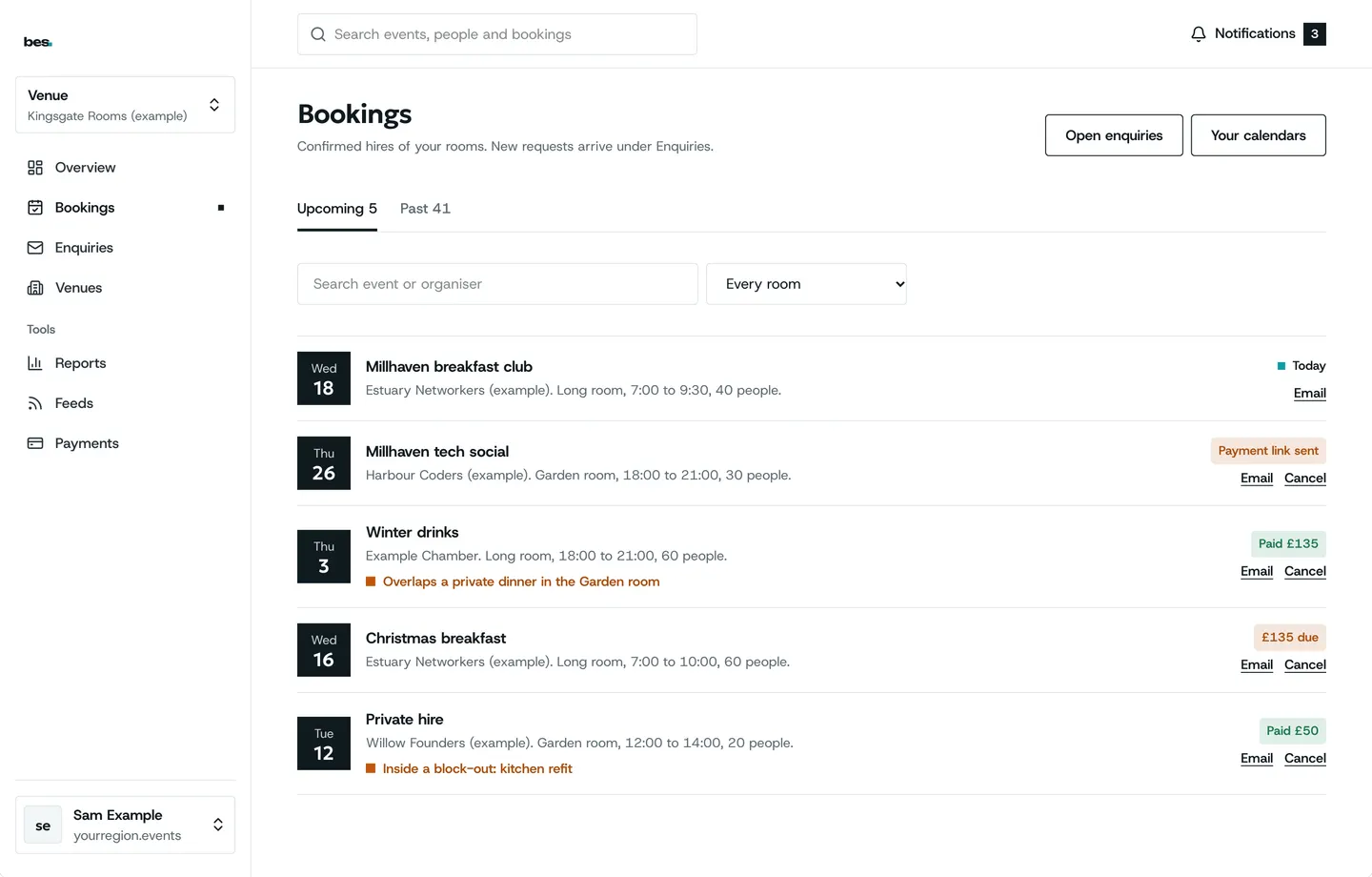
A schedule that flags clashes
Hires and events on one calendar, a clash flagged before it lands, payment taken online.
- Paid, awaiting, refunded
- Clashes flagged first
- Payment taken online
How to: Get paid for a hire
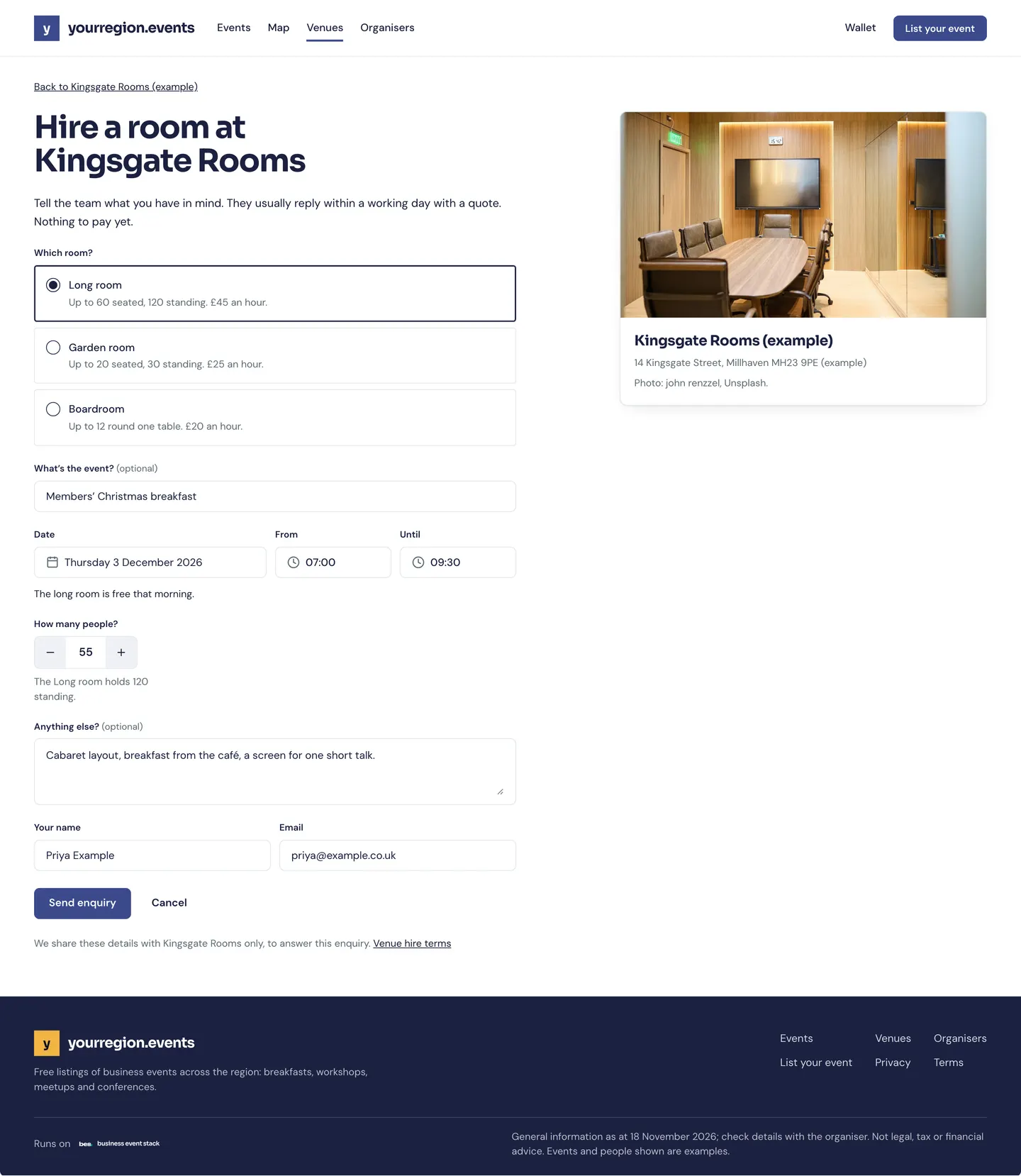
Hire on your own website
Your rooms and the enquiry form on your own site, styled to match.
- Your rooms shown
- The form on your site
- Enquiries to the same place
How to: Room hire on your website
What people ask
Rooms do not sync with your own calendar yet; that is in design.
Goes well with
- Venue pages and arrival guidesStations, car parks, the right entrance and step-free routes, written once by the venue and shown on every event there.See the feature
- Your events on your websiteYour events on your own website and your partners’, styled to match and kept up to date, with one link for your web person.See the feature
- Payments and membershipsTickets and memberships by card, paid into the account of whoever runs the event, by the rules they set.See the feature