Paid into your account
Tickets and memberships by card, paid into the account of whoever runs the event, by the rules they set.
In one look
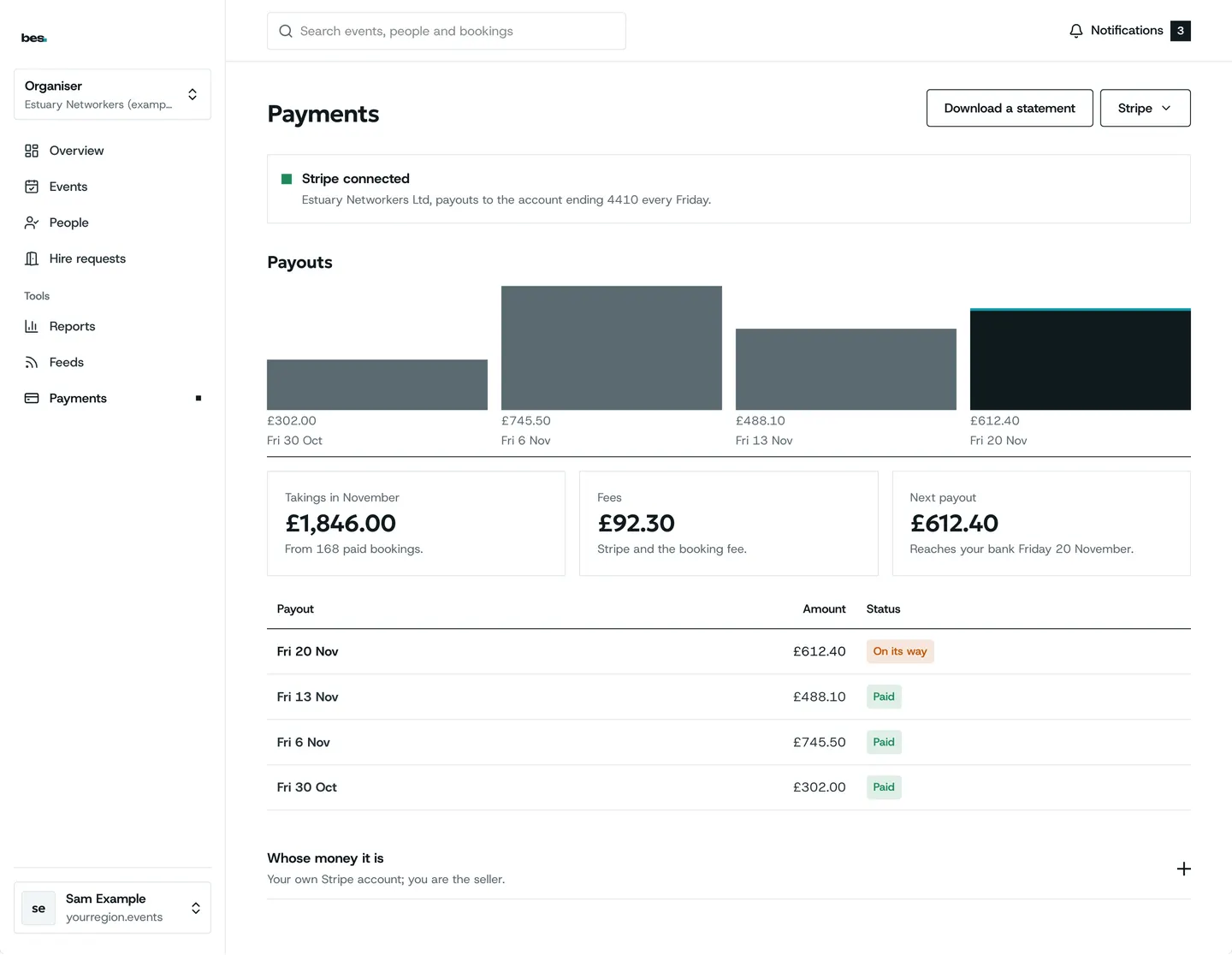
Where a ticket’s money goes
- Card payment by StripeCard details never reach us
- The organiser’s own accountPaid straight in
- A platform feeOnly if the owner sets one
- RefundsBy the organiser’s rules
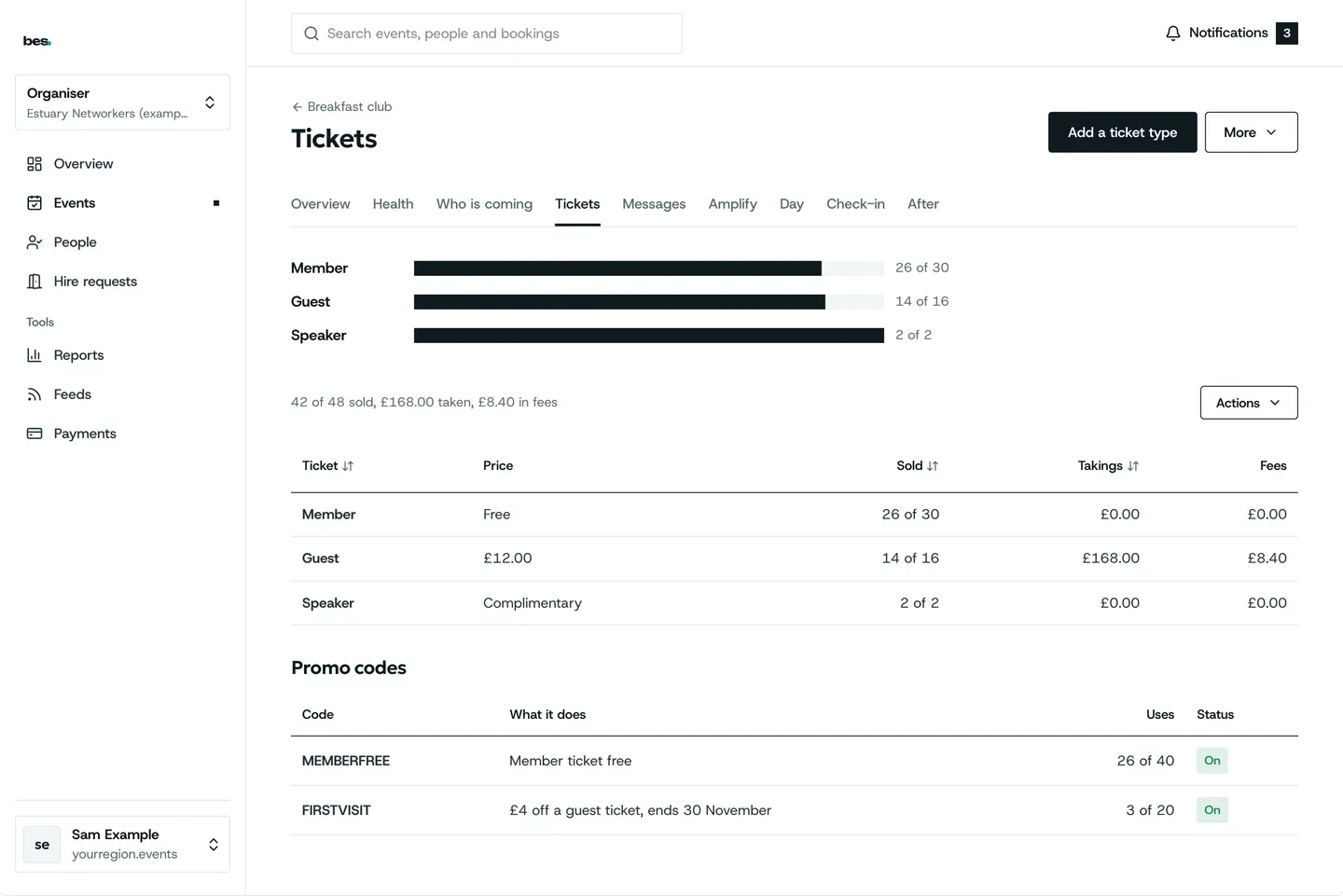
Card payments to your account
Connect your own Stripe account once and ticket money goes straight to it.
- Connect once
- Ticket types with their own prices
- Free and paid side by side
How to: Connect Stripe, Ticket types
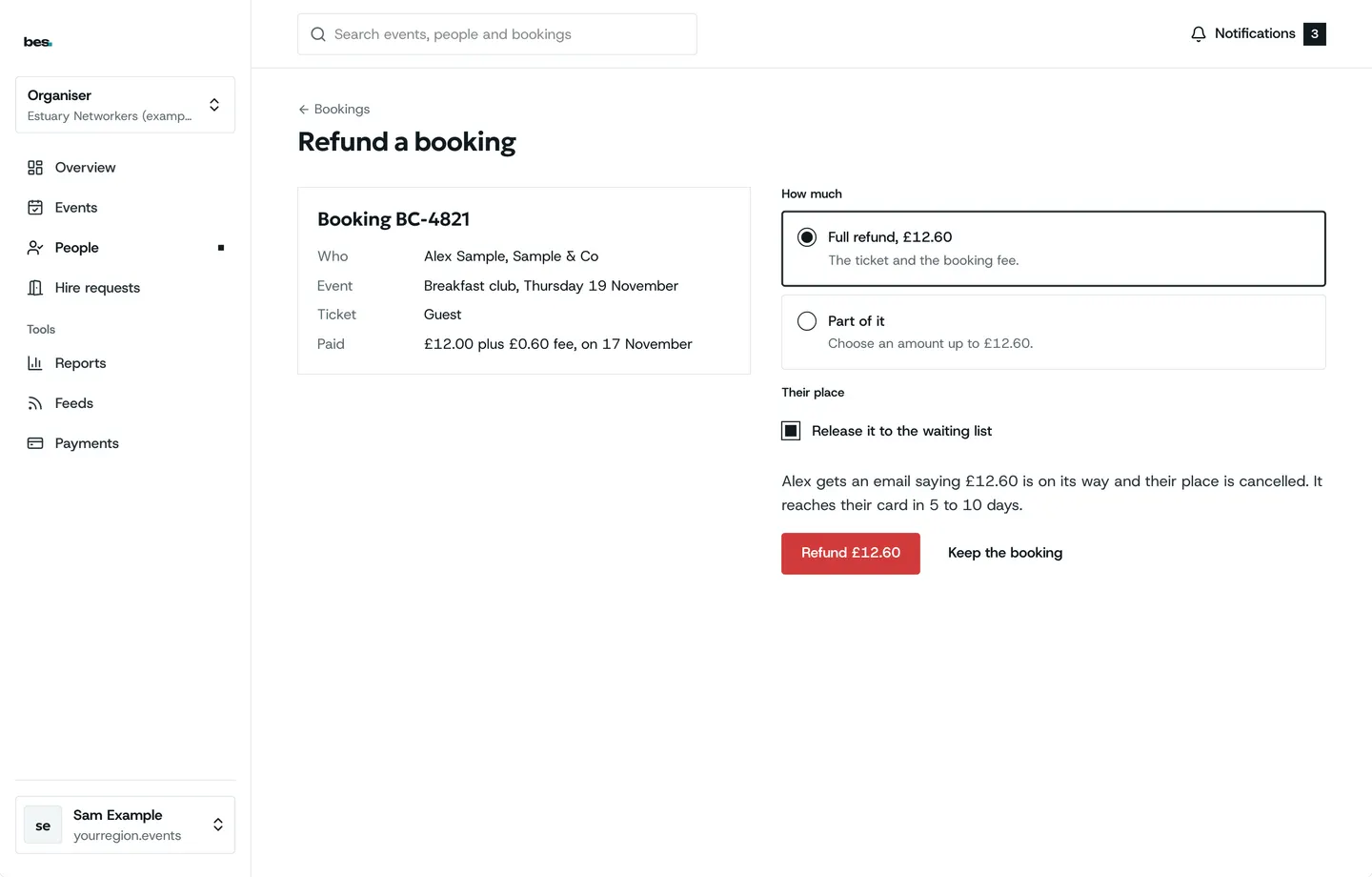
Refunds by your rules
Refund a place in full or in part, and people see it on their booking.
- Full or part
- Shown on the booking
- Cancelled places offered on
How to: Refund someone
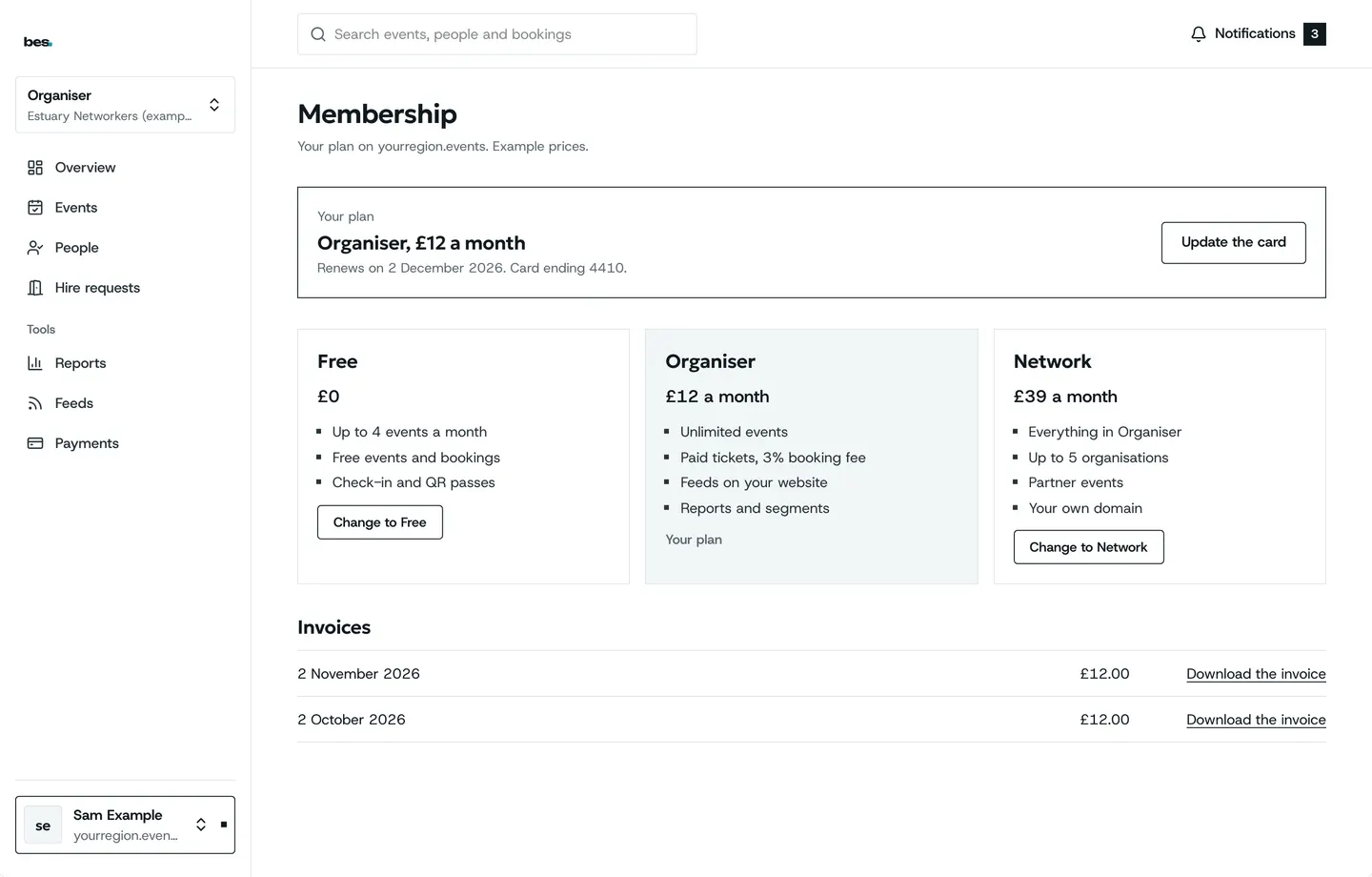
Memberships and member prices
Charge a membership, and give members their own price on events.
- Membership plans
- Member and guest prices
- Who pays what is your call
How to: Membership plans, Pay a membership
Fees and VAT, said plainly
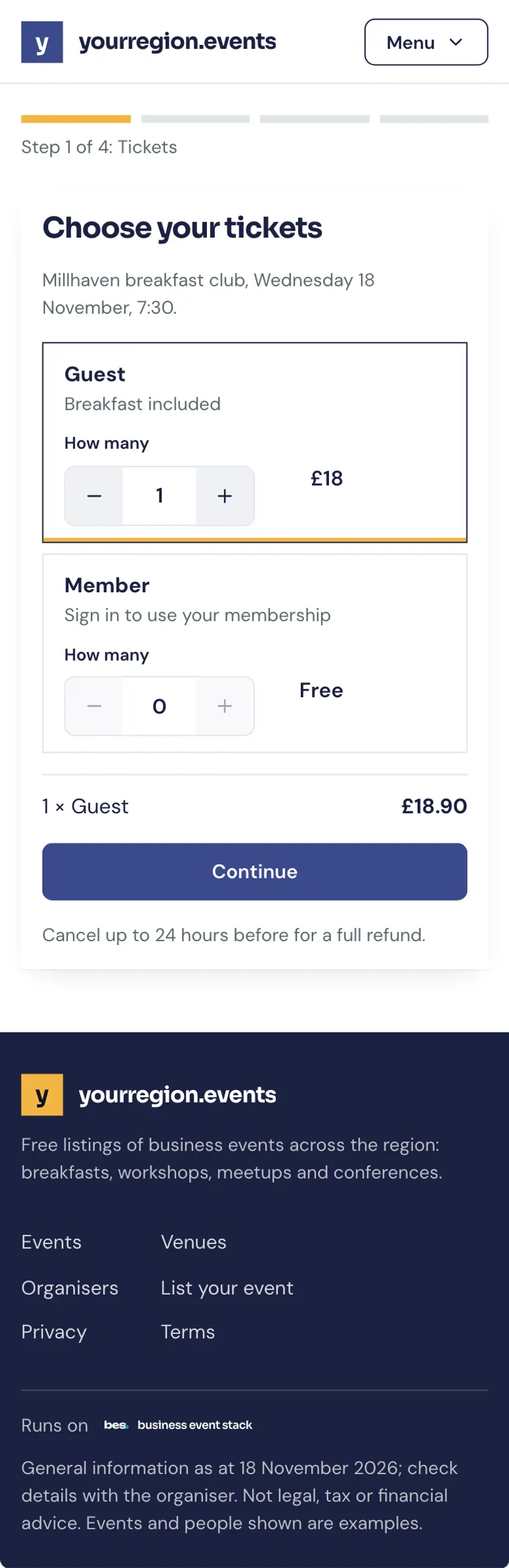
A platform can add its own fee to bookings; organisers add a VAT number.
- A platform fee if set
- Sale dates for early prices
- A VAT number on receipts
Partly built The full price with fees shows at checkout today; a preview before checkout and VAT invoices are partly built.
How to: Booking fees, When sales open and close, Add a VAT number
What people ask
A fee preview before checkout and VAT invoices are not finished. The price with fees shows at checkout.
Goes well with
- Bookings, waiting lists and approvalsPlaces that count down, a waiting list that offers every free place, and approval where you choose who gets in.See the feature
- Room hireRooms with rates, enquiries straight to your team, a hire schedule that flags clashes, and payment taken.See the feature
- Running your platformEvery listing checked before it goes live, your lists and categories, your team and members, and a platform full from day one.See the feature