Move between your roles
Open the menu under your name and choose the mode you want: your bookings, an organisation, a venue or admin.
For organisers, venues and platform owners. You need two roles first.
Step by step
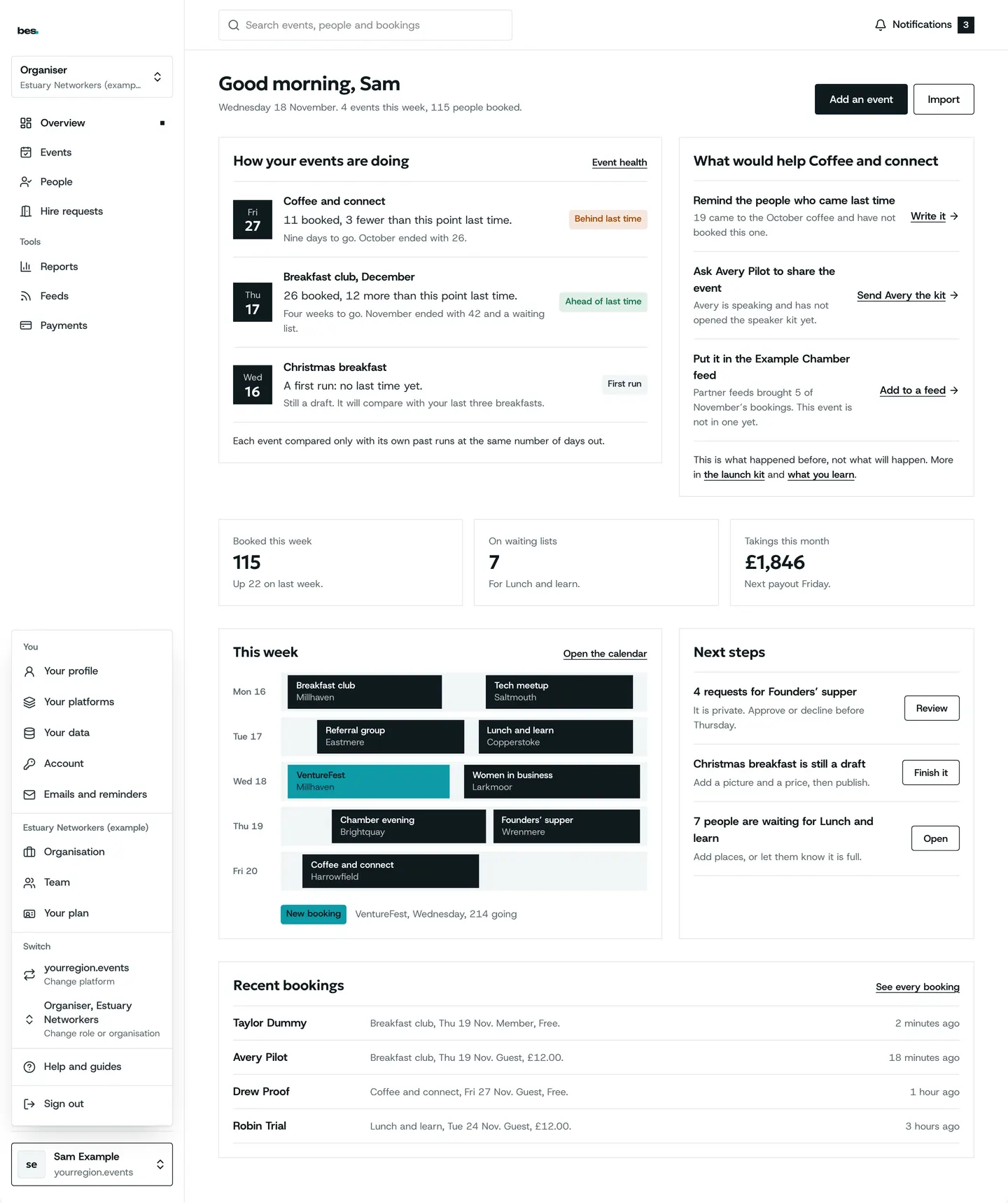
Step 1: Open the menu under your name
At the top right, your name opens a menu listing every role you have.
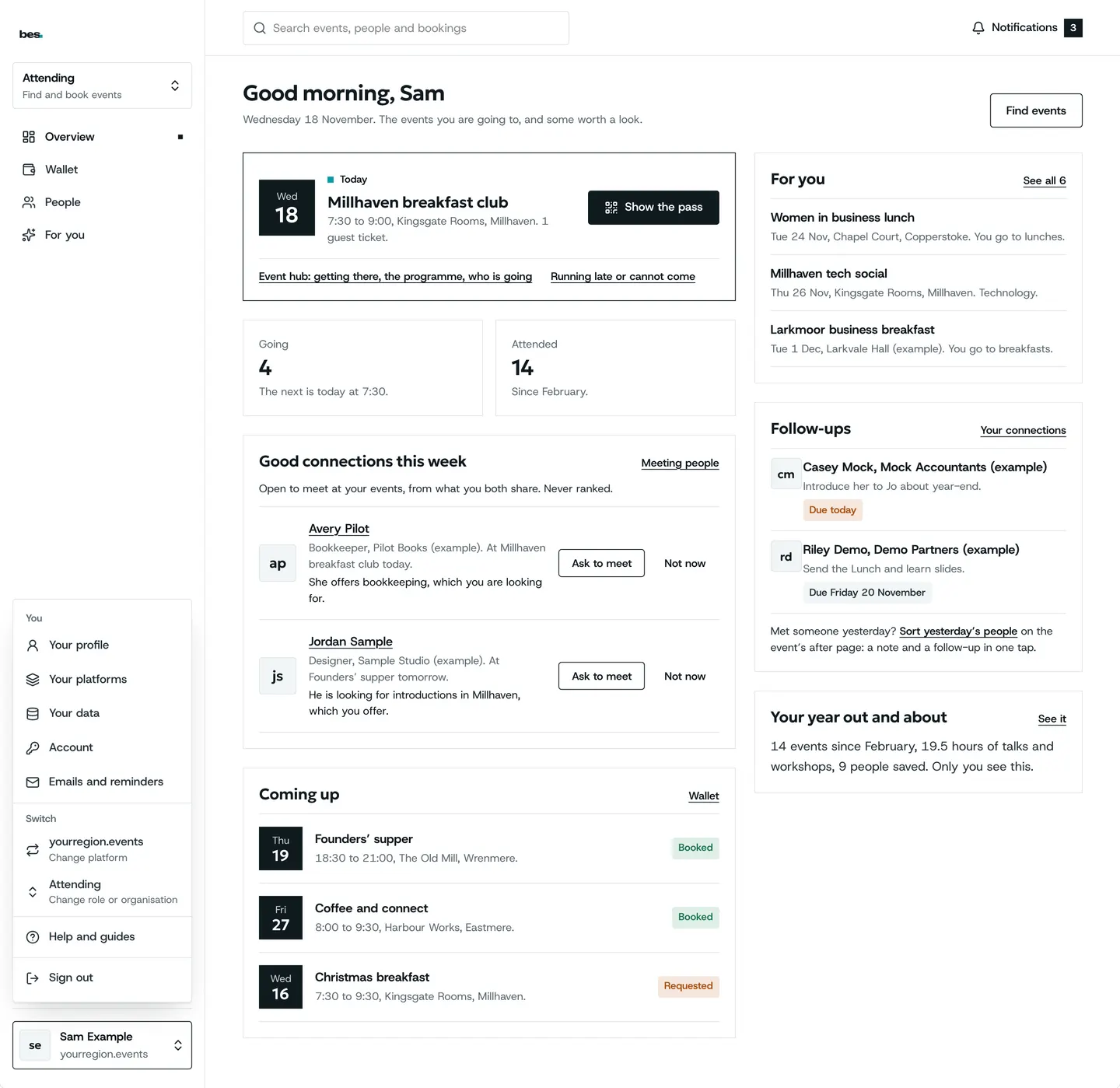
Step 2: Choose your bookings
Your bookings is the attendee side: what you are going to.
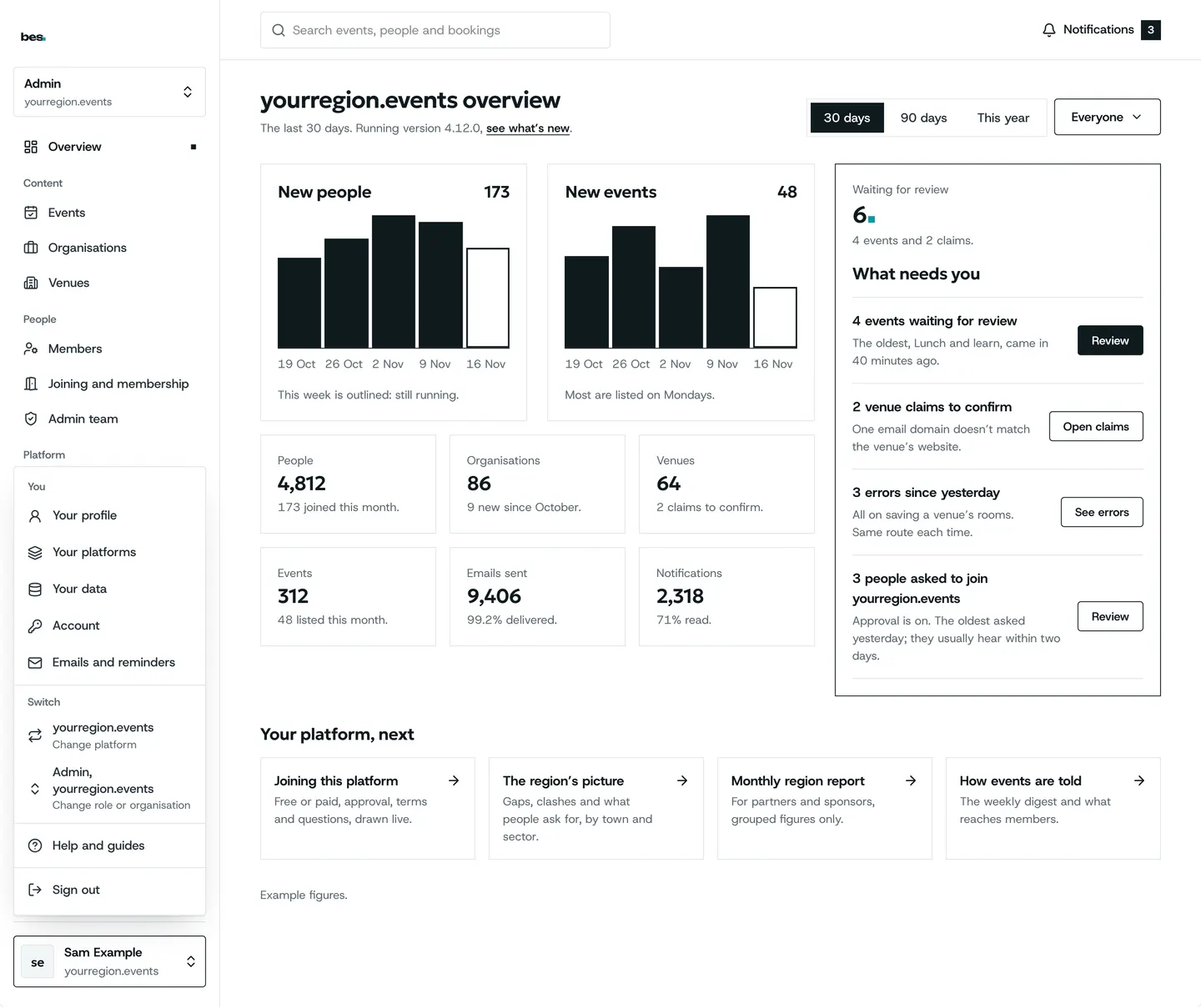
Step 3: Or choose admin
If you look after a platform, Admin opens its admin home.
Tips
The mode you were last in opens next time you sign in.
Related guides
More about this on Running your platform, one of our feature pages.
Was this helpful?
Reviewed 12 November 2026 and checked against the app that day. General information as at 12 November 2026, not legal, tax or financial advice. Screens show example data.