Getting started
Your account, signing in, and moving between your roles.
9 guides in 3 parts.
/
Try , , . Press / to search from anywhere on the page.
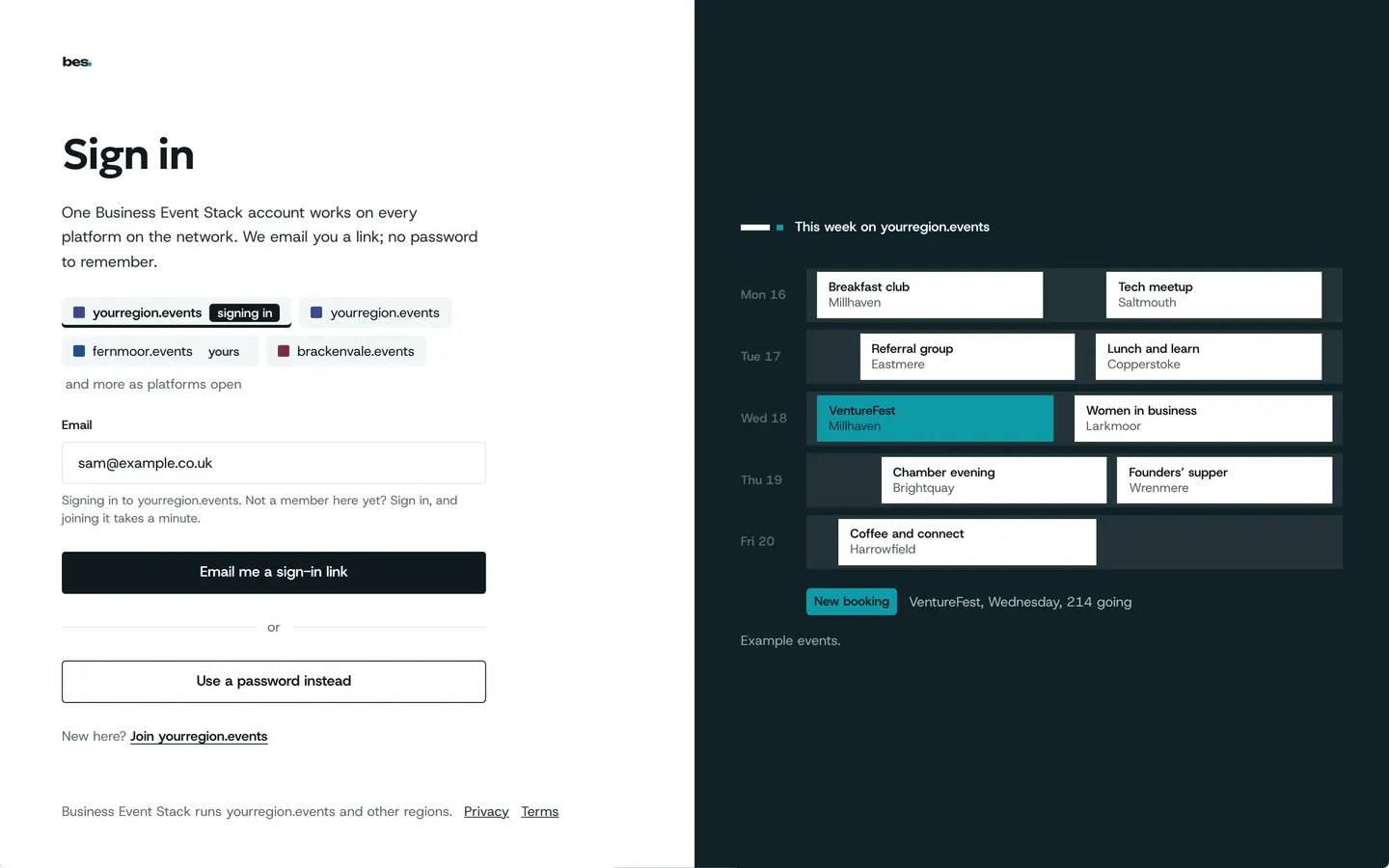
Your account
4 guides
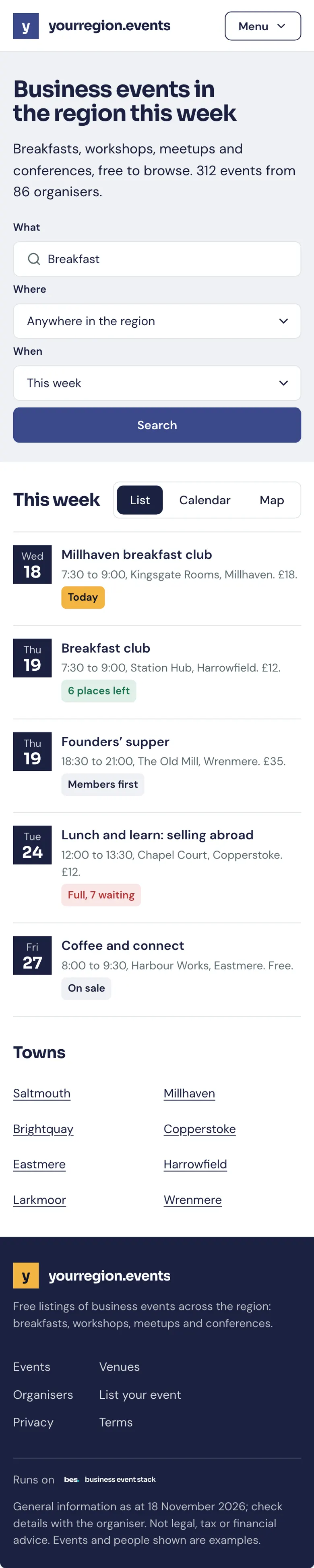
- Create an accountChoose Sign in, then Create an account: give your email, confirm it with the code we send, and you land back where you were.For people who go, organisers and venues. 4 steps.Read the guide
- Sign in, reset or change a passwordSign in with your email and password; reset a forgotten password from Sign in.For people who go, organisers, venues and platform owners. 5 steps. Partly in the app.Read the guide
- Your account and settingsAccount holds what only you see: your name and job, your sign-in email and password, your time zone and which emails you get.For people who go, organisers, venues and platform owners. 4 steps.Read the guide
- Add it to your home screenIn your phone’s browser, choose Share and then Add to Home Screen; it opens like an app after that.For people who go and organisers. 3 steps.Read the guide
Roles and platforms
3 guides
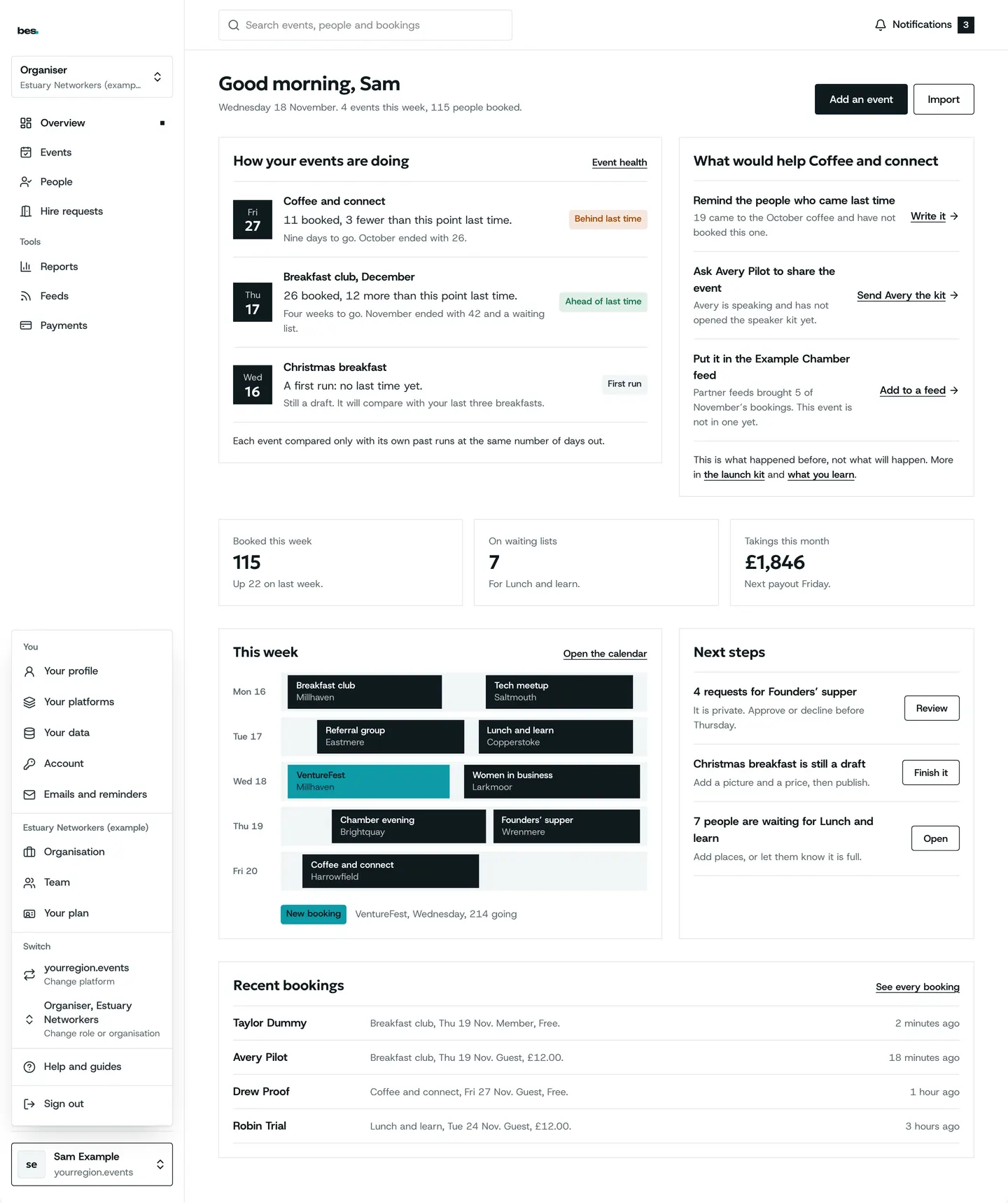
- Move between your rolesOpen the menu under your name and choose the mode you want: your bookings, an organisation, a venue or admin.For organisers, venues and platform owners. 3 steps.Read the guide
- Use your account on another platformSign in with the same email on the other platform; your account comes with you.For people who go, organisers, venues and platform owners. 3 steps.Read the guide
- Join a team from an inviteOpen the link in the invite email and sign in; you land straight in the organisation’s events or the venue you help run.For organisers and venues. 2 steps.Read the guide
Emails and updates
2 guides
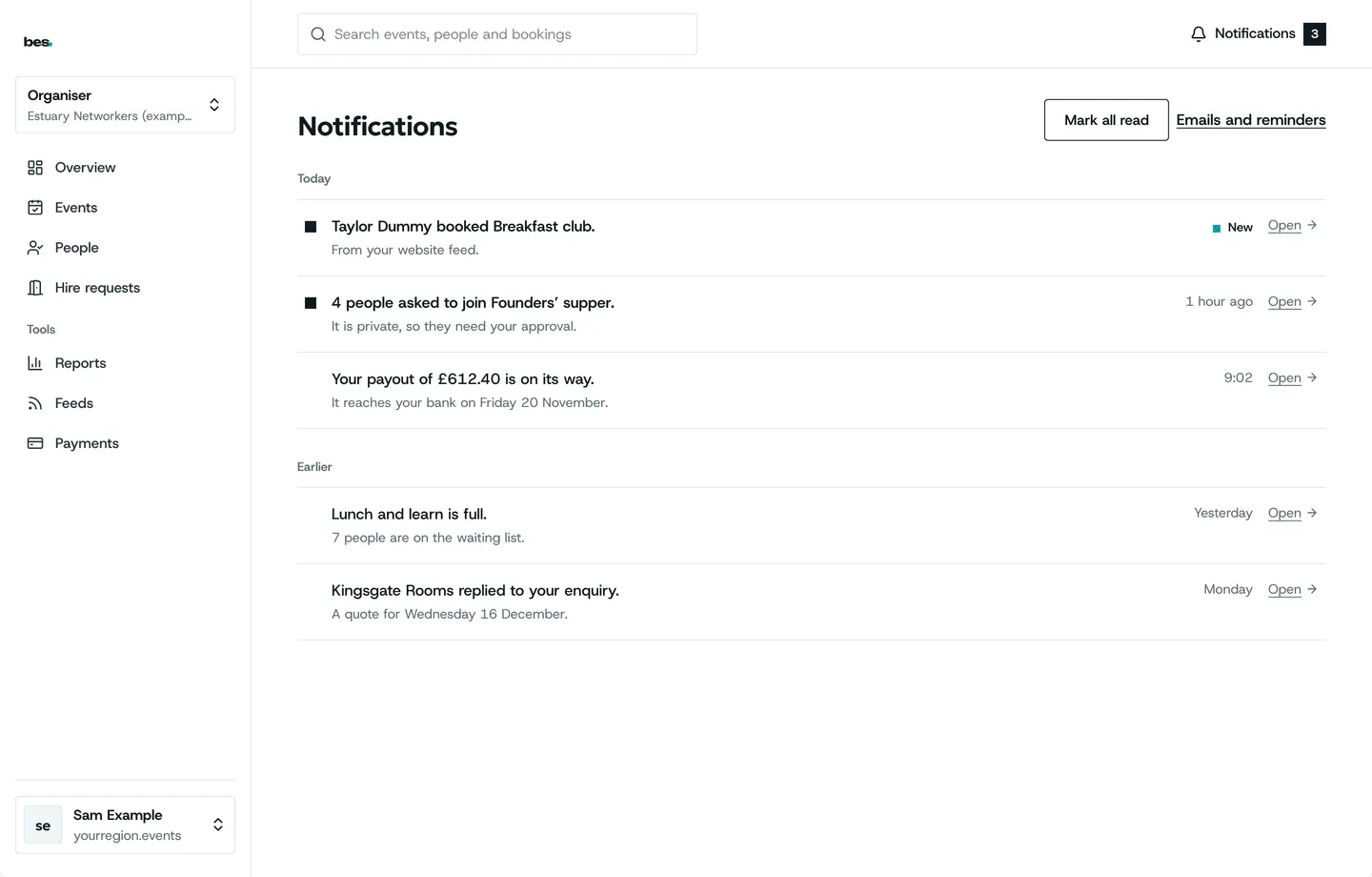
- Choose what you are told aboutNotifications lists what has happened; Account says which emails you get.For people who go, organisers, venues and platform owners. 3 steps.Read the guide
- Opt in or out of updatesAccount has a switch for updates from the platform; booking emails are not affected.For people who go. 2 steps. Partly in the app.Read the guide
Other topics
- Finding and booking15 guidesOpen
- Your passes and the day5 guidesOpen
- Calendars3 guidesOpen
- Running events19 guidesOpen
- Bookings and tickets9 guidesOpen
- Check-in5 guidesOpen
- Money4 guidesOpen
- Your website4 guidesOpen
- People and reports2 guidesOpen
- Venues and rooms11 guidesOpen
- Your platform23 guidesOpen
- Your data and privacy5 guidesOpen
Still stuck
Ask a person
- Booked on an event
The team that runs your platform can help with bookings and tickets; their address is in every email they send you.
- Running a platform
[email protected]. We usually reply within two working days.
- Something is broken
Report a problem: say what you did and what you saw.
- About your data
Security and your data says what is held and who sees it.