Get paid for a hire
Send a quote from the enquiry; they pay online and the room is booked.
For venues. You need Stripe first.
Step by step
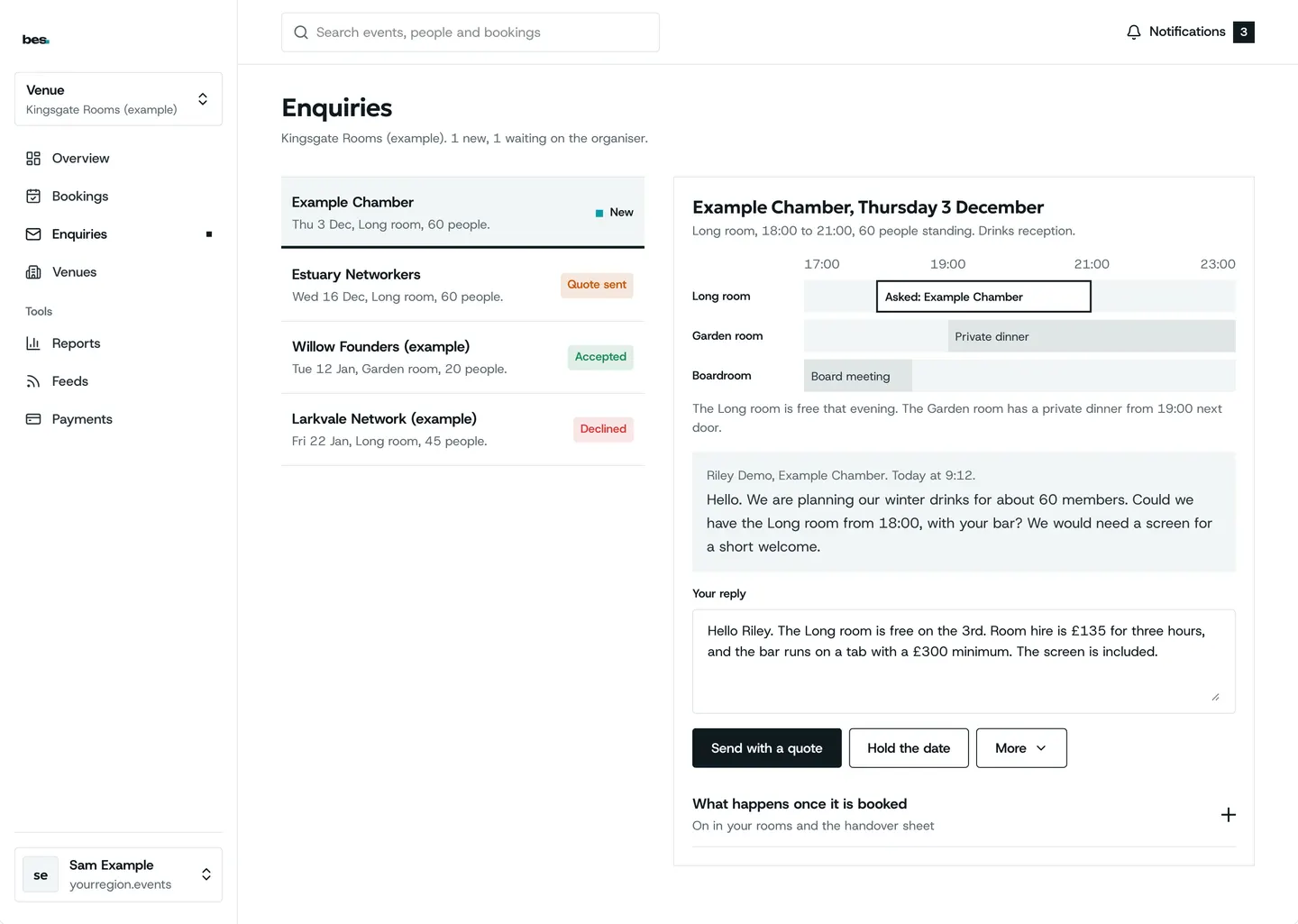
Step 1: Send a quote
From the enquiry.
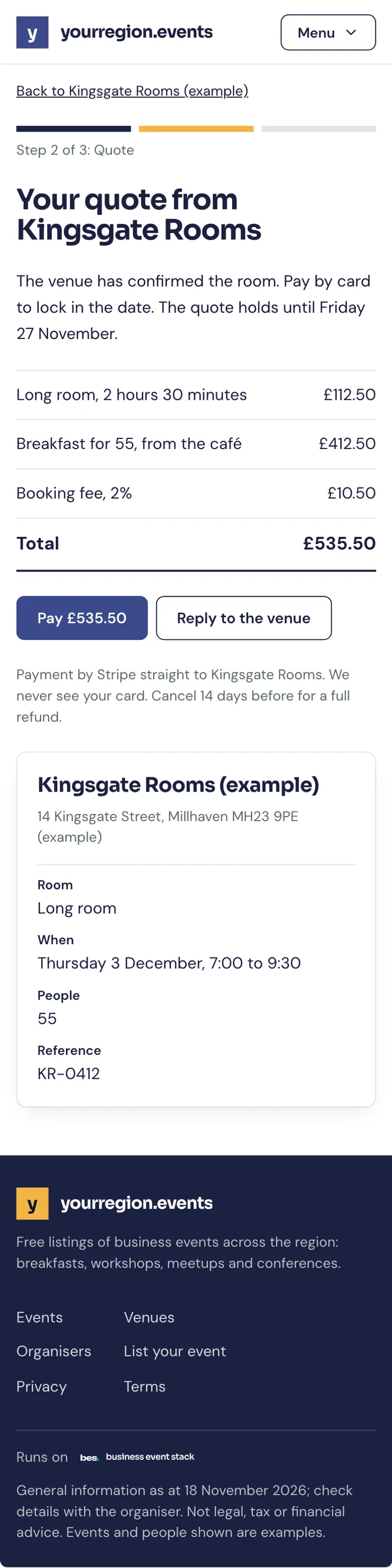
Step 2: What they see
The quote and Pay.
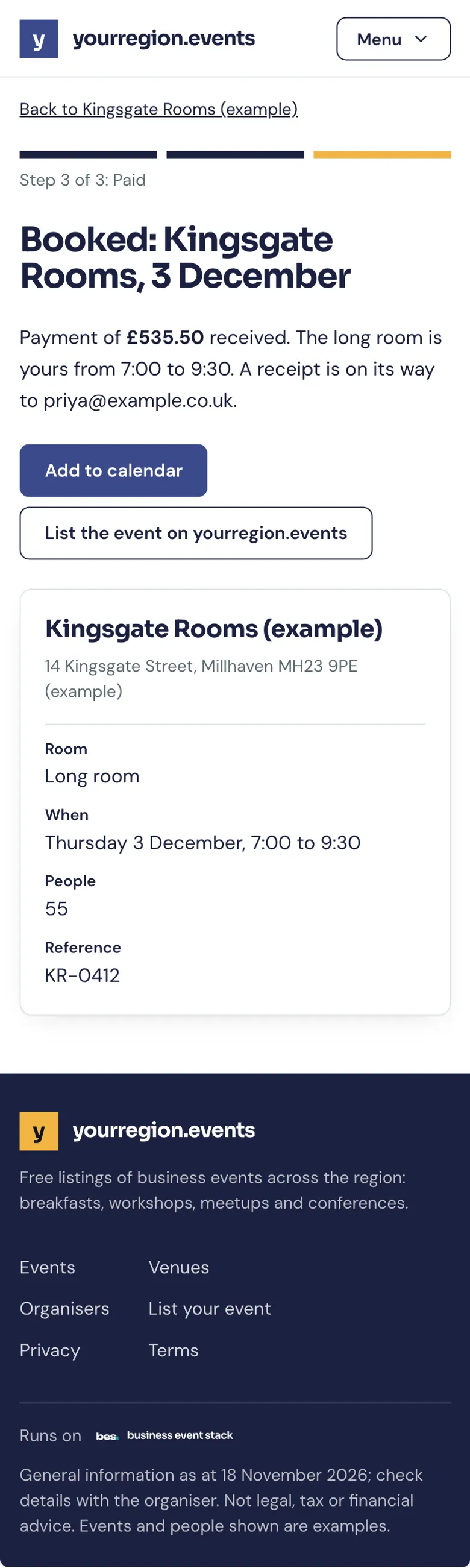
Step 3: Paid
Both of you get a receipt.
Related guides
- RelatedAnswer hire enquiriesHire enquiries lists each request; confirm, decline or send a quote.Read the guide
- RelatedConnect StripePayments, then Connect Stripe: Stripe asks about your business and your bank, then you can sell tickets.Read the guide
More about this on Room hire, one of our feature pages.
Was this helpful?
Reviewed 12 November 2026 and checked against the app that day. General information as at 12 November 2026, not legal, tax or financial advice. Screens show example data.