A calm door
Scan passes from any phone, find people by name, add walk-ins, and share the door with as many phones as you have.
Breakfast club, Wednesday 18 November
31 of 40 in- Expected
- 40
- Still to come
- 9
- Waitlist
- 3
- Just inSam Example7:41
- InAlex Sample7:39
- InJo Placeholder7:36
Example names and figures.
In one look
From booking to through the door
- BookedA pass with a code
- At the doorScanned from any phone
- Checked inThe count moves one
Scan from any phone
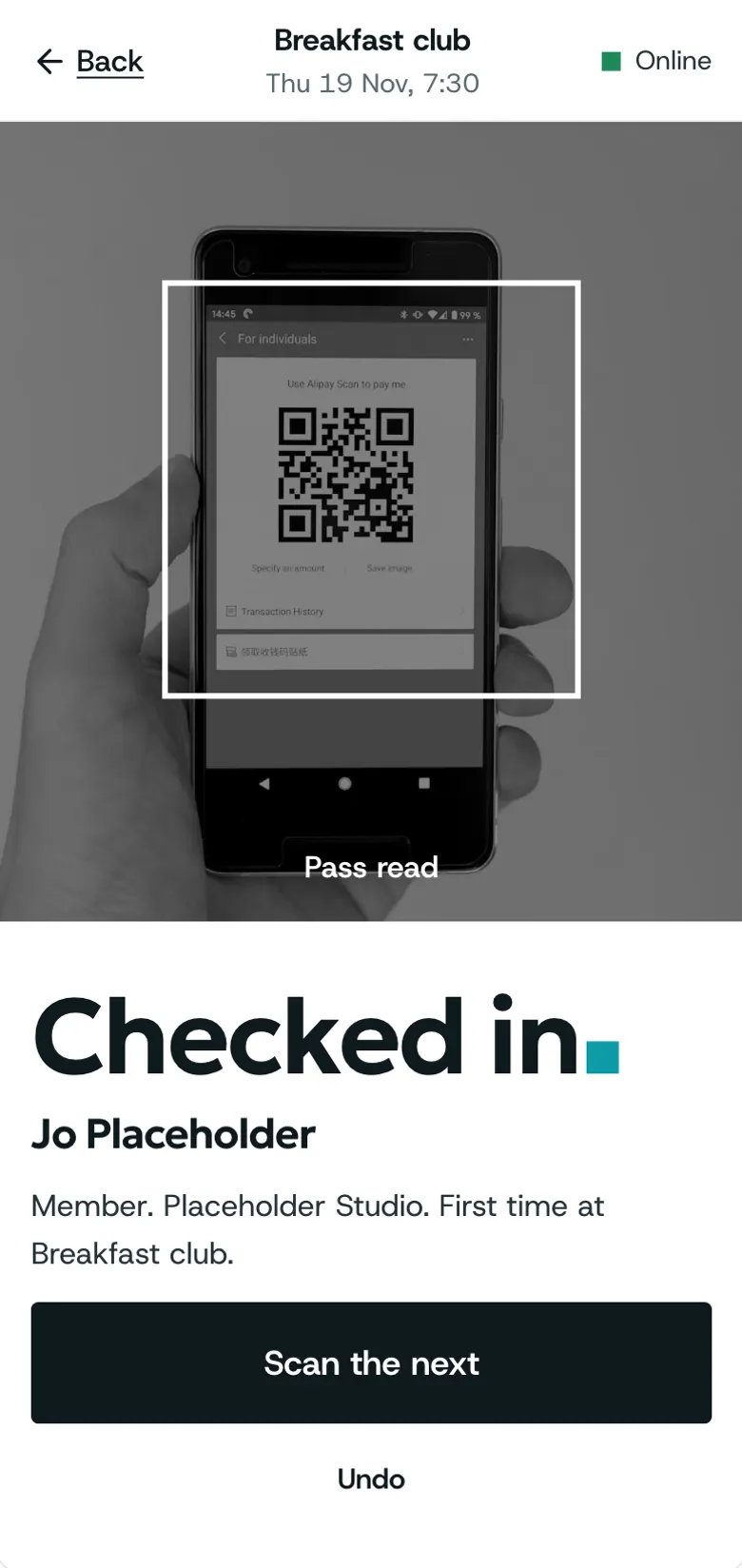
Open check-in on a phone and point it at the pass; the result is clear at arm’s length.
- Checked in, in large type
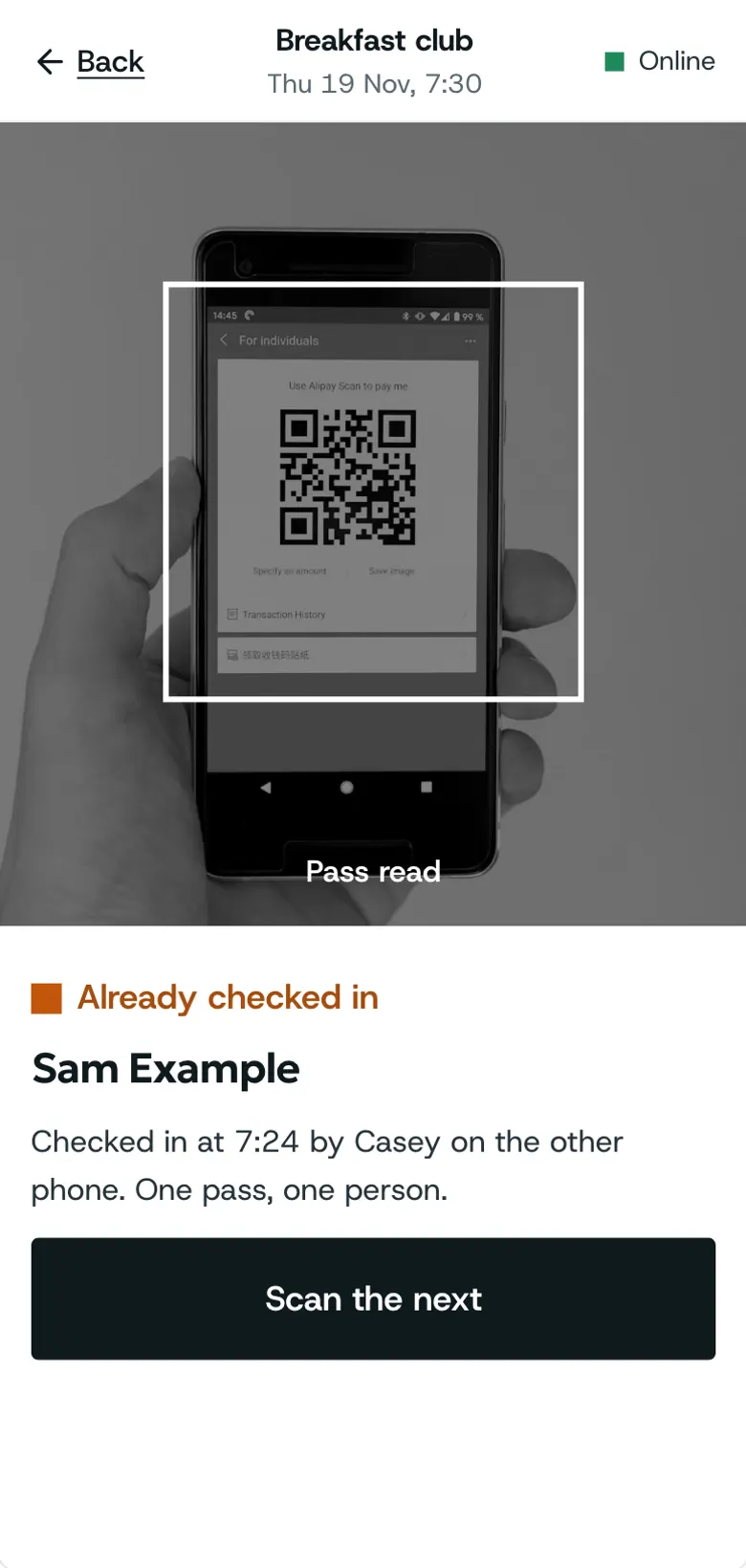
- Already in, said plainly
- Undo a mistake
How to: Check people in, If a pass will not scan
Find by name
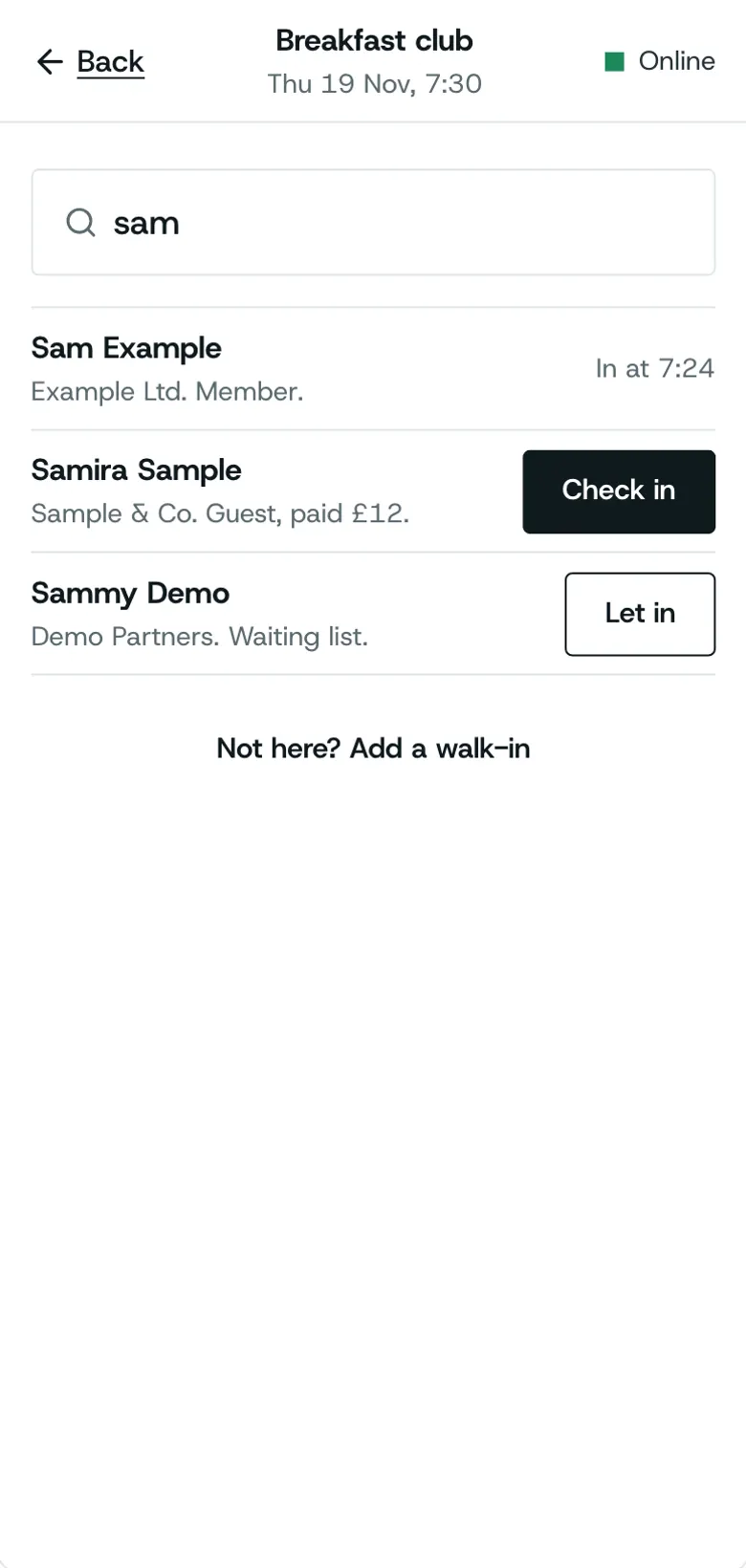
No pass to hand? Search the list and check them in with one press.
- Search as you type
- Tickets shown beside each
- Works for every booking
How to: Check people in
Walk-ins at the door
Someone who did not book is added at the door and counted with everyone else.
- Name and email at the door
- Counted in the totals
- On the list afterwards
How to: Walk-ins
Several phones, one door
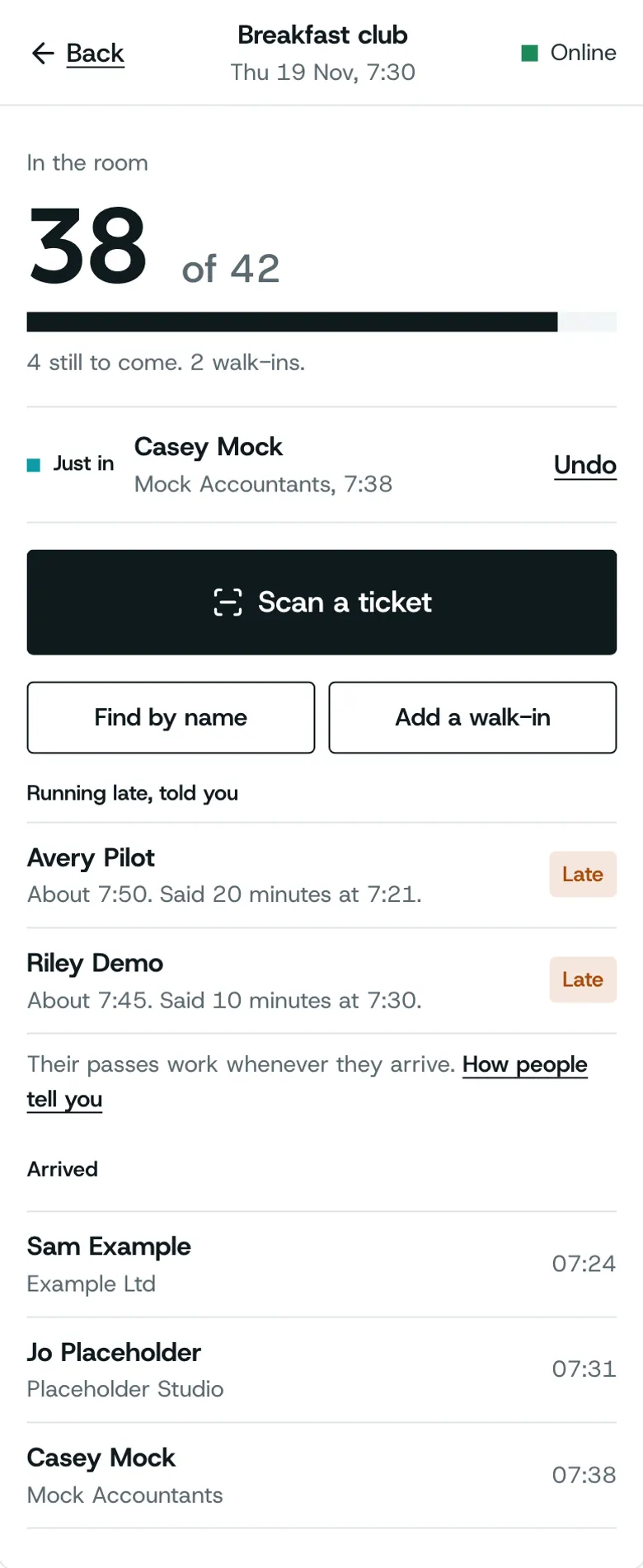
Share the door between as many phones as you have; each pass checks in once.
- Every phone sees the same list
- A pass checks in once
- Undo from any phone
How to: Several phones on one door
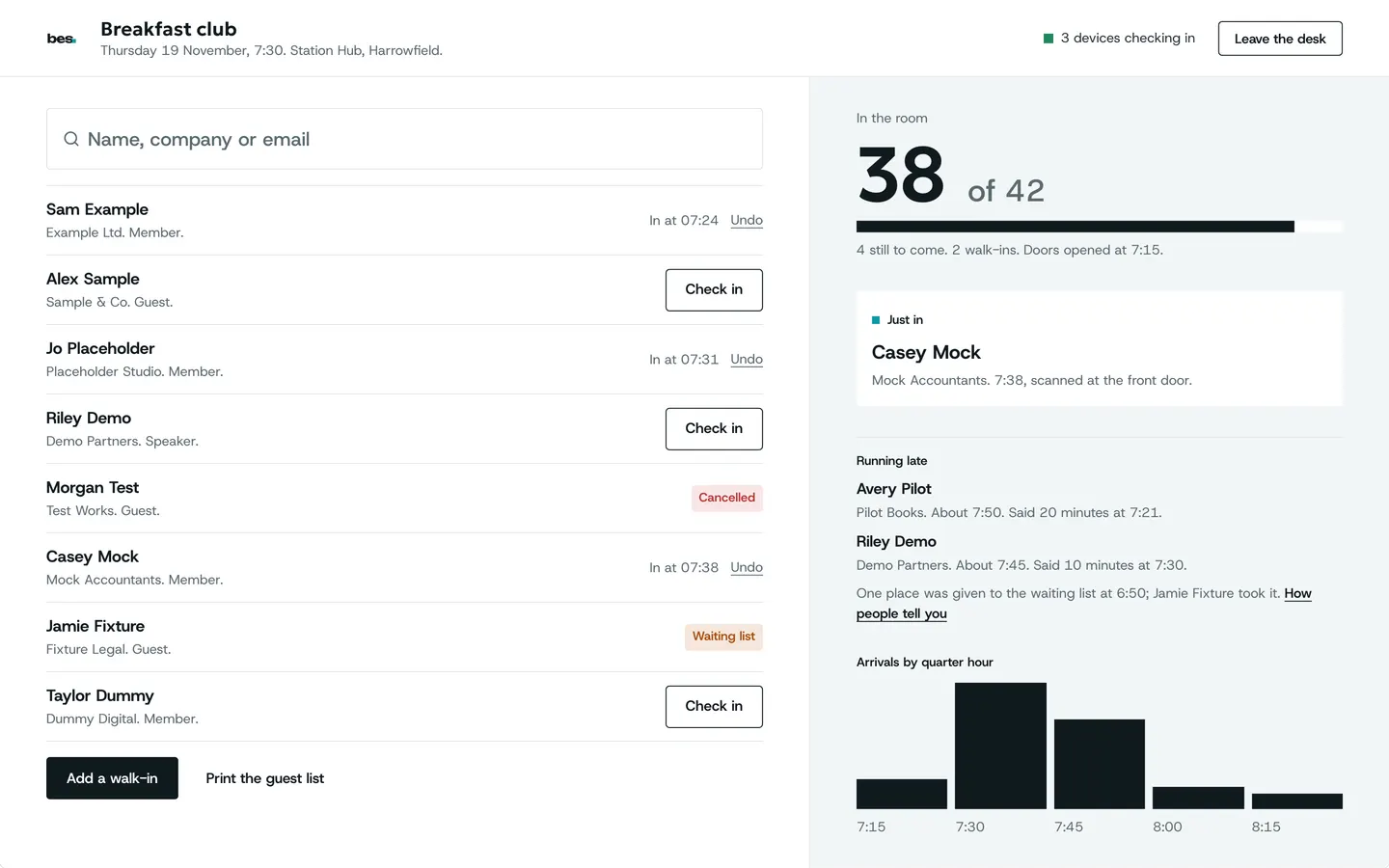
A desk on a tablet
A tablet at the desk shows the arrivals and the count as people come in.
- The latest arrival shown
- The count by ticket
- Big type for a busy door
Partly built The desk works on a tablet today; a layout made for tablets is being finished.
How to: Check-in on a tablet
What people ask
Check-in needs signal today; working without it is in design. So are door staff roles and badges.
Goes well with
- Wallet: every pass in one placeWhat your people see: every booking as it stands, the pass for the door, receipts and the platform on their home screen.See the feature
- Venue pages and arrival guidesStations, car parks, the right entrance and step-free routes, written once by the venue and shown on every event there.See the feature