If a pass will not scan
The scanner says why in words; most of the time, searching by name fixes it.
For organisers and venues. You need check-in open first.
Step by step
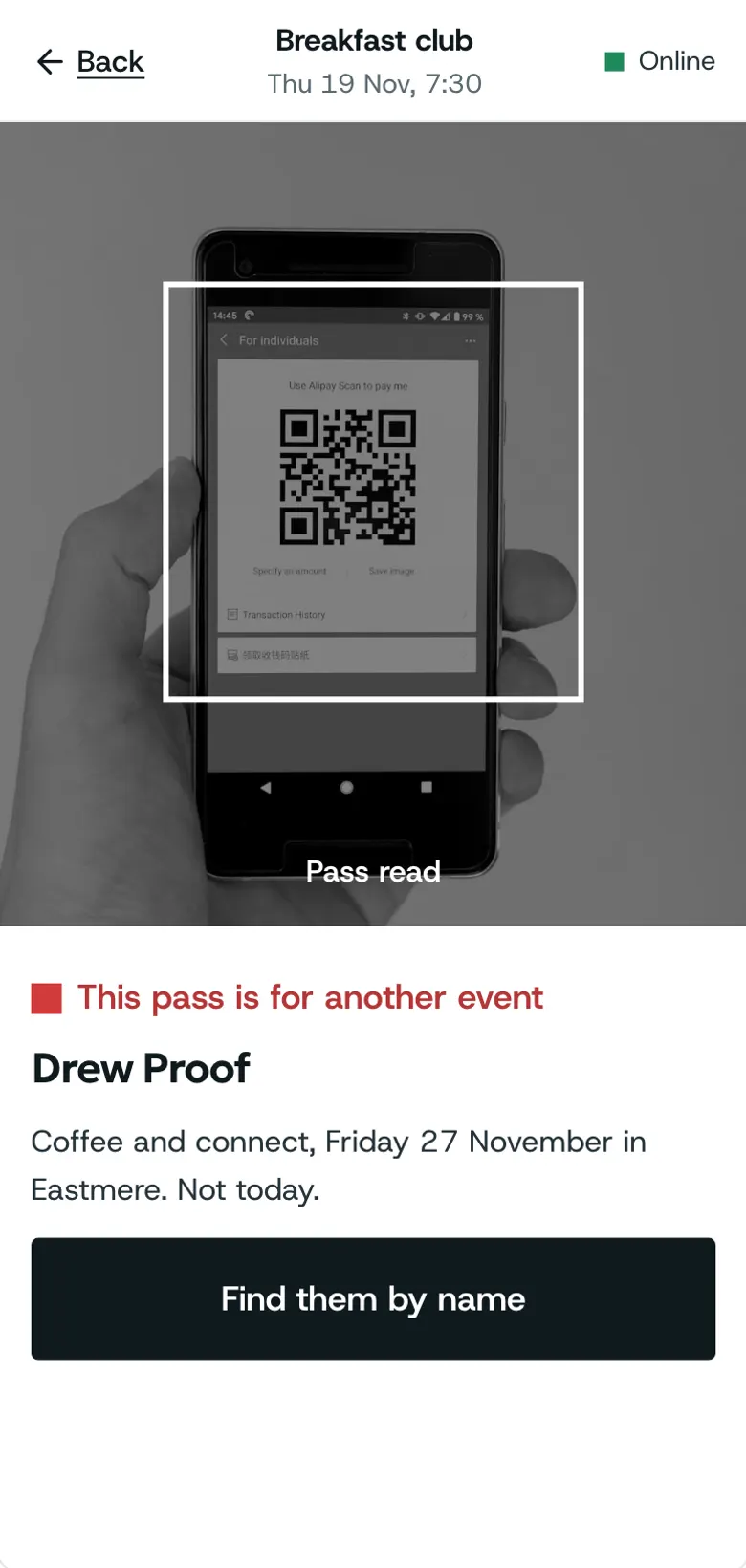
Step 1: Wrong event
Wrong event means the pass is for another date. It names the event it is for.
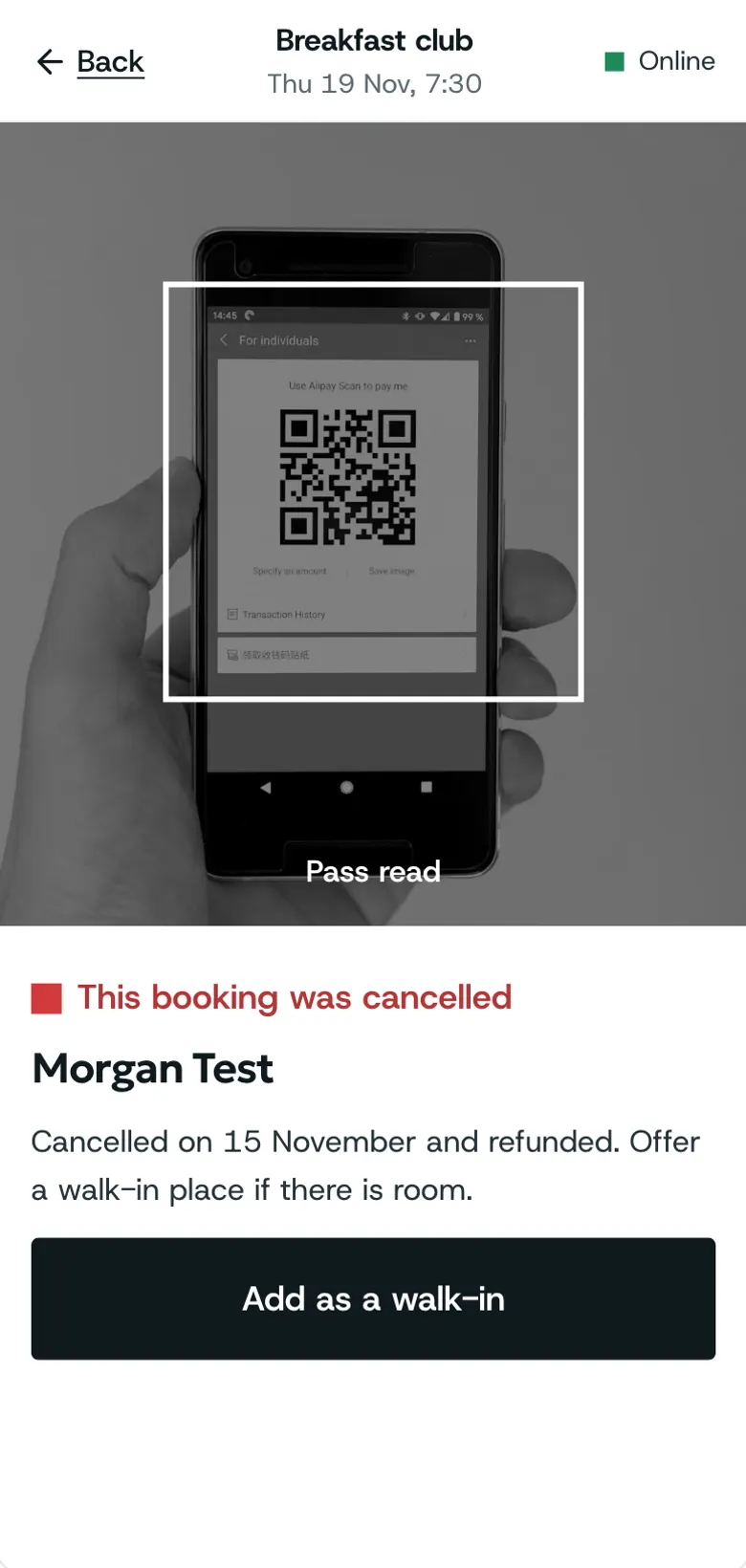
Step 2: Cancelled
Cancelled means they gave the place up. Check with them, then find them by name.
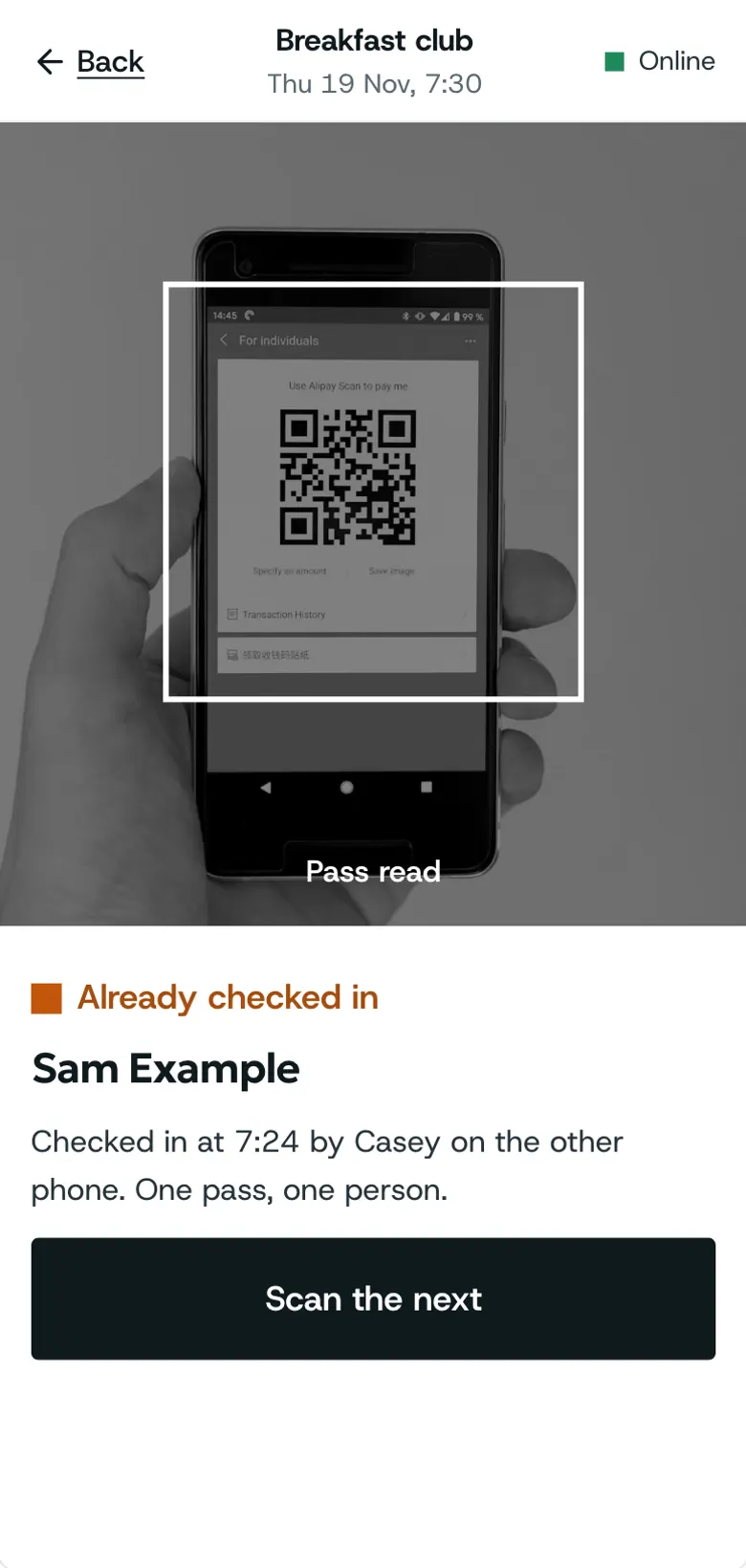
Step 3: Already in
Already in means it was scanned before. It says when.
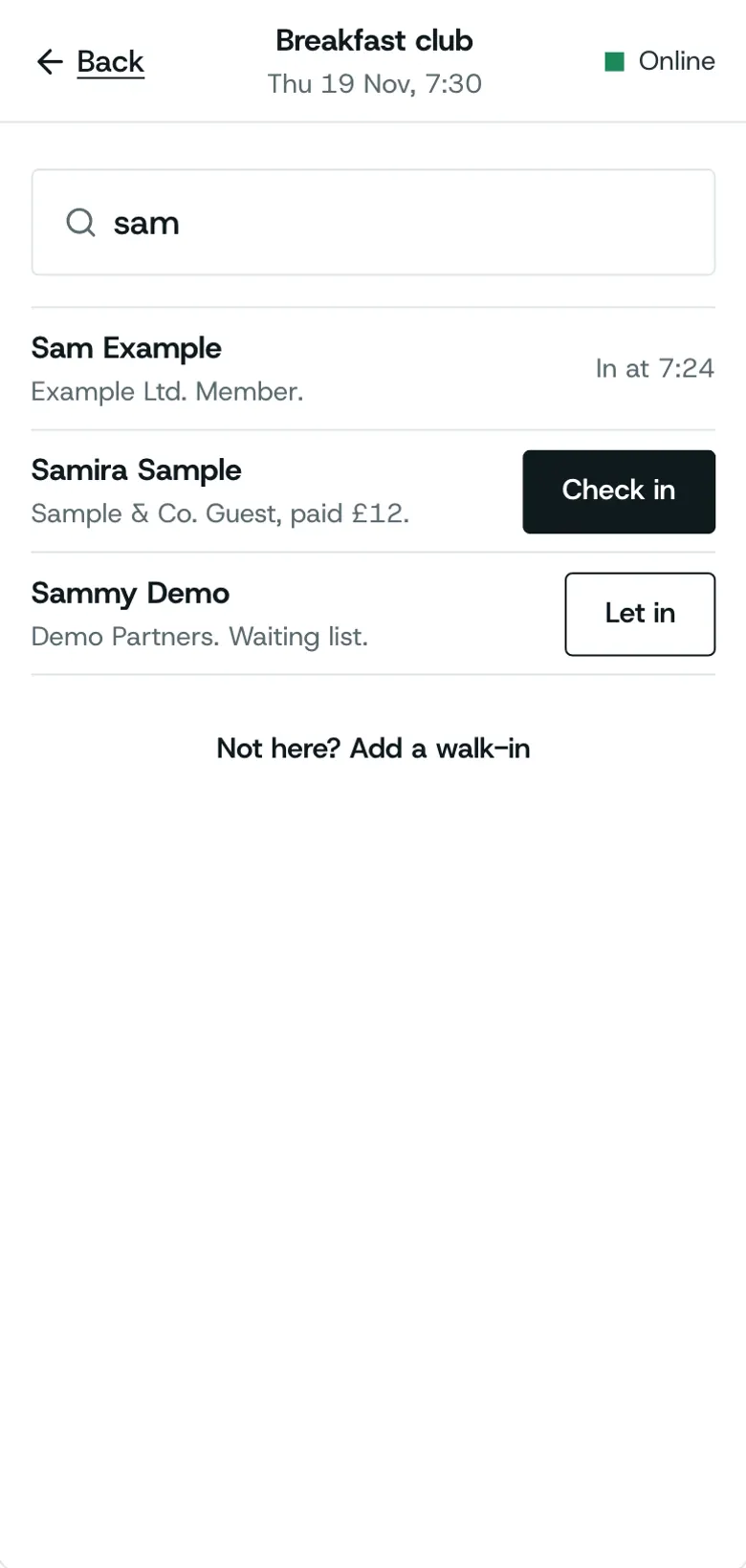
Step 4: Find them by name
Search their name and check them in from the list.
Good to know
Every scanner message says why in words; read it before scanning again.
Finding someone by name checks them in just the same as a scan.
Related guides
More about this on Check-in at the door, one of our feature pages.
Was this helpful?
Reviewed 12 November 2026 and checked against the app that day. General information as at 12 November 2026, not legal, tax or financial advice. Screens show example data.