Fewer empty seats
Places that count down, a waiting list that offers every free place, and approval where you choose who gets in.
In one look
A place given up, passed on
- FullForty of forty booked
- A place given upSomeone cancels
- Offered onThe next person is told
- BookedThe room is full again
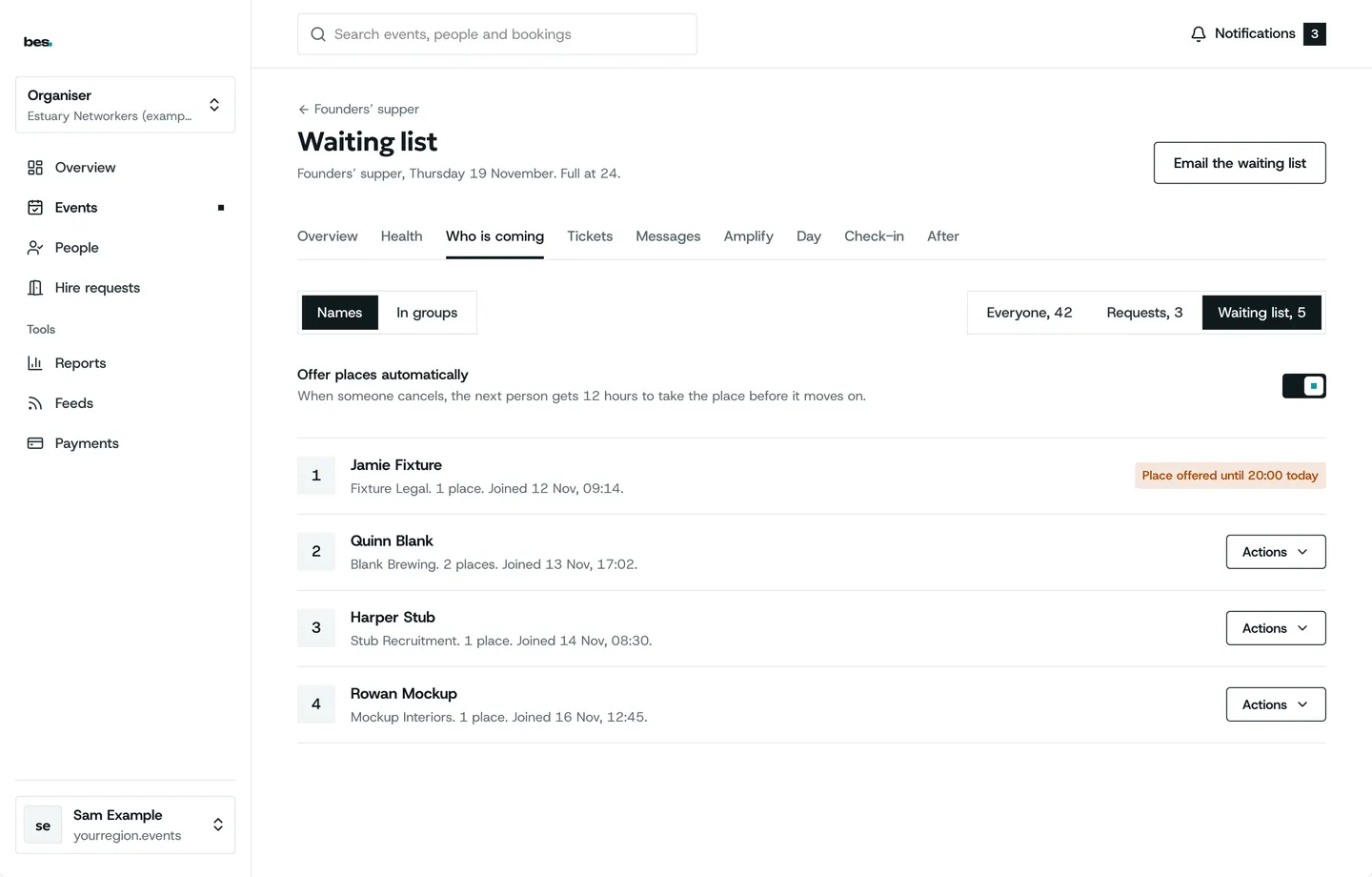
A waiting list that works
When an event is full, people join the list and free places are offered on in order.
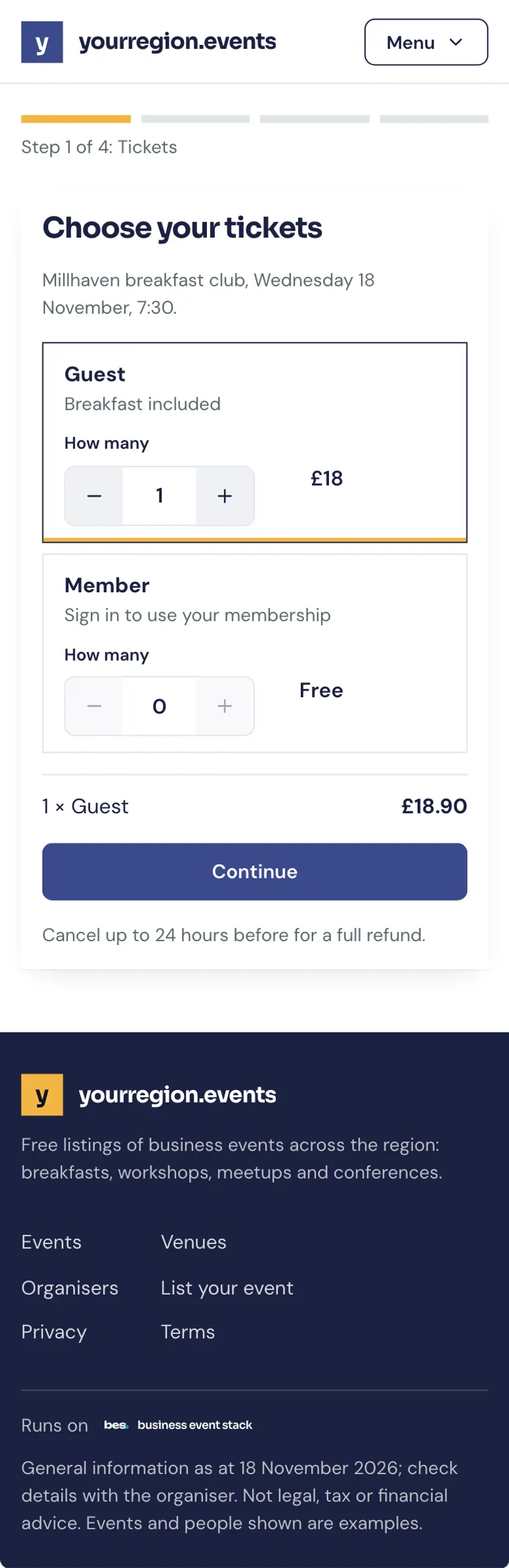
- Places count down by themselves
- Free places offered in order
- Free or paid, set per event
How to: Your waiting list, Places and a limit
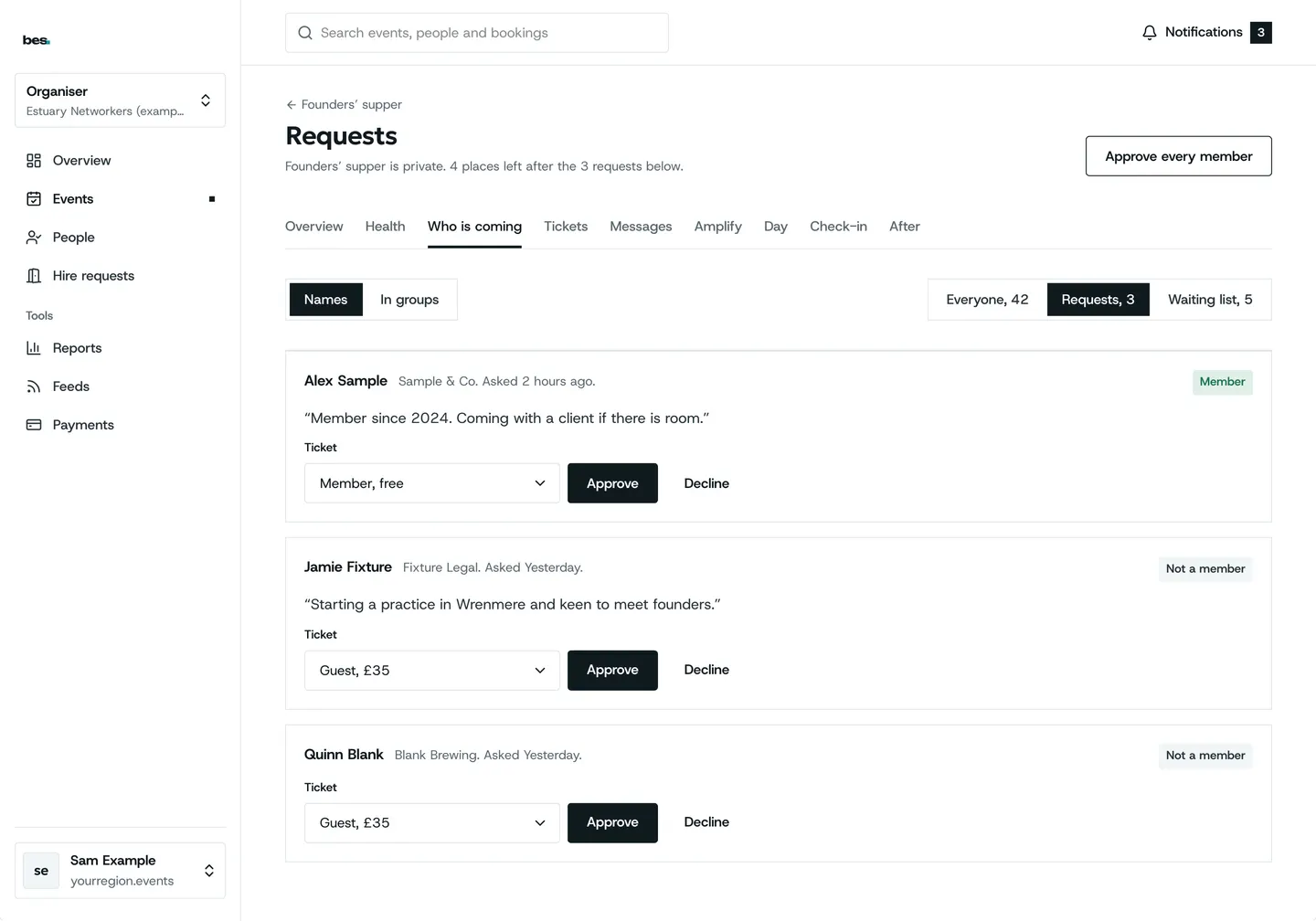
You choose who gets in
For a members’ dinner or invited guests, every request waits for a yes.
- Approve or decline with a note
- People told either way
- Used beside paid tickets
How to: Approve or decline requests
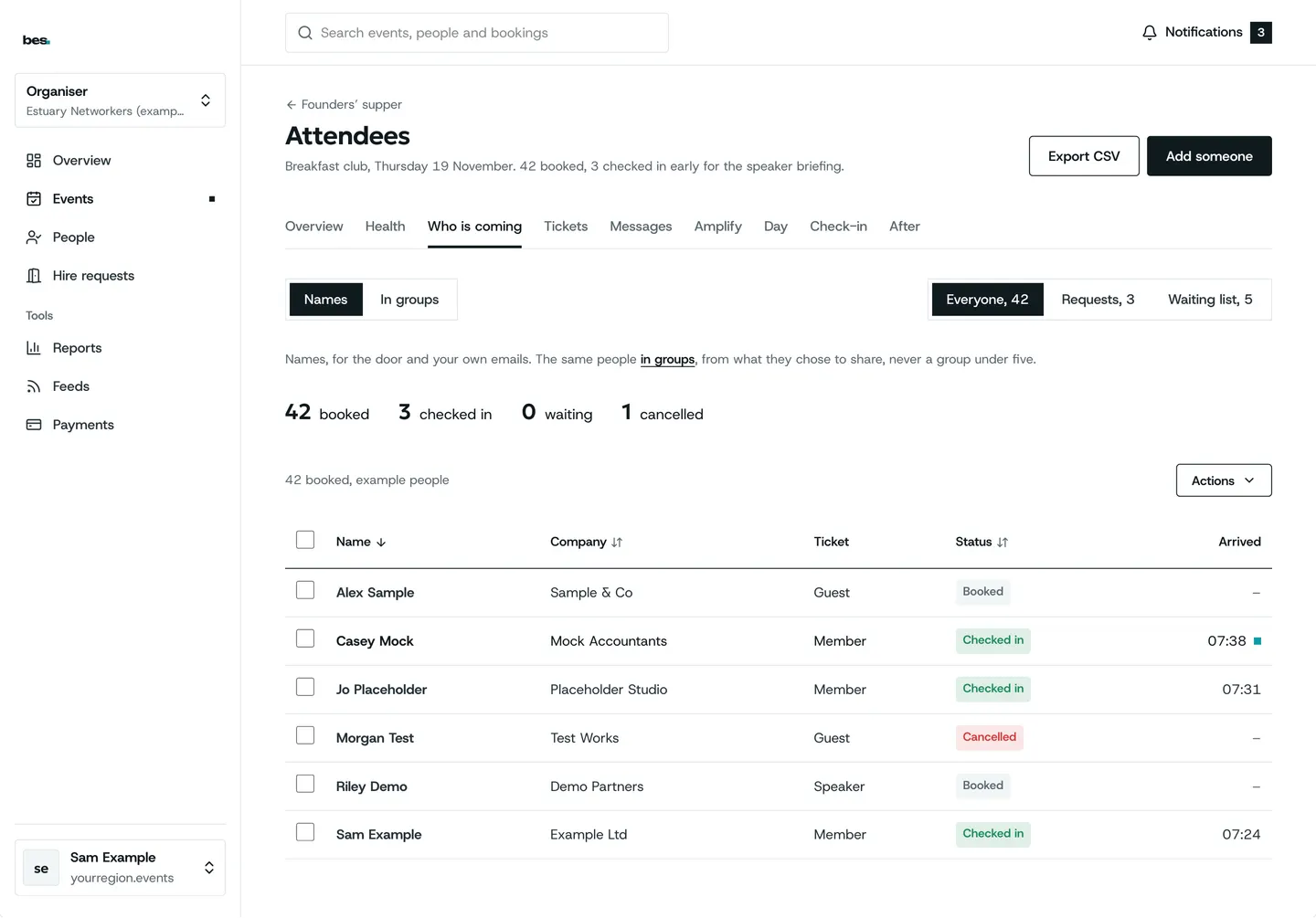
Who is coming
The list for every event, ready for the door and the venue.
- Names, tickets and status
- Export for the venue
- Cancel a place for someone
How to: Who is coming
When plans change
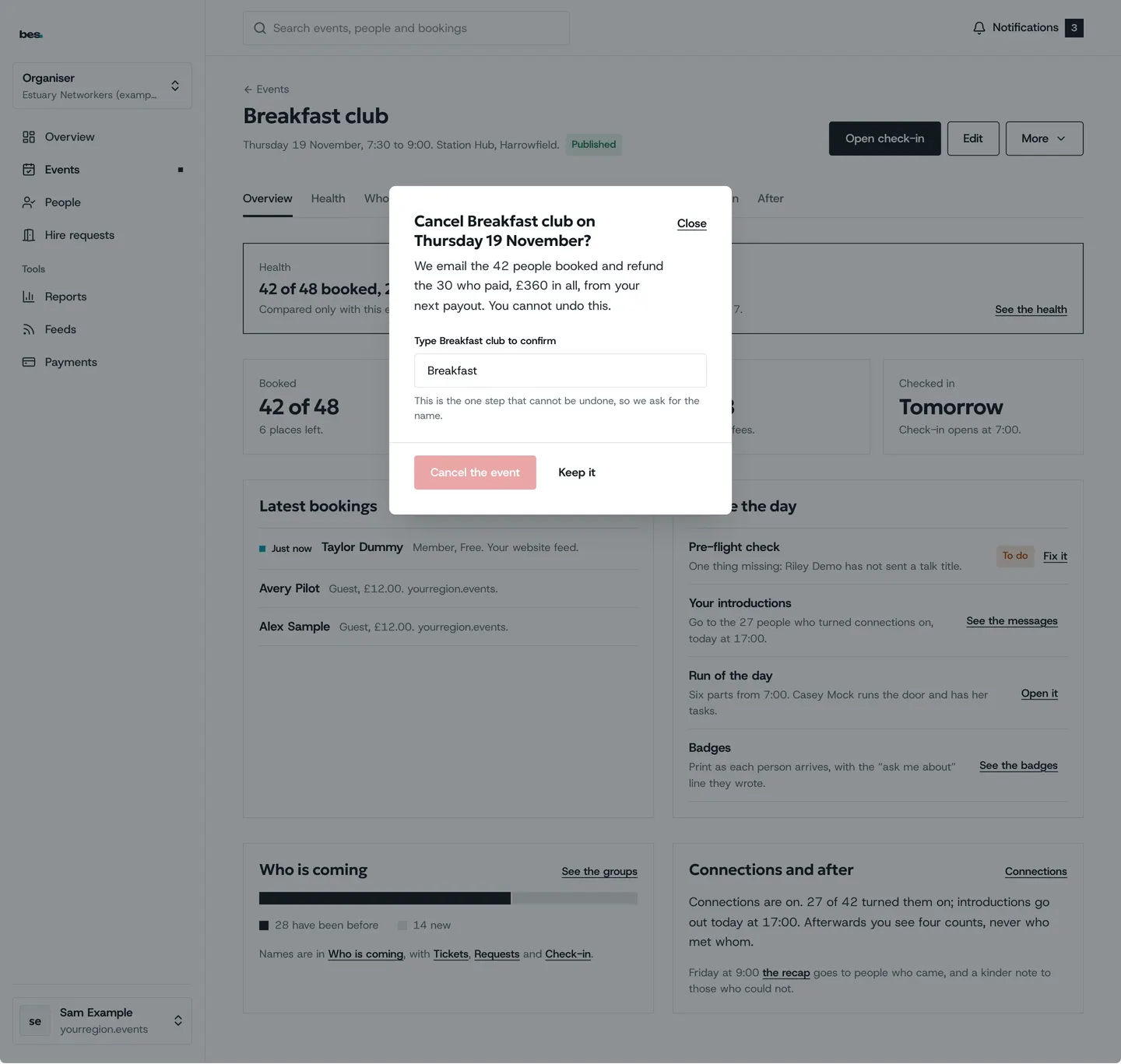
Move or cancel a date and everyone booked is told; paid places are refunded by your rules.
- Everyone booked is told
- Refunds by the rules you set
- Attendees can cancel themselves
How to: Move or cancel a date, Refund someone
What people ask
Booking questions, promo codes and team bookings are in design. Today you can ask for each guest’s name.
Goes well with
- Payments and membershipsTickets and memberships by card, paid into the account of whoever runs the event, by the rules they set.See the feature
- Emails, reminders and notificationsBooking emails in your name and words, and everyone told when something changesSee the feature
- Check-in at the doorScan passes from any phone, find people by name, add walk-ins, and share the door with as many phones as you have.See the feature