List it once, every date
A monthly breakfast or a one-off evening: made once, every date on one page, kept right when anything changes.

In one look
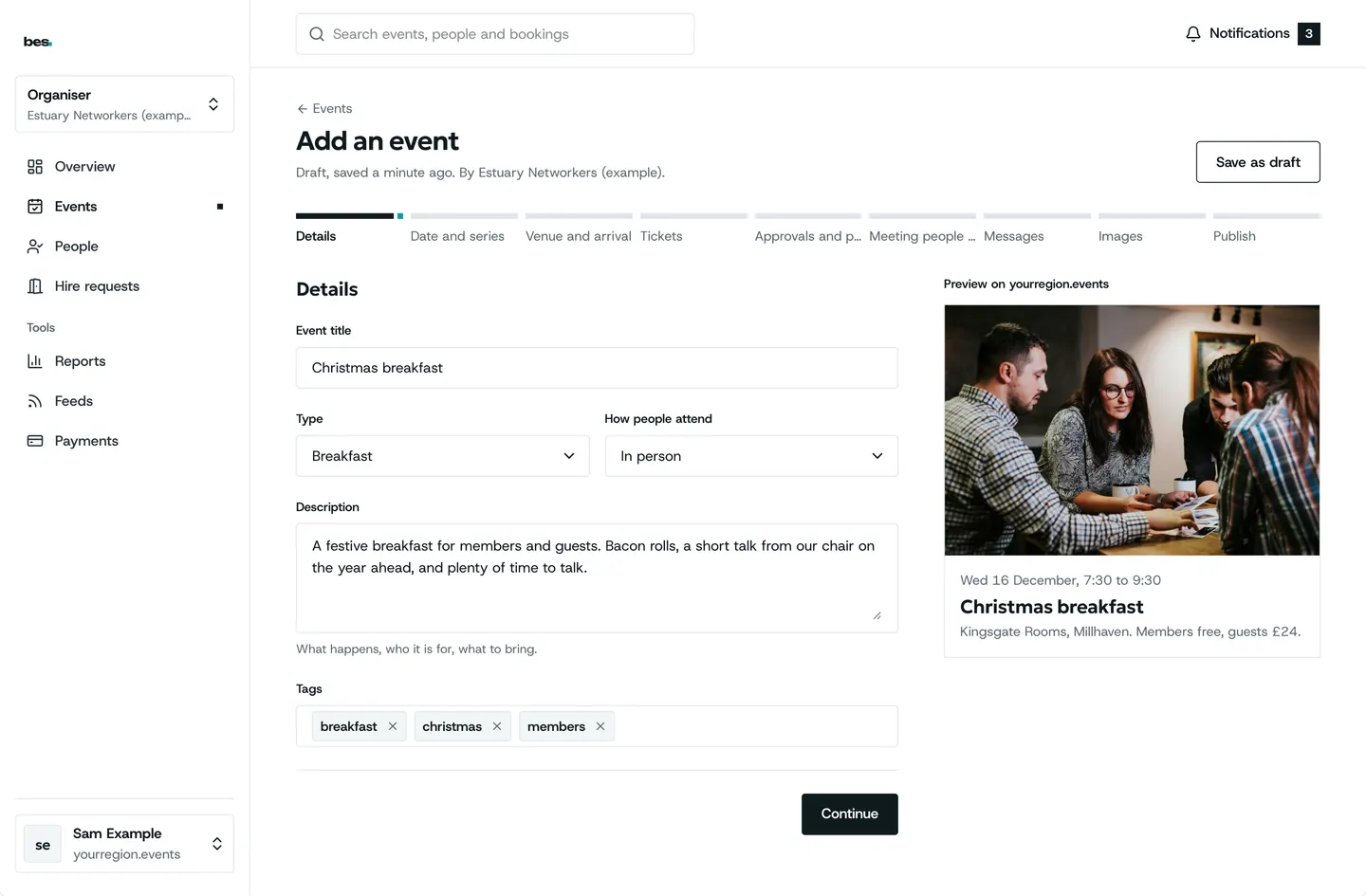
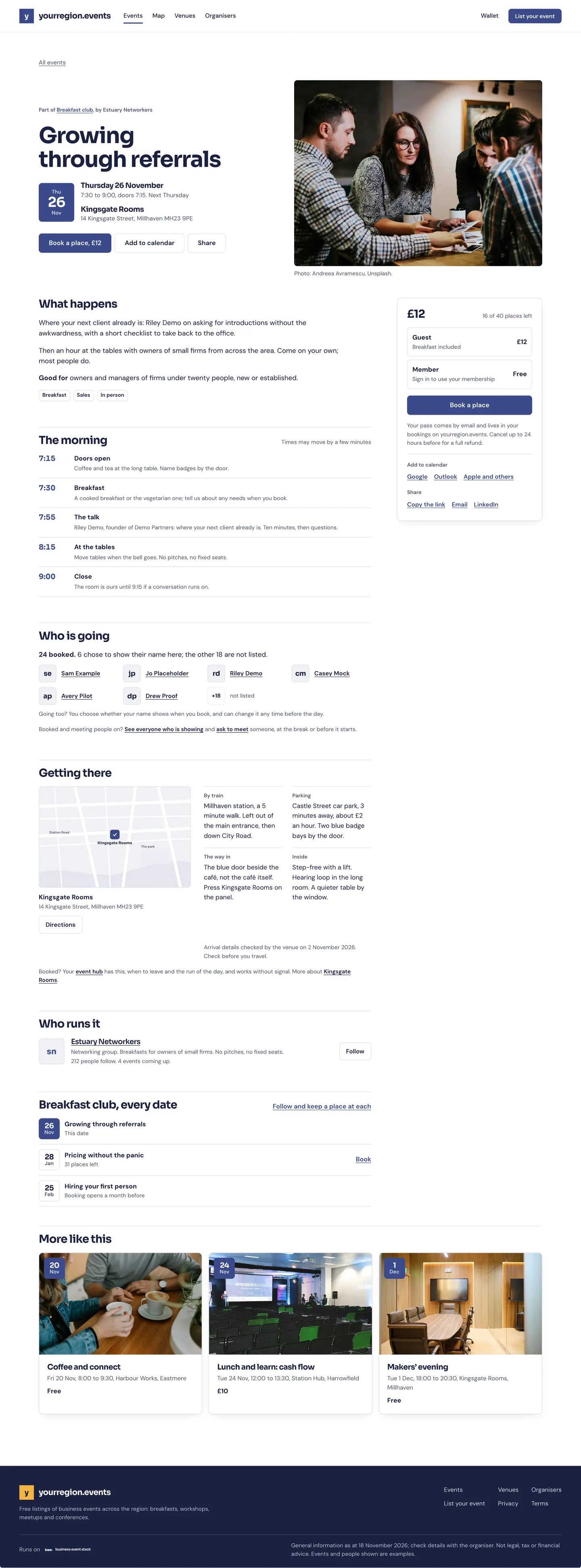
One series, a month of dates
- Made onceTitle, place, time and the repeat
- Every date listedOn one page, in order
- Booked date by datePlaces count for each
- Changed onceEvery date follows
Weekly, fortnightly, monthly
Choose the repeat once and every date appears, each with its own places.
- Every date on one page
- Move or cancel one date, or all
- Online events listed in one area or all
How to: Repeating events, Publish your first event
Copy last time’s
Duplicate an event, or start from a template your team keeps.
- One copy with the details kept
- Templates for the events you run often
- Dates and places set fresh
Partly built Templates are shared by your organisation today; templates of your own are coming.
How to: Copy an event
Bring in what you have
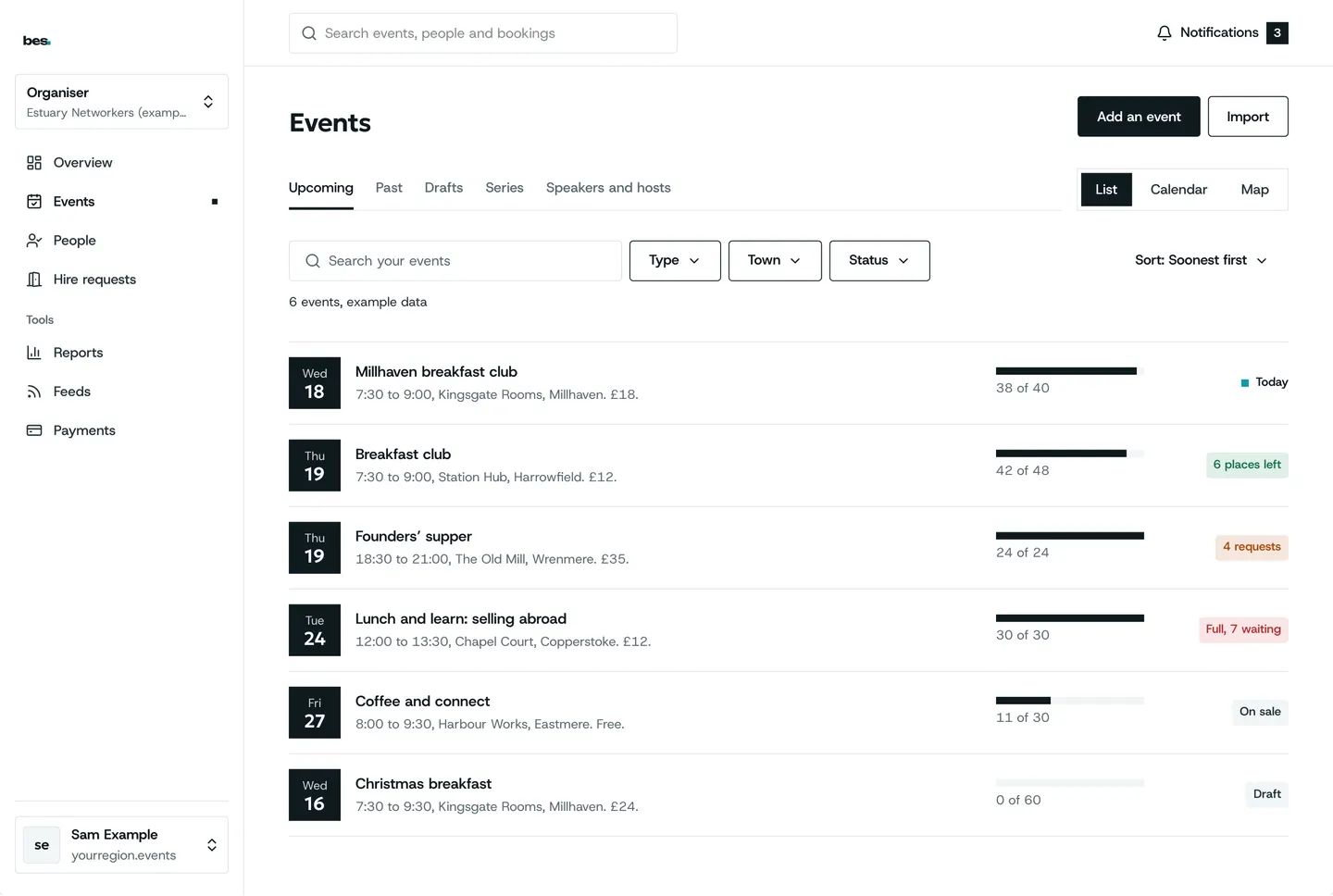
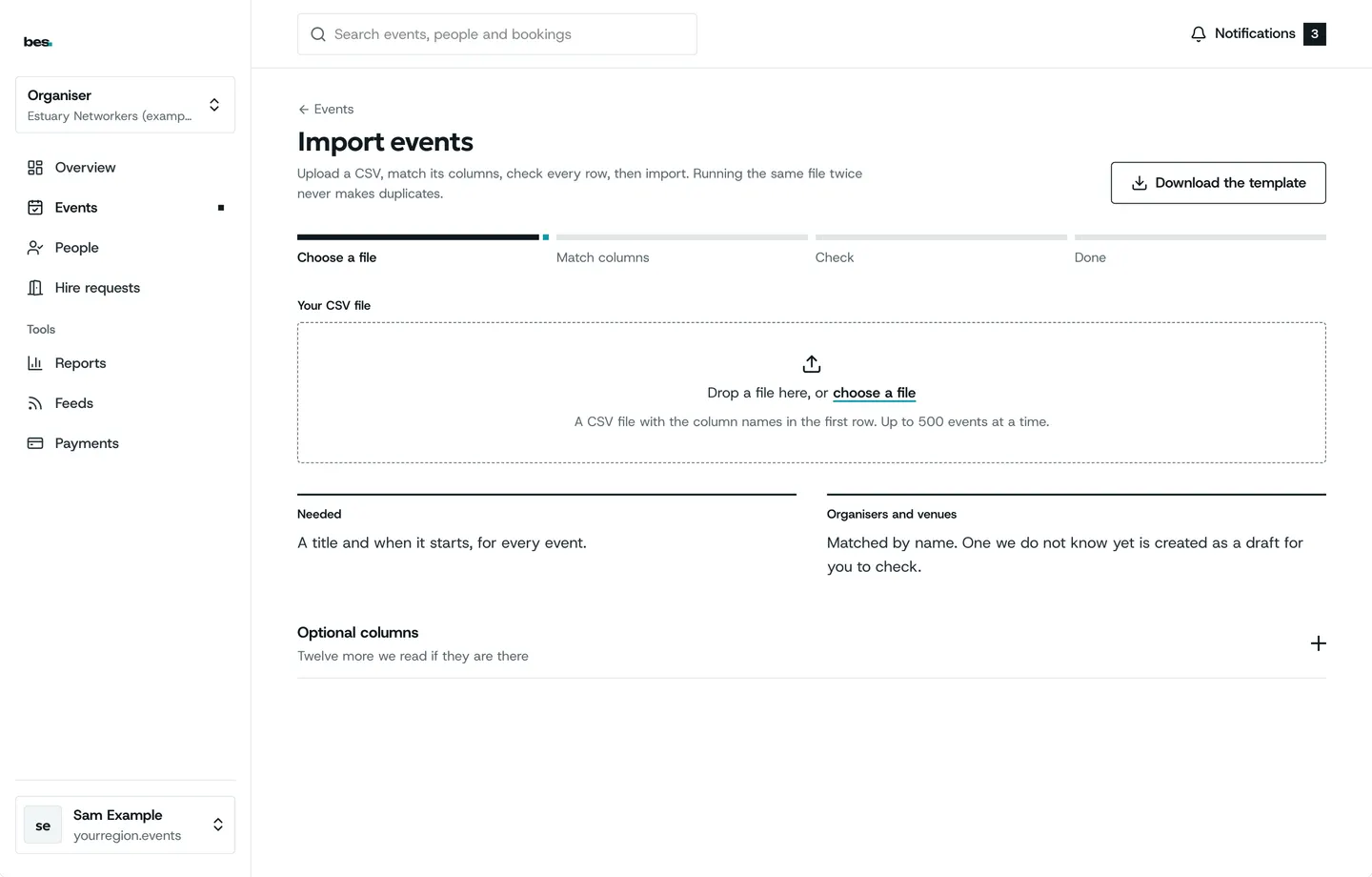
A spreadsheet of dates, or a link to an event listed somewhere else, fills the form for you.
- Row by row, each with what it needs
- Fix a row in place
- Read in from a link
How to: Import events from a spreadsheet, Fill the form from a link
Members only, or private
Show an event to everyone and let only members book, or keep it to the people you invite.
- Seen by all, booked by members
- Private events for invited guests
- Sent for review like any other
How to: Private and members-only events
Sold somewhere else
Already selling on another site? List it here with a link to where people book.
- On the calendar with the rest
- Booking goes to your link
- Move bookings over when you are ready
How to: Events sold elsewhere
See what else is on
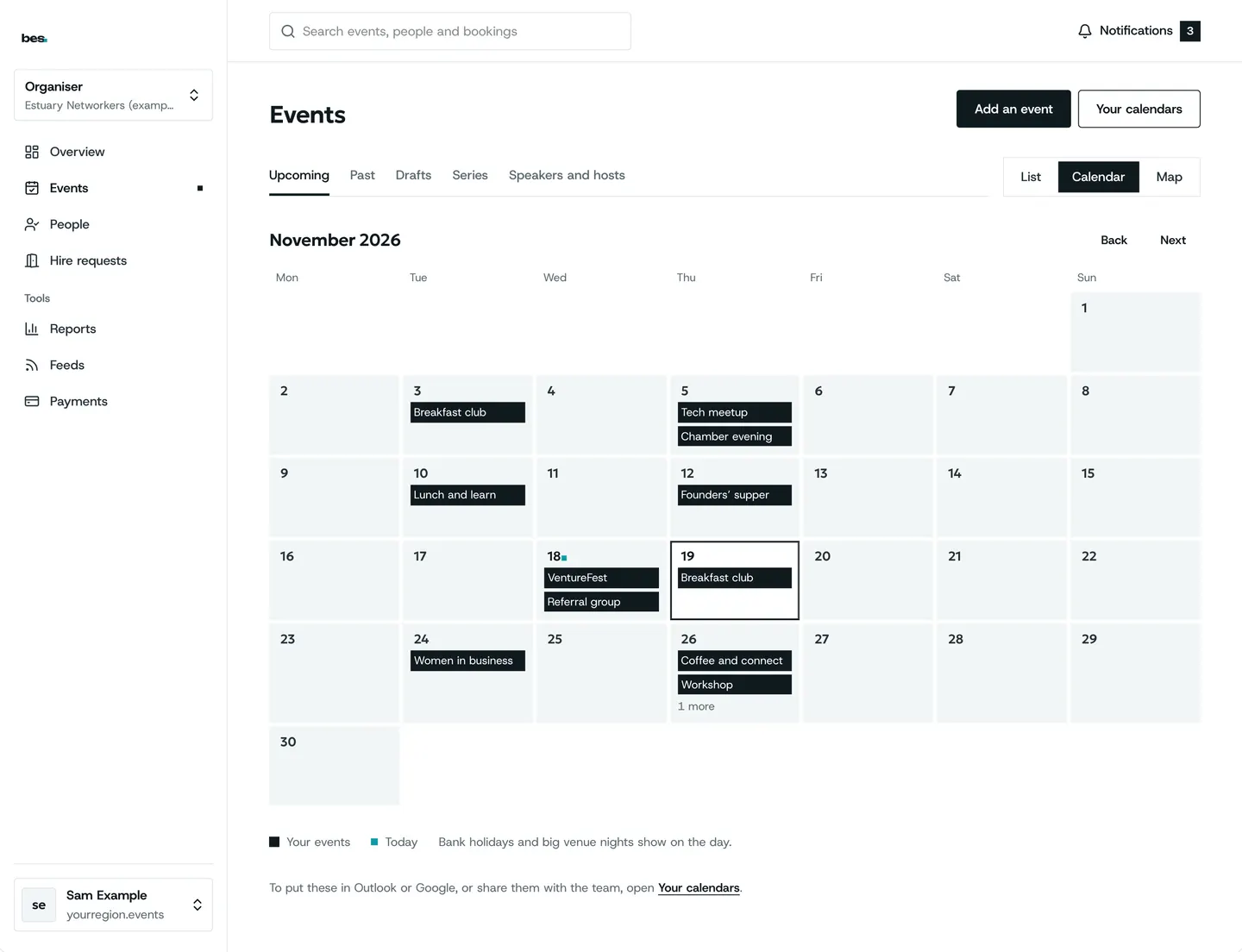
Before you pick a date, the platform’s calendar shows what is already on.
- Every event on the platform
- Bank holidays and big local dates
- Your own events marked
Partly built The calendar shows what else is on; a warning while you pick the date is coming.
How to: Check for clashes
Running today
On hampshire.events
Breakfast clubs list their series on hampshire.events today, every date on one page.
See hampshire.events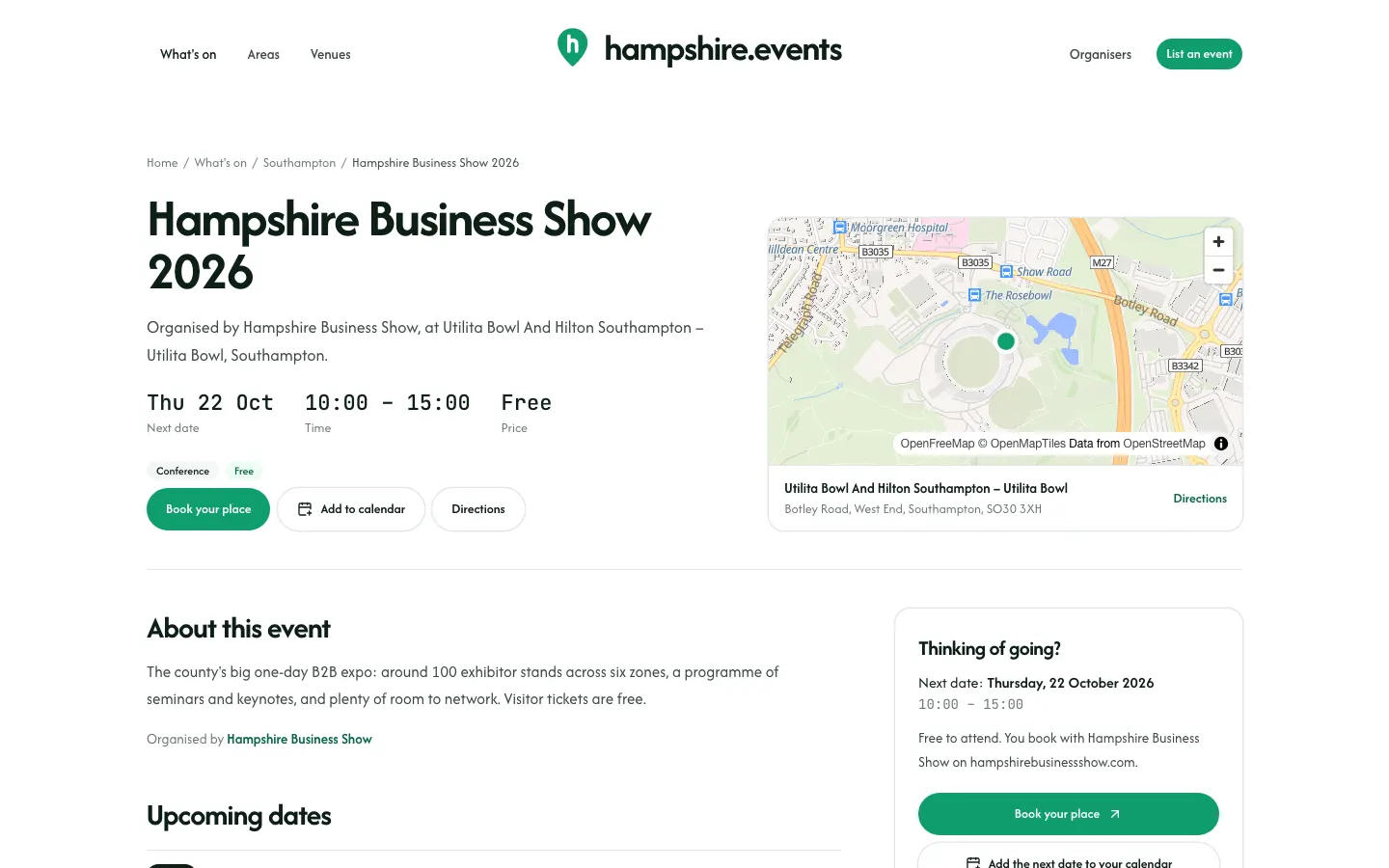
What people ask
There is no season pass and no warning while you pick a date. Both are in design.
Goes well with
- Bookings, waiting lists and approvalsPlaces that count down, a waiting list that offers every free place, and approval where you choose who gets in.See the feature
- Your events on your websiteYour events on your own website and your partners’, styled to match and kept up to date, with one link for your web person.See the feature
- CalendarsOne event or a whole platform in Google, Apple or Outlook, kept up to date when anything changes.See the feature