Join a team from an invite
Open the link in the invite email and sign in; you land straight in the organisation’s events or the venue you help run.
For organisers and venues. You need an invite email first.
Step by step
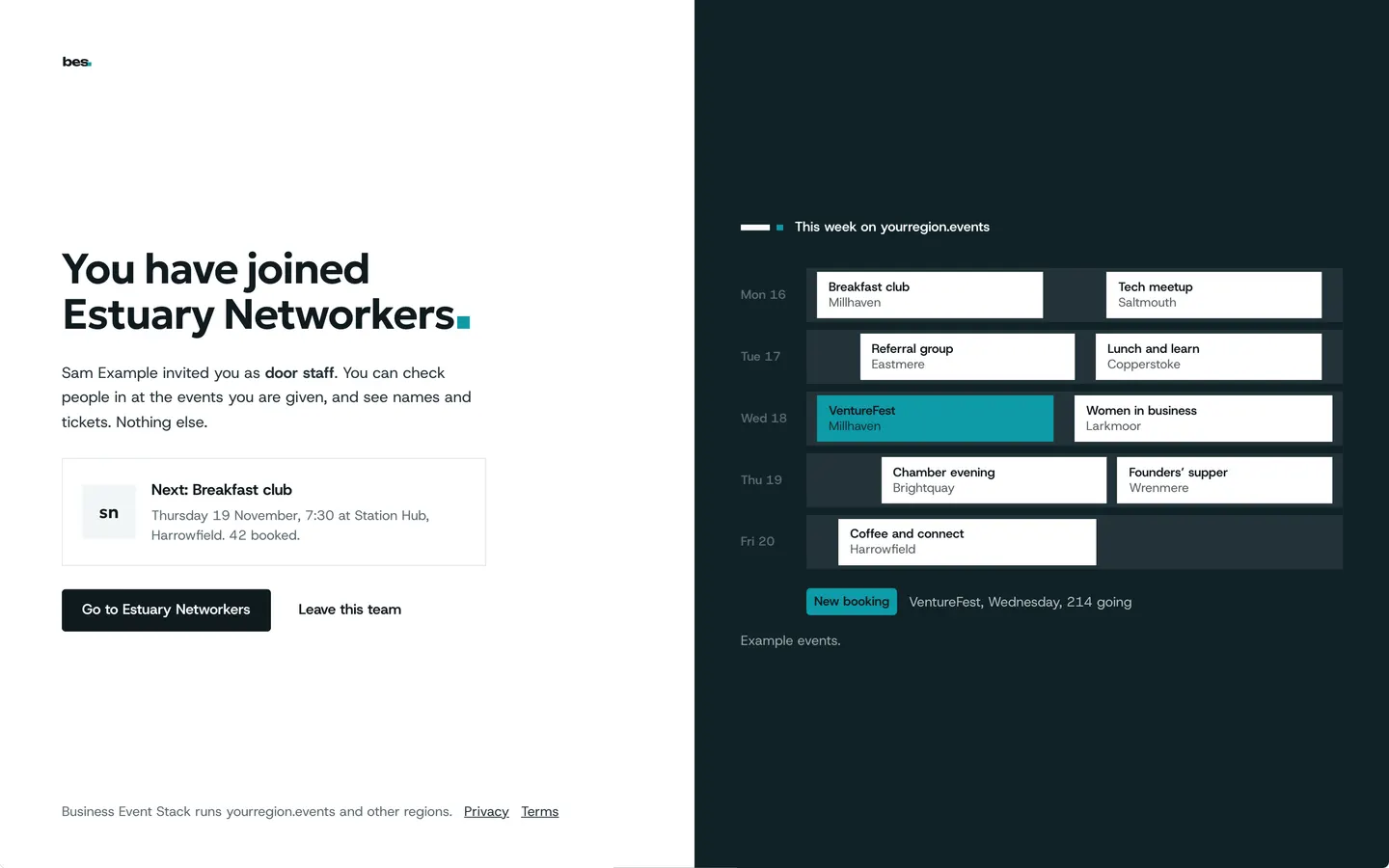
Step 1: Open the invite
It says who invited you and to what. Sign in, or make an account with the email the invite went to.
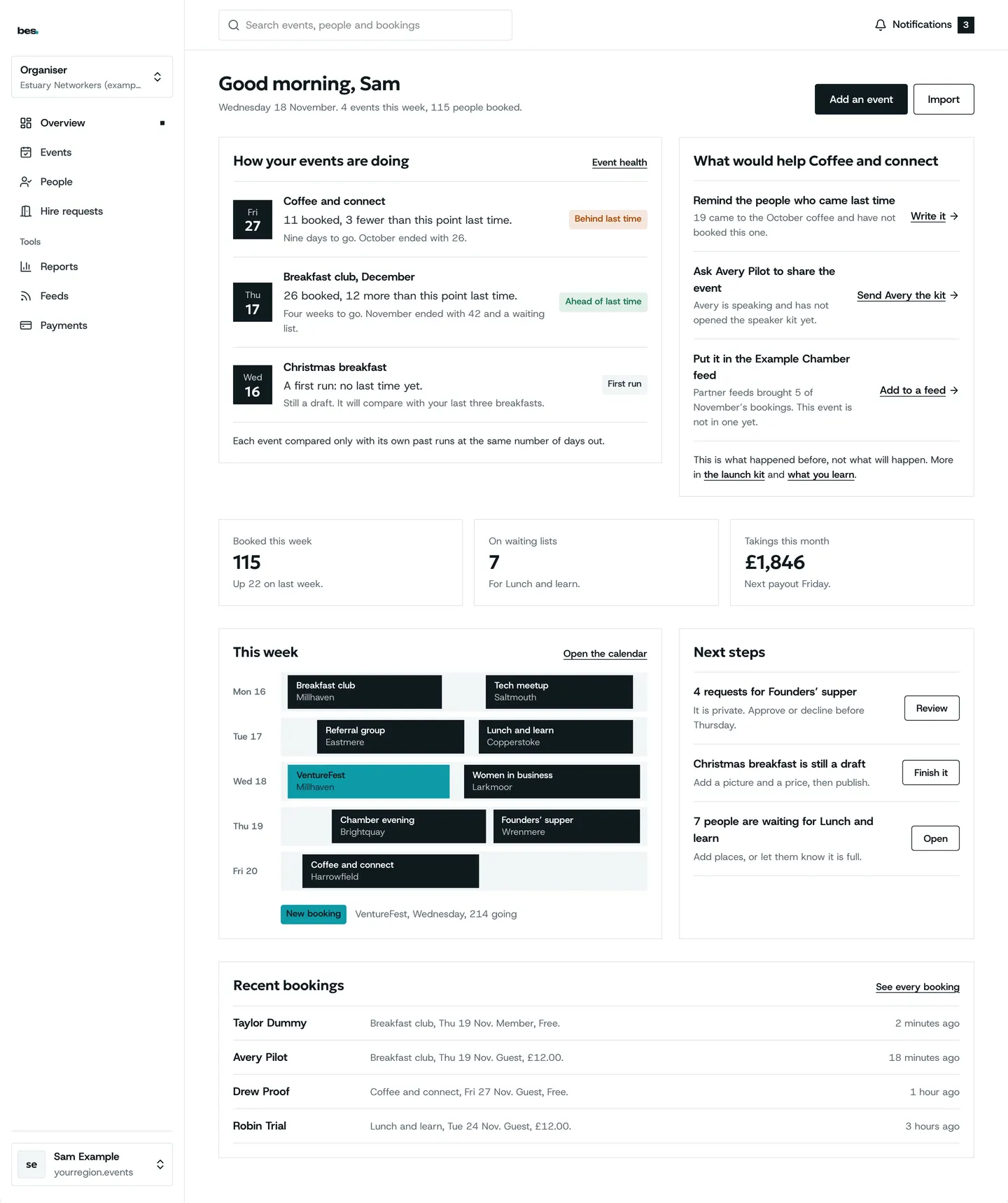
Step 2: You are on the team
You land in the organisation’s week, with its events and what needs doing.
Tips
Use the email the invite was sent to, or ask for it to be sent to the one you use.
If something is wrong
If the invite says it has expired, ask the person who invited you to send it again from Team.
Invite your team
Related guides
- RelatedInvite your teamTeam, then Invite: give their email and a role, and they get a link.Read the guide
- RelatedMove between your rolesOpen the menu under your name and choose the mode you want: your bookings, an organisation, a venue or admin.Read the guide
More about this on Running your platform, one of our feature pages.
Was this helpful?
Reviewed 12 November 2026 and checked against the app that day. General information as at 12 November 2026, not legal, tax or financial advice. Screens show example data.