Pick the best date
Events › Pick a date (or Help me pick a date in the form): say what you are planning and where, and see how busy it is, which days and times work there, and the three best dates with their reasons.
For organisers. You need an organisation first.
Step by step
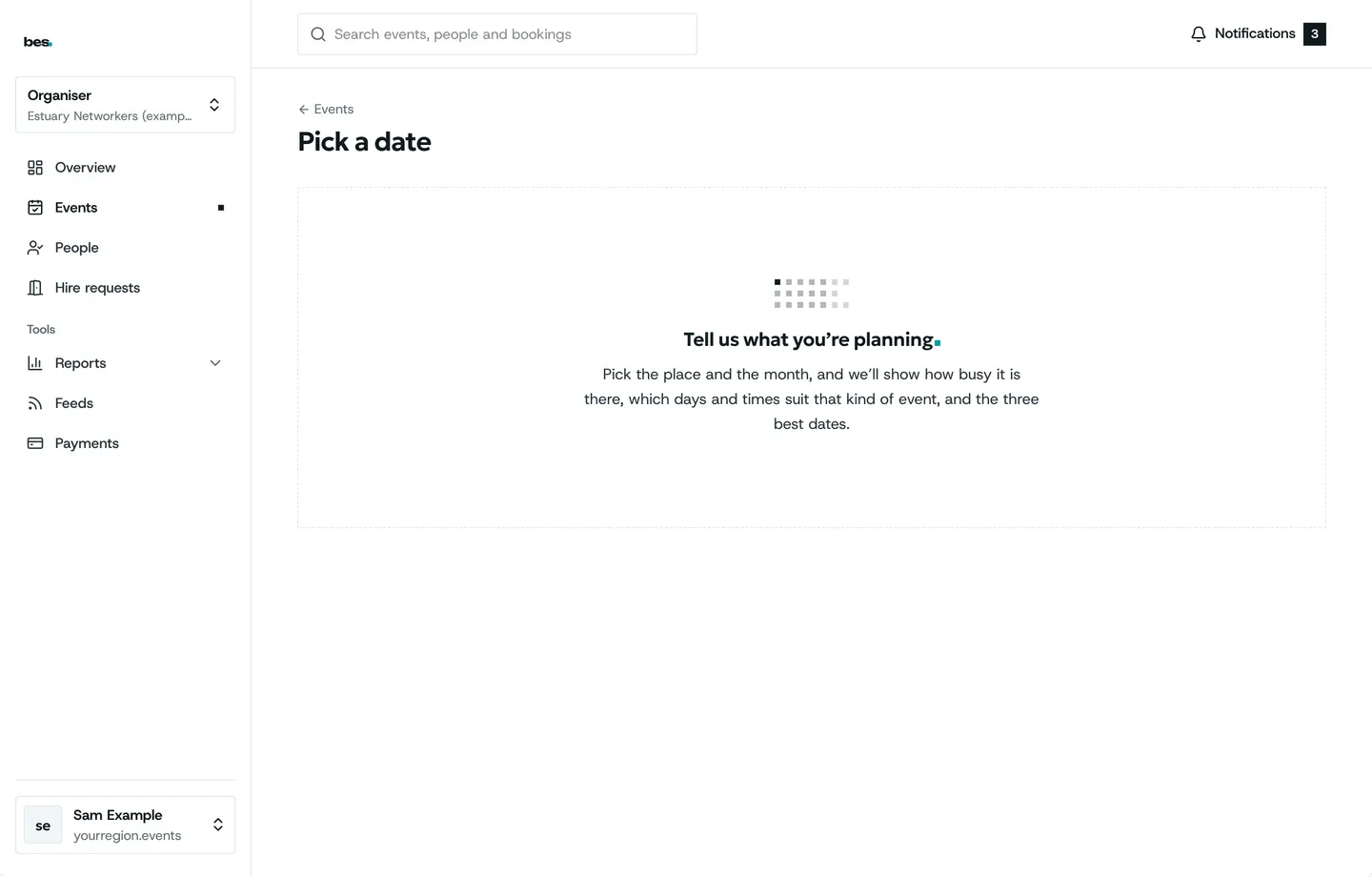
Step 1: What you are planning
Kind, topics, venue or town, month, time of day, how many.
Step 2: How busy it is
The month week by week, holidays and big venue nights marked.
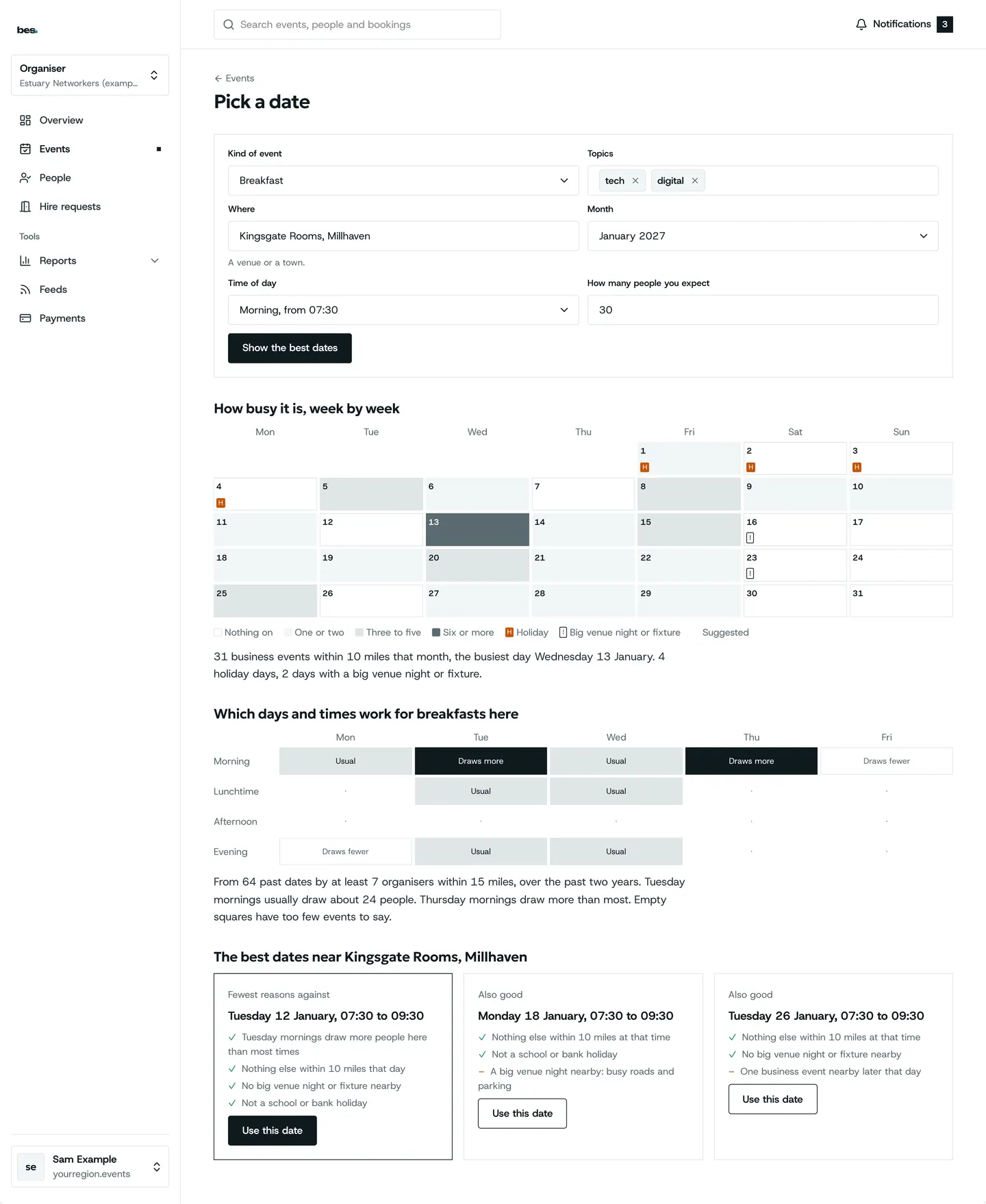
Step 3: When it works
Which days and times draw more people for that kind of event there.
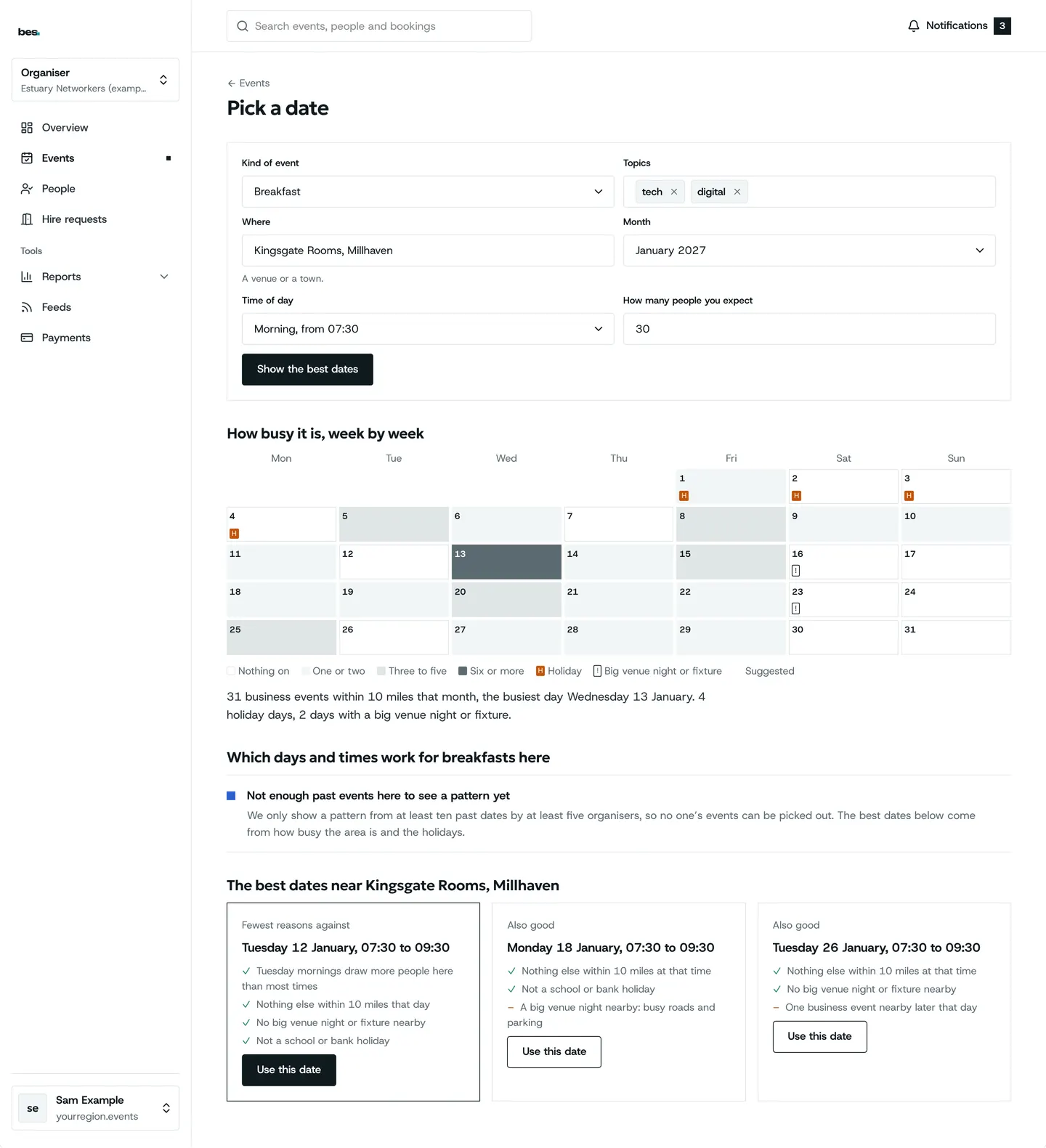
Step 4: Not enough history
Said plainly, with dates from busy-ness and holidays.
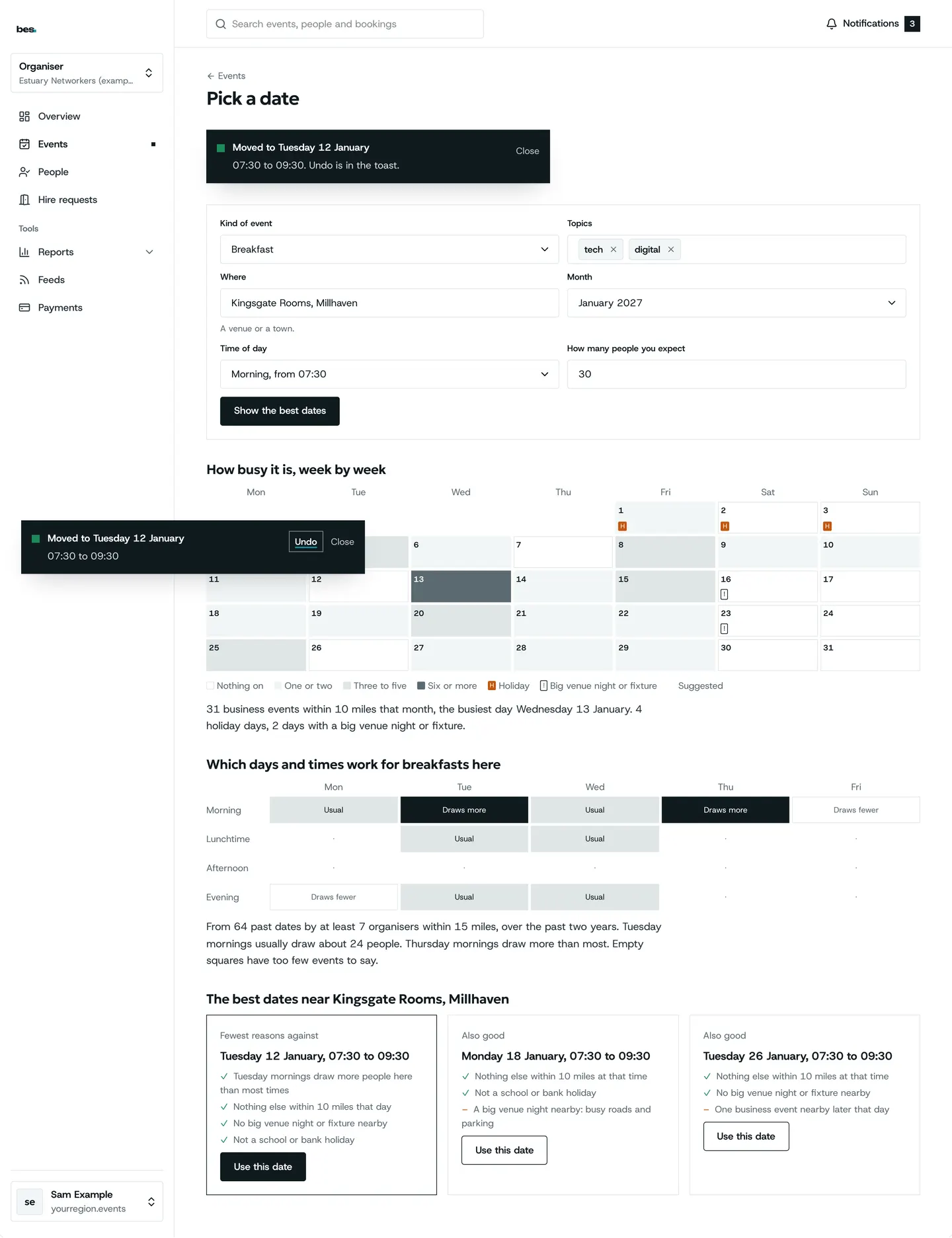
Step 5: Use a date
One press fills the date and time.
Tips
Patterns only show from at least ten past events by at least five organisers, so no one’s events can be picked out.
Not enough history yet? It says so and uses how busy the area is and the holidays.
From the form, Use this date fills the date and time; from Events it opens Add an event with them.
Related guides
- RelatedCheck for clashesPick a date, a start and the venue in Add an event: the panel beside the form shows other business events nearby, big venue nights, fixtures and holidays, and offers quieter dates.Read the guide
- RelatedPublish your first eventAdd an event, fill in the details, date, venue and tickets, then publish.Read the guide
More about this on Listings and series, one of our feature pages.
Was this helpful?
Reviewed 12 November 2026 and checked against the app that day. General information as at 12 November 2026, not legal, tax or financial advice. Screens show example data.