Sign in with Google or Apple
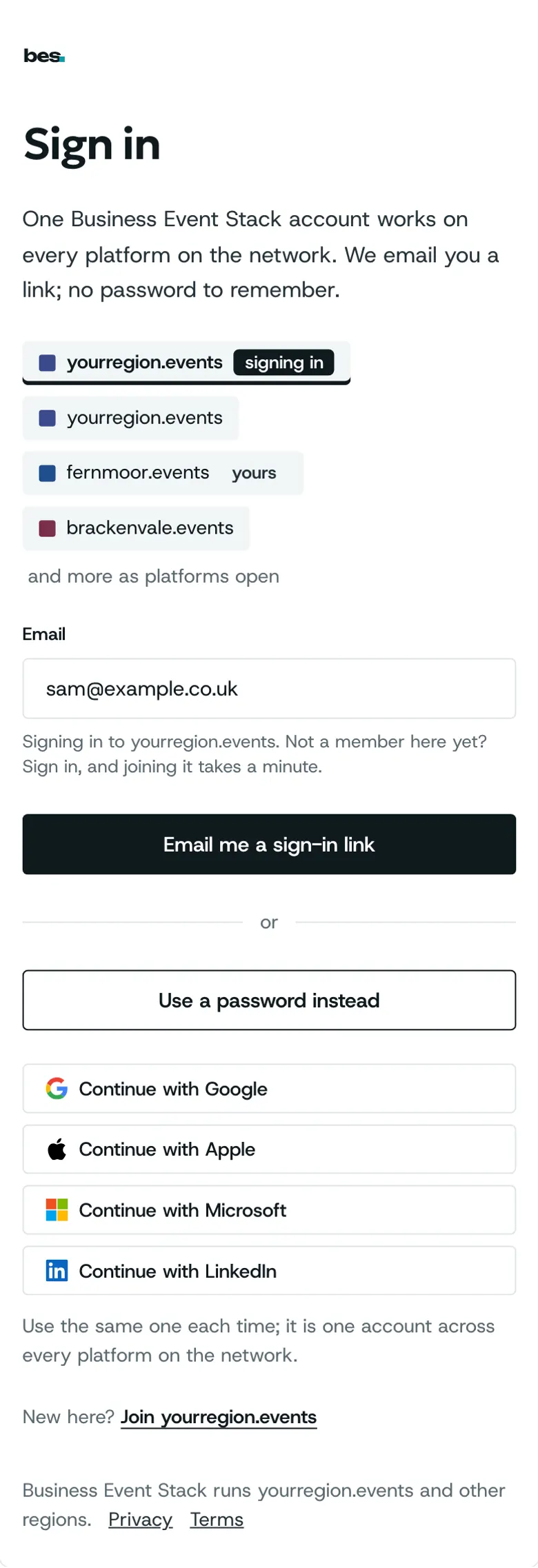
Under the email form, choose Continue with Google, Apple, Microsoft or LinkedIn. Use the same one each time: it is one account on every platform.
For people who go, organisers, venues and platform owners. Nothing needed first.
Partly in the app.Each account shows only where the platform has it turned on; until then, sign in with your email.
Step by step
Step 1: Choose your account
On Sign in or Join, look under the email form, after “or”, and choose Continue with Google, Apple, Microsoft or LinkedIn.
Step 2: Say yes to it
Google, Apple, Microsoft or LinkedIn asks you to agree to share your name and email. Then you come straight back.
Step 3: The first time
New here, you carry on as with an email: your name, this platform’s terms and questions, then welcome.
Step 4: Next time
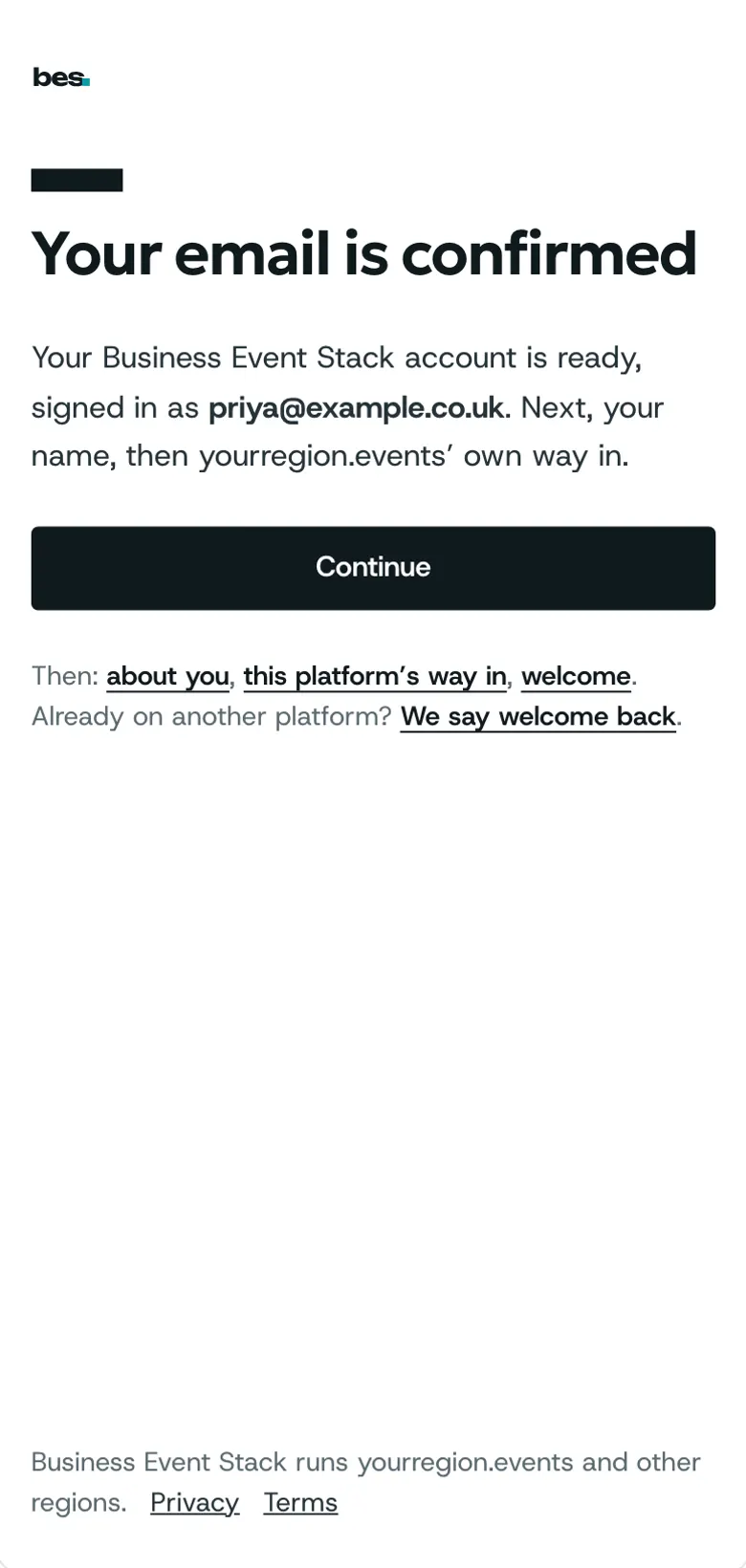
Choose the same account and you land where you were going, on any platform on the network.
Tips
Use the same one each time. Already signed up with your email? Choose the account with that same email and you land in the account you have.
Your email still works too, with a code or your password.
If something is wrong
If you used Apple and chose Hide my email, Apple gives us a different address, so it makes a new account. Sign in with your email instead, or choose Share my email.
If you do not see the buttons, the platform has not turned them on. Sign in with your email.
If it says the sign-in did not finish, you pressed cancel or closed the window. Try again, or use your email.
Good to know
We get only your name, email and, if you have one, your photo. We never post anything for you.
Related guides
- RelatedSign in, reset or change a passwordSign in with your email and password; reset a forgotten password from Sign in.Read the guide
- RelatedCreate an accountChoose Sign in, then Create an account: give your email, confirm it with the code we send, and you land back where you were.Read the guide
More about this on One account, every platform, one of our feature pages.
Was this helpful?
Reviewed 12 November 2026 and checked against the app that day. General information as at 12 November 2026, not legal, tax or financial advice. Screens show example data.